83
Long Term Memory
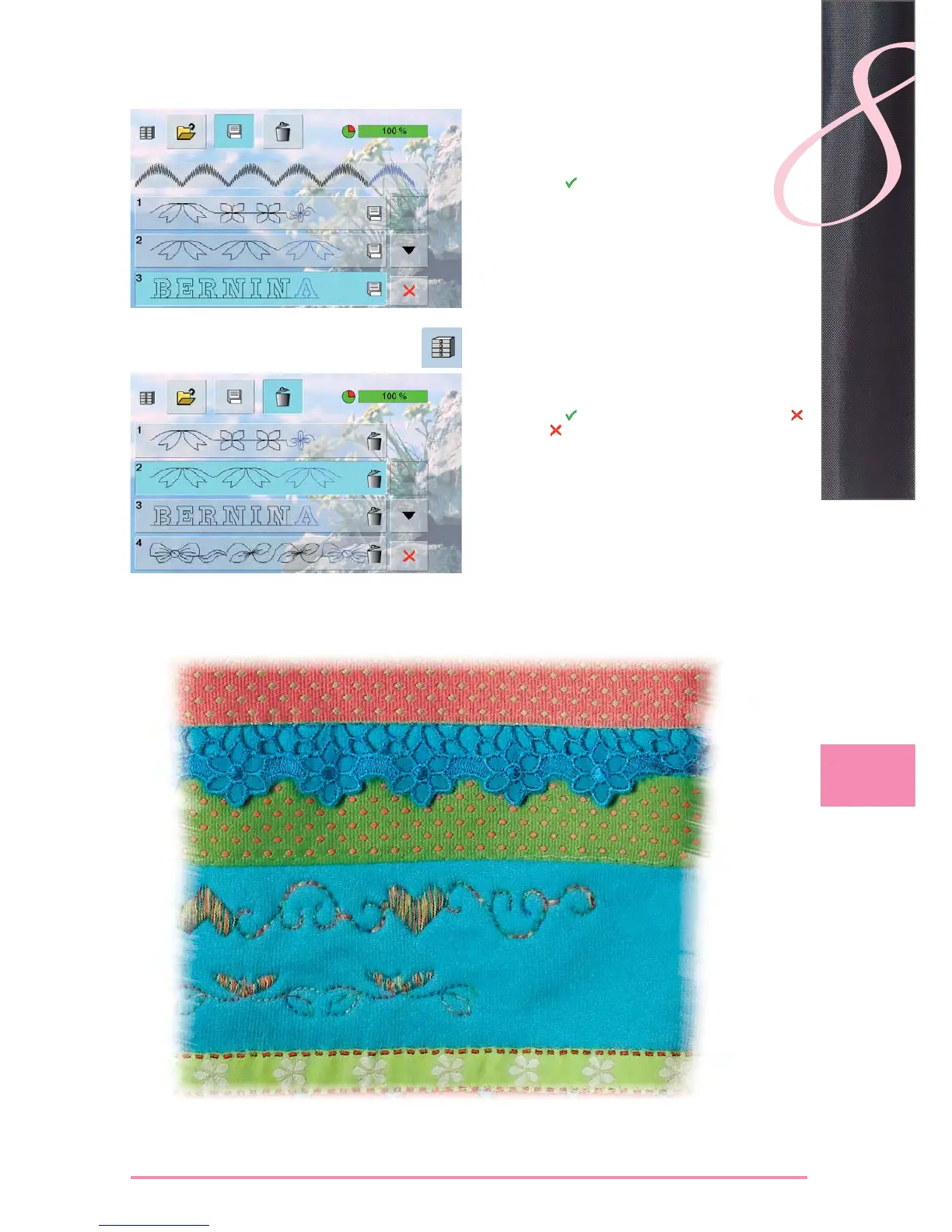
Deleting a Stitch Combination
Overwriting
program a new stitch combination ►
touch the «File Drawers» icon ►
select the Drawer which you want to overwrite ►
confirm with ►
Deleting
touch the «File Drawers» icon ►
a summary of the saved combinations appears ►
touch the «Delete» icon ►
select the Drawers to be deleted ►
confirm with ► ; deleting will be stopped by touching
touch the ► icon – File Drawers summary closes


 To Next Page
 Loading...







