Requesting Assistance
Before you can request assistance, you must set up
emergency contacts (
Adding Emergency Contacts,
page 13
).
1 Hold the LIGHT key.
2 When you feel three vibrations, release the key
to activate the assistance feature.
The countdown screen appears.
TIP: You can select Cancel before the
countdown is complete to cancel the message.
Heart Rate Features
The Forerunner device has a wrist-based heart rate
monitor and is also compatible with ANT+ chest
heart rate monitors. You can view wrist-based heart
rate data on the heart rate widget.
When both wrist-based heart rate and ANT+ heart
rate data are available, your device uses the ANT+
heart rate data.
Wrist-based Heart Rate
Wearing the Device
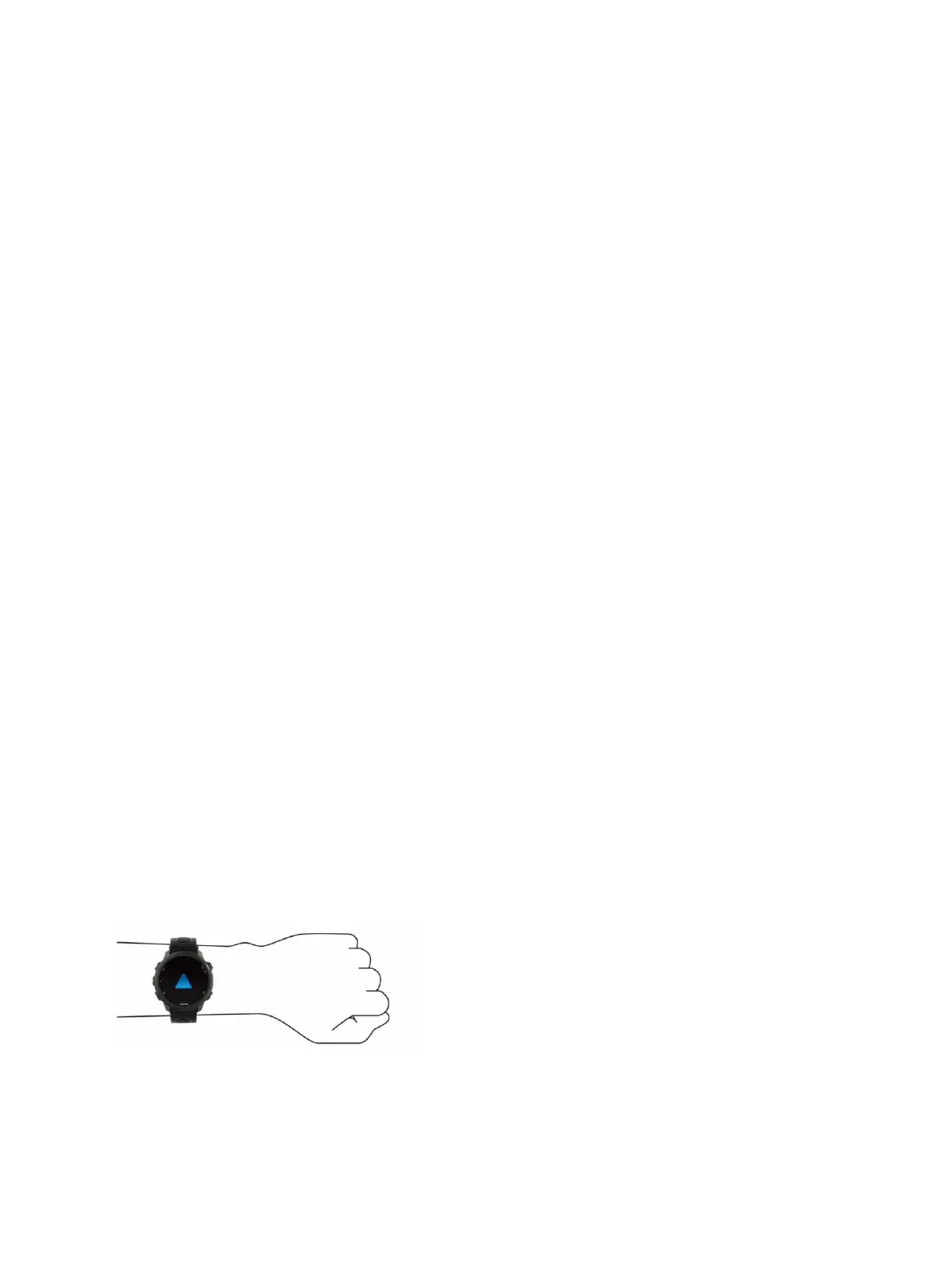
Wear the device above your wrist bone.
NOTE: The device should be snug but
comfortable. For more accurate heart rate
readings, the device should not move while
running or exercising.
For pulse oximeter readings, you should
remain motionless.
NOTE: The optical sensor is located on the back
of the device.
See
Tips for Erratic Heart Rate Data, page 14
for
more information about wrist-based heart
rate.
See
Tips for Erratic Pulse Oximeter Data, page 21
for more information about the pulse oximeter
sensor.
For more information about accuracy, go to
garmin.
com/ataccuracy
.
Tips for Erratic Heart Rate Data
If the heart rate data is erratic or does not appear, you can
try these tips.
Clean and dry your arm before putting on the
device.
Avoid wearing sunscreen, lotion, and insect
repellent under the device.
Avoid scratching the heart rate sensor on the back



 To Next Page
 Loading...










