VO2 max. data is provided by FirstBeat. VO2 max.
analysis is provided with permission from The Cooper
Institute
®
. For more information, see the appendix
(
VO2 Max. Standard Ratings, page 41
), and go to
www.
CooperInstitute.org
.
Getting
Your
V
O2
Max
�
Estimate for Running
This feature requires wrist-based heart rate or a
compatible chest heart rate monitor. If you are
using a chest heart rate monitor, you must put it on
and
pair it with your device (
Pairing Your Wireless
Sensors,
page 27
). If your Forerunner device was
packaged with a heart rate monitor, the devices are
already paired.
For the most accurate estimate, complete the user
profile setup (
Setting Up Your User Profile, page 9
),
and set your maximum heart rate (
Setting Your
Heart
Rate Zones, page 9
). The estimate may seem
inaccurate at first. The device requires a few runs to
learn about your running performance.
1 Run for at least 10 minutes outdoors.
2 After your run, select Save.
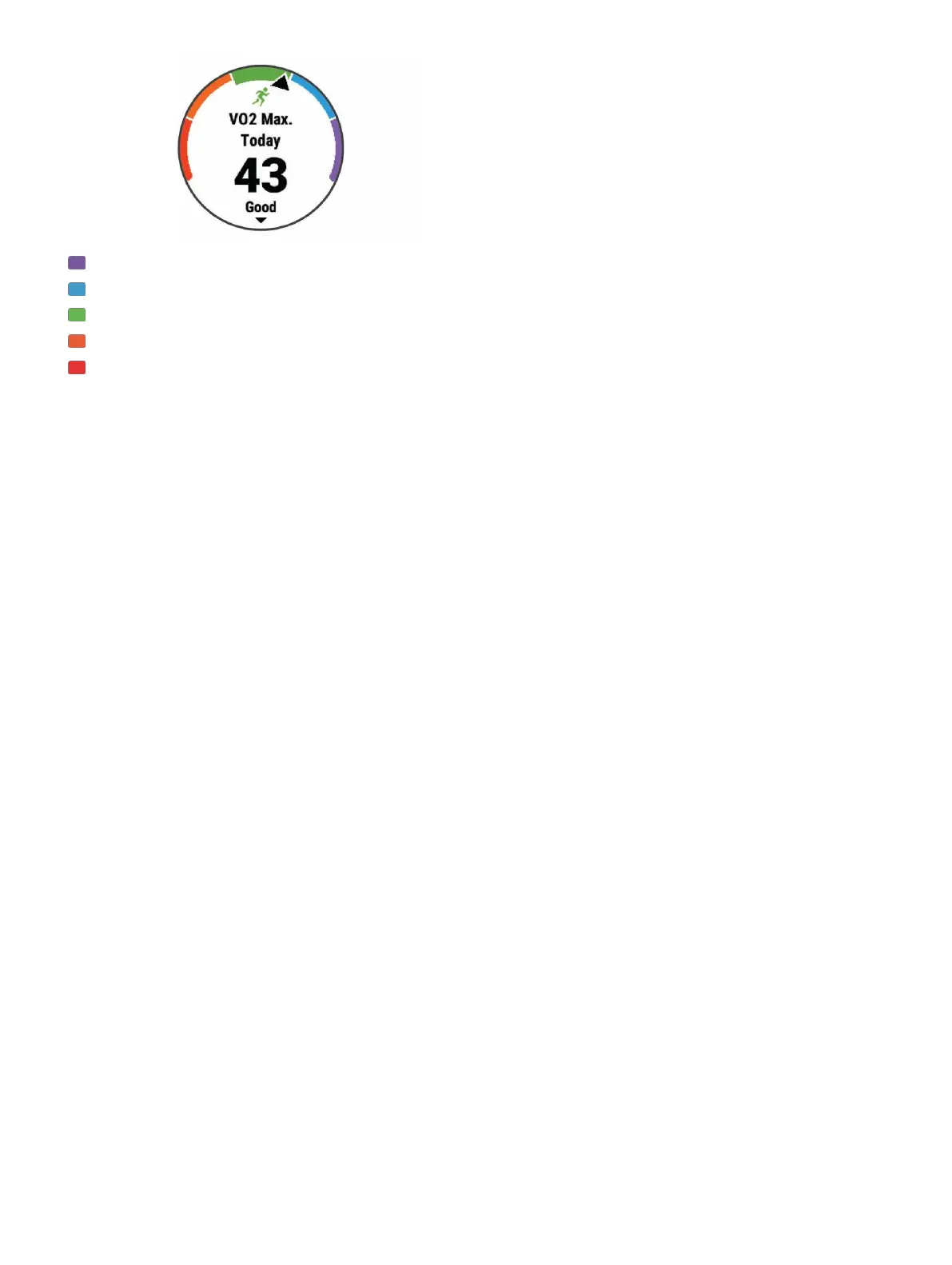
3 Select UP or DOWN to view the
performance widget.
4 Select START to scroll through the
performance measurements.
Recovery Time
You can use your Garmin device with wrist-based
heart rate or a compatible chest heart rate monitor to
display how much time remains before you are fully
recovered and ready for the next hard workout.
NOTE: The recovery time recommendation uses your VO2
max. estimate and may seem inaccurate at first. The device
requires you to complete a few activities to learn about your
performance.
The recovery time appears immediately following an
activity. The time counts down until it is optimal for you
to attempt another hard workout.



 To Next Page
 Loading...










