28
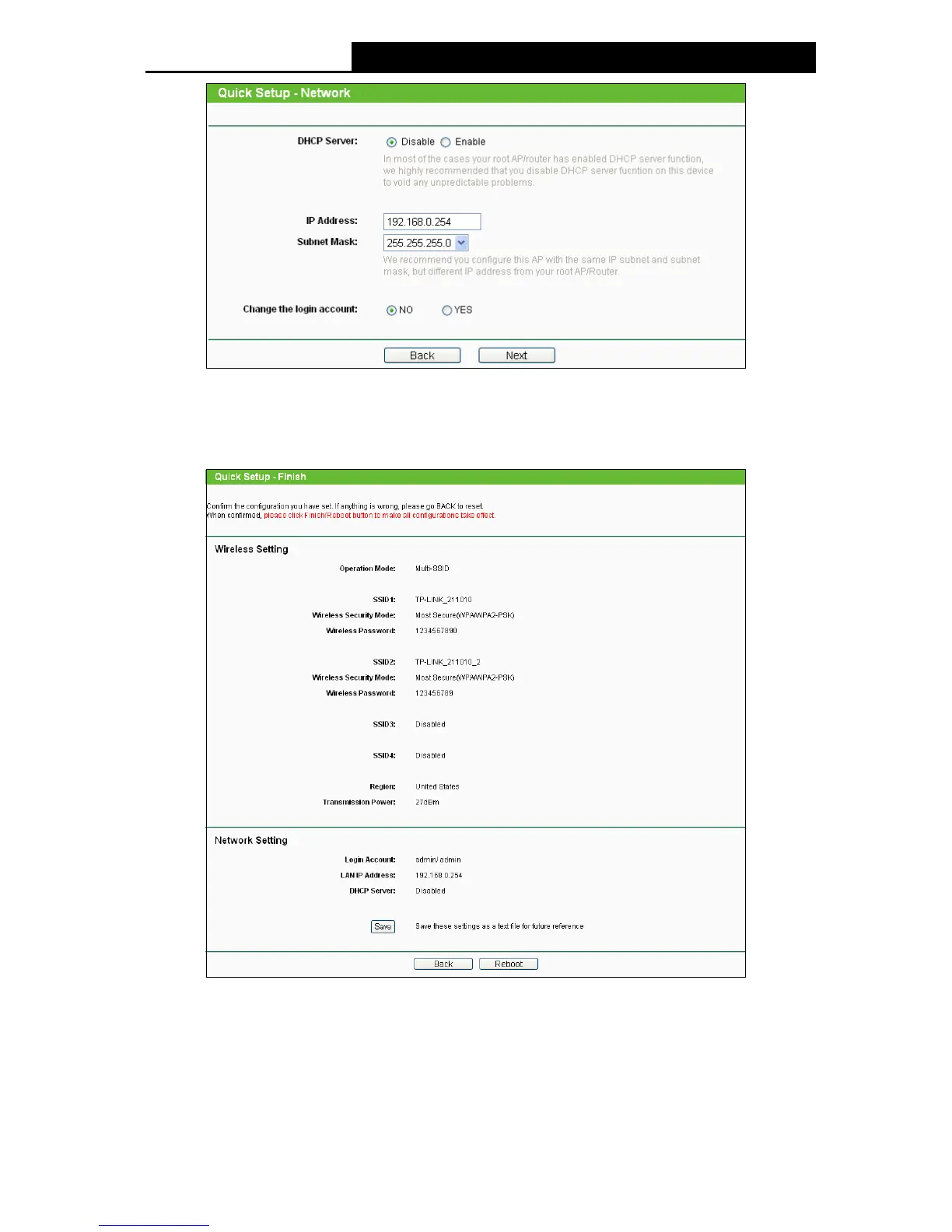
Figure 3-26 Network
3. When you finish the wireless setting in Figure 3-26 and click Next, then Figure 3-27 will
appear, where you can click Finish button to complete the Quick Setup.
Figure 3-27 Finish page
3.2.5 Repeater (Range Extender)
When you choose Repeater (Range Extender) on Operation Mode page in Figure 3-7, take the
following steps:
1. Click Next in Figure 3-7, and then Wireless page will appear as shown in Figure 3-28. Click
Survey button to scan the wireless networks.


 To Next Page
 Loading...