Is the Machine Installed in a Location Subject to Strong Wind Such as from an Air
Conditioner?
If so, adjust the air direction and volume of the air conditioner.
If that does not work, setting [Switch Paper Feed Method] to [Print Side Priority] may impr
ove the problem.
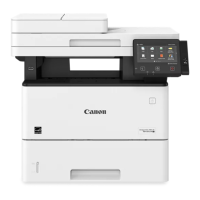
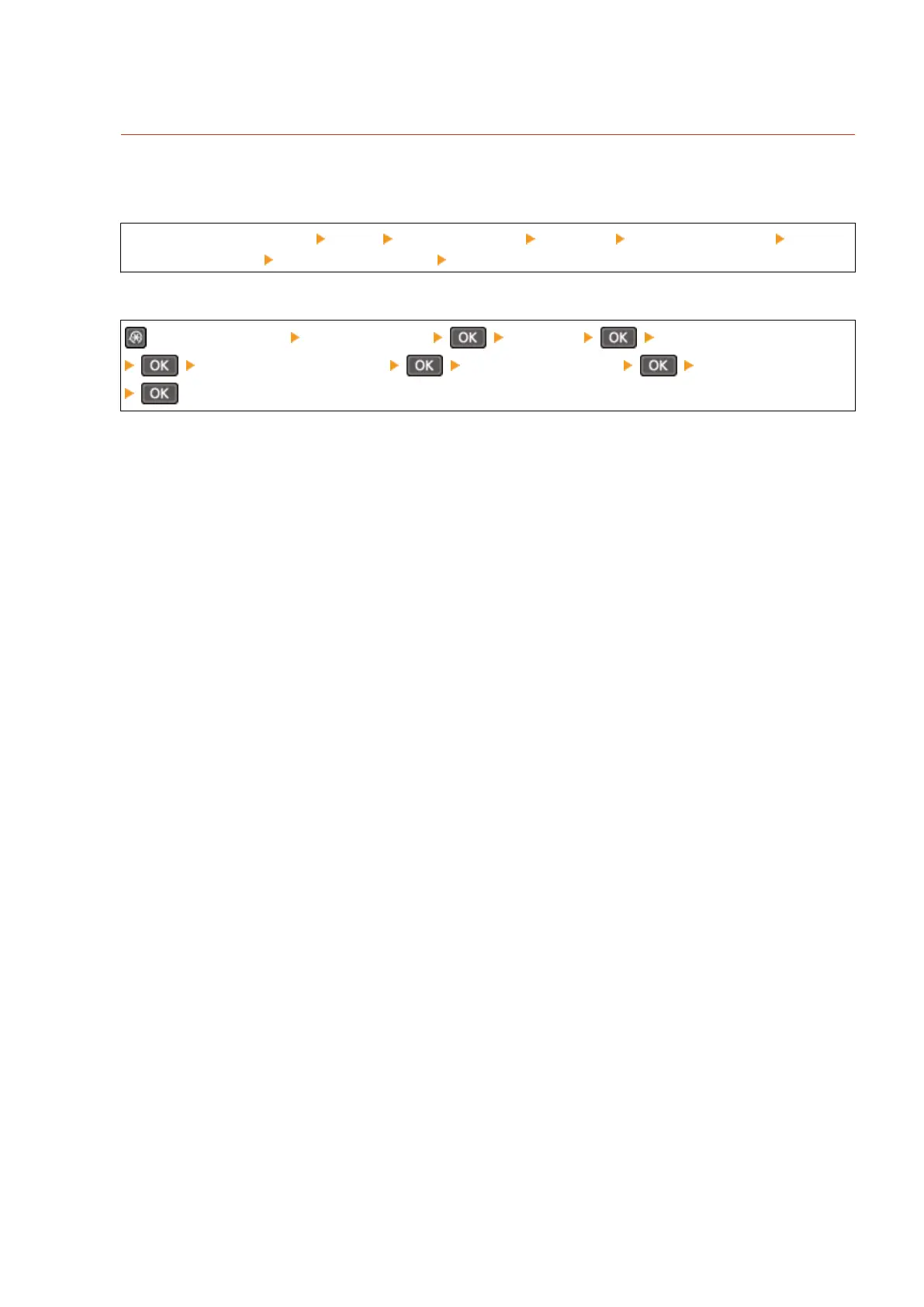
Touch Panel Model
[Home] on the control panel [Menu] [Function Settings] [Common] [Paper Feed Settings] [Switch
Paper Feed Method] select the paper source [Print Side Priority]
5 Lines LCD Model
on the control panel [Function Settings] [Common] [Paper Feed Settings]
[Switch Paper Feed Method] select the paper source [Print Side Priority]
* When you select [Print Side Priority], the printing speed for 1-Sided printing will decrease.
Troubleshooting
568


 To Next Page
 Loading...