Manual Page 21
A.11 Adjusting the Middle Guide Plate
Tools: Allen wrench, size 2.5 mm
The WideTEK 36, 42 and 48 wide format scanners contain an adjustable guide plate
which holds the paper against the glass plate without touching it. The amount of contact
pressure exerted by the guide plate is user configurable.
The default contact pressure is set to middle. On older units built before August 2010, the
default is set to the maximum. When scanning high paperweight documents or stiff
documents, possible distortions can occur in the scanned image at a position of a few
inches away from the upper edge. This can be eliminated by lowering the contact
pressure.
The contact pressure of the guide plate can be modified in a few simple steps.
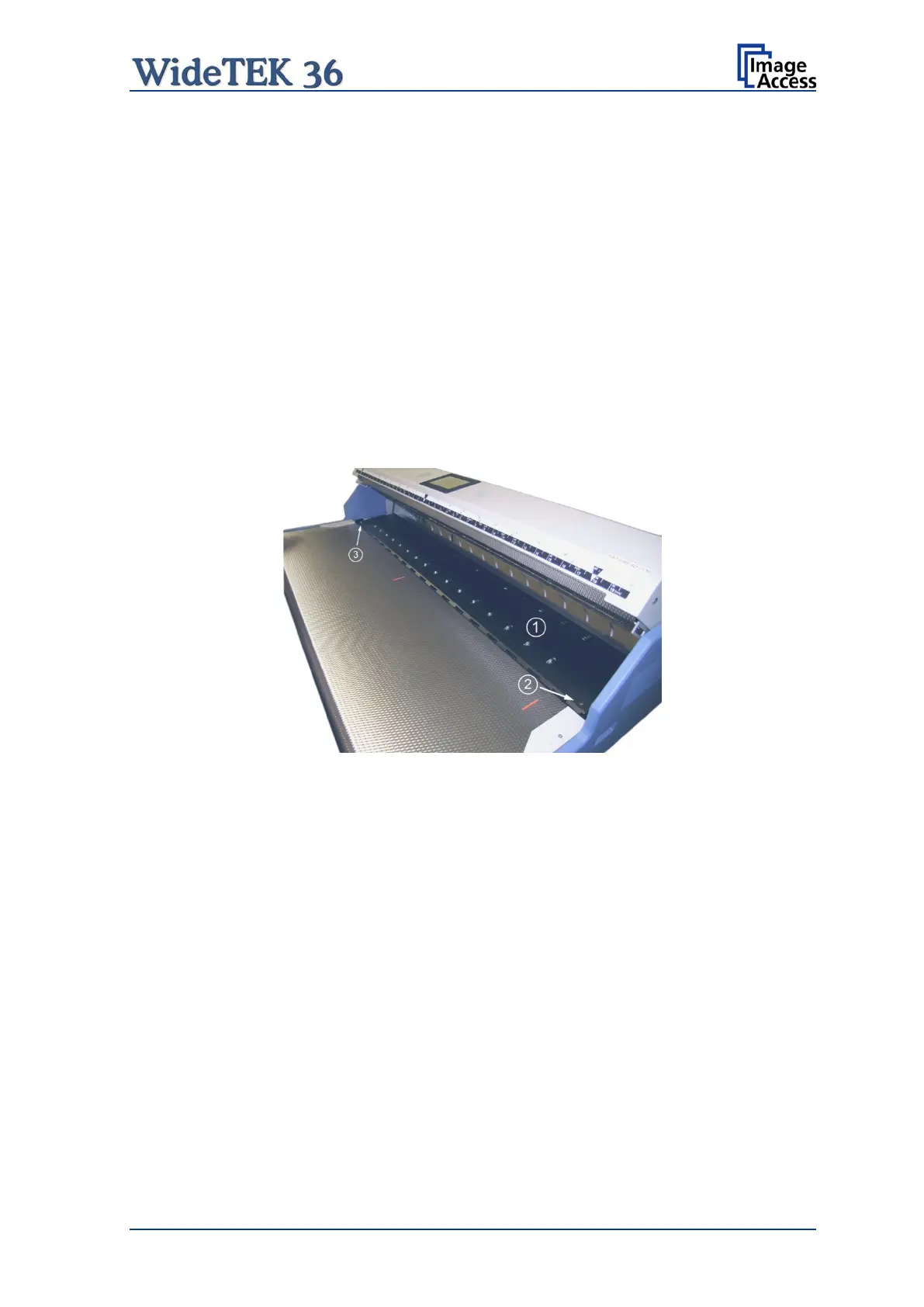
The middle guide plate (1) covers the transport drum compensators. It is pivot-mounted
on two bolts at the right and left side of the paper feeder.
Picture 4: Middle guide plate
Locate the Allen head cap screws at each end of the middle guide plate (see Picture 4,
items (2) and (3)).



 To Next Page
 Loading...






