Page 48 Manual
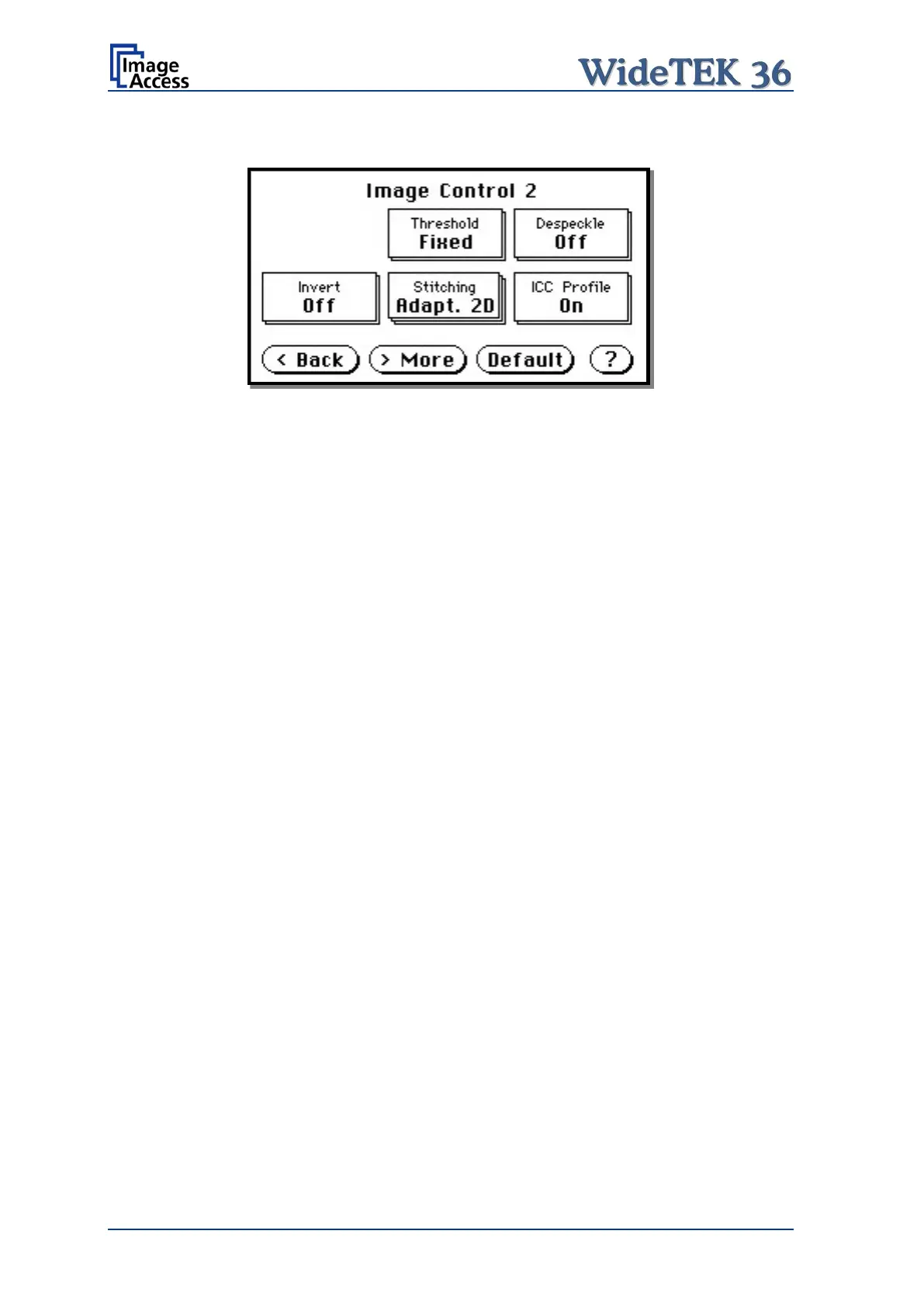
A.20.2 Image Control 2
Picture 47: Image Control 2
Note: Depending on the selected color mode, some buttons may not be displayed.
A.20.2.1 Threshold (only in Binary mode)
Defines the contrast control mode.
Available modes are Fixed and Auto.
Fixed: The contrast is fixed to defined value.
Auto: The contrast of the image set dynamically, depending on the values found in
the image. This can be used to improve delicate details in the image.
A.20.2.2 Despeckle (only in Binary mode)
Removes isolated pixel in the images.
Available modes are 4x4p and Off.
A.20.2.3 Invert (only in Binary and Photo mode)
Inverts the displayed image.



 To Next Page
 Loading...






