106
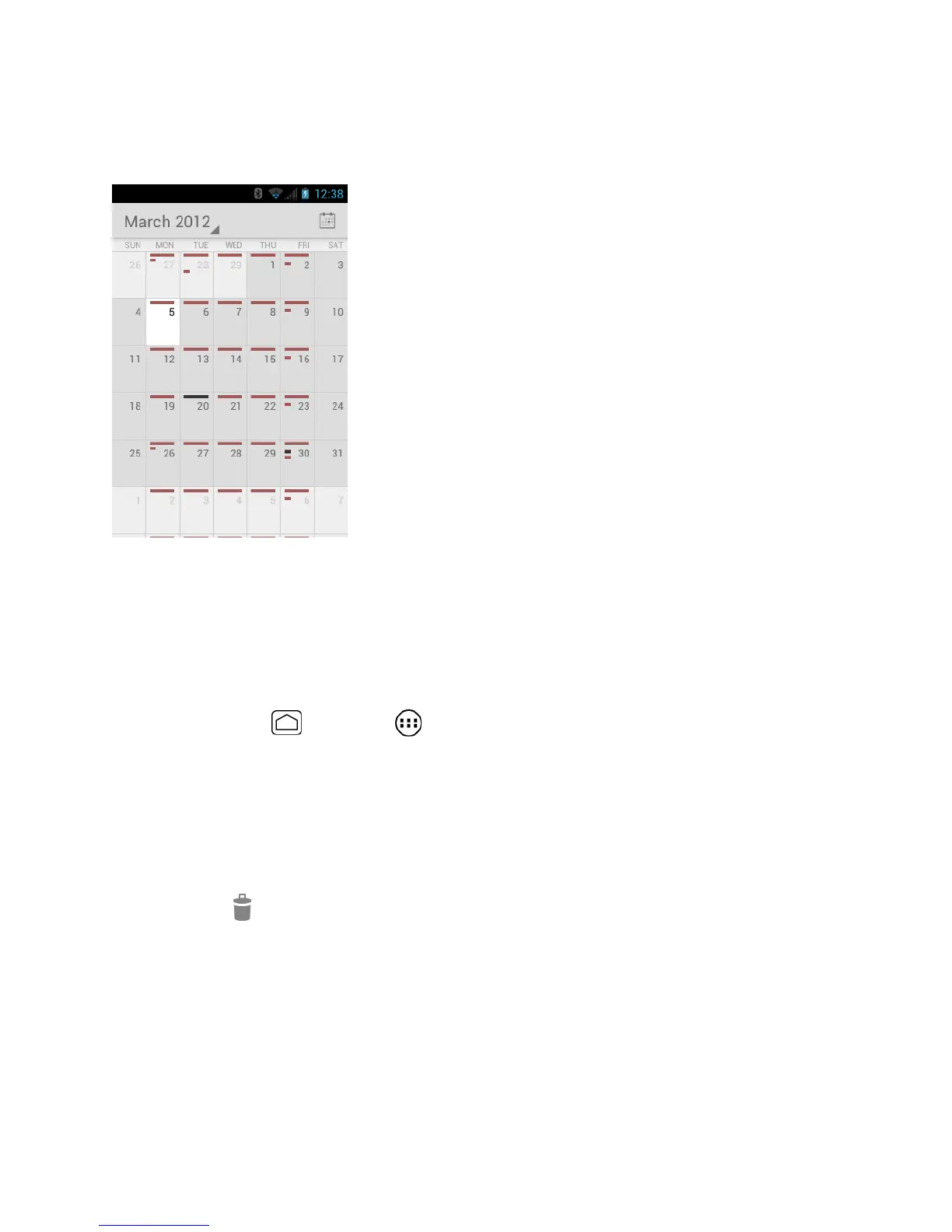
Month View
In Month view, you’ll see markers on days that have events.
When in Month view:
●
Touch a day to view the events of that day.
●
Slide up or down the screen to view earlier or later months.
Erase Events
1.
Press Home and touch > Calendar.
2.
Open the calendar event details.
In Agenda, Day, and Week views, touch the calendar event you want to delete.
In Month view, touch the date where the calendar event occurs, and touch the
calendar event.
3.
Touch > OK.
- or -
If the calendar event is recurring, select Only this event, This and future events, or
All events, and touch OK.



 To Next Page
 Loading...







