3
MENU: 1. Job
1-5. Displaying Job Information
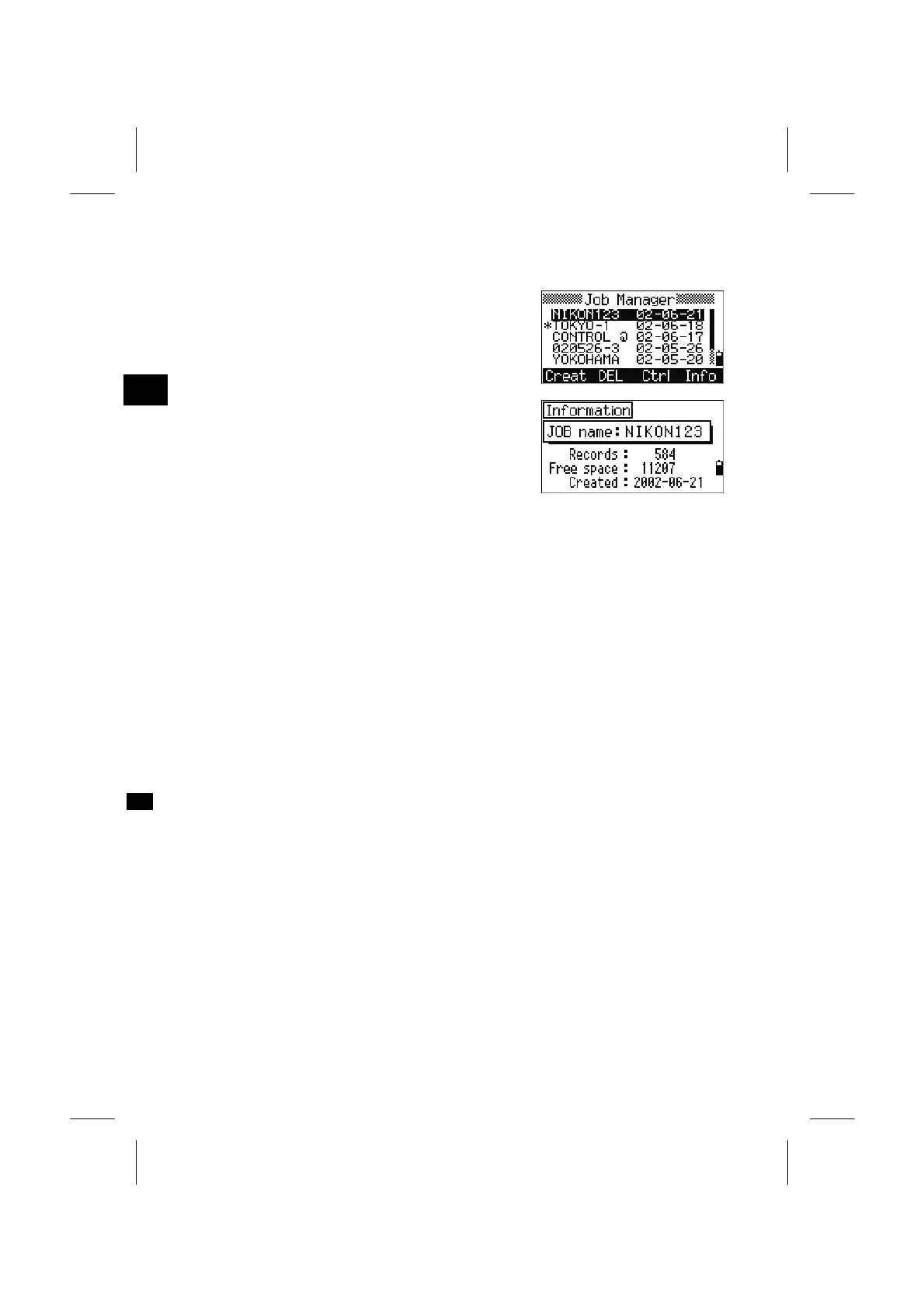
Place the cursor on the Job you want to check the
contents of.
Number of Records in the Job, Free space and the
Creation date are displayed. “Free space” indicates
how many points can be stored in the Job.
Press any key to return to the Job List screen.
3-89


 To Next Page
 Loading...








