5. Communication
5-1. Download Data
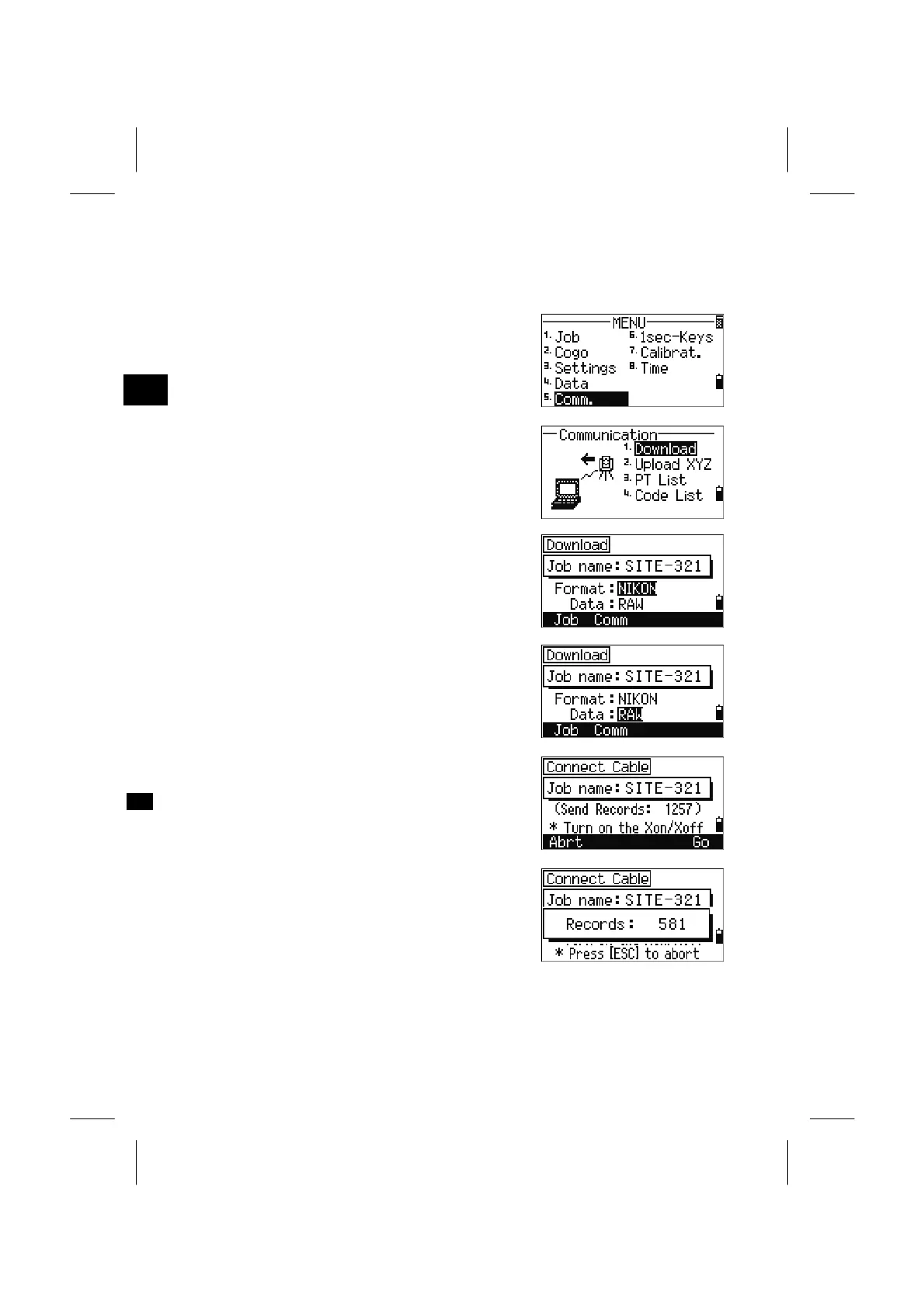
Press the [MENU] and [5] key to display the
communication menu.
3
MENU: 5. Comm
Communication menu:
1: Download recorded data
2: Upload coordinate data
3: Upload a PT name List file
4: Upload a Code List file
Press the [1] key to go to the download settings
screen.
Format: NIKON/SDR2x/SDR33
Data: RAW/Coordinate
Press the [ENT] key on the “Data” field and it
displays the total number of records that will be
downloaded.
As the records in the current job are downloaded,
the current line number is updated as the record is
output from the instrument.
After downloading is completed, you can choose to
delete the current Job.
3-123


 To Next Page
 Loading...








