2. Angle-Offset Measurements
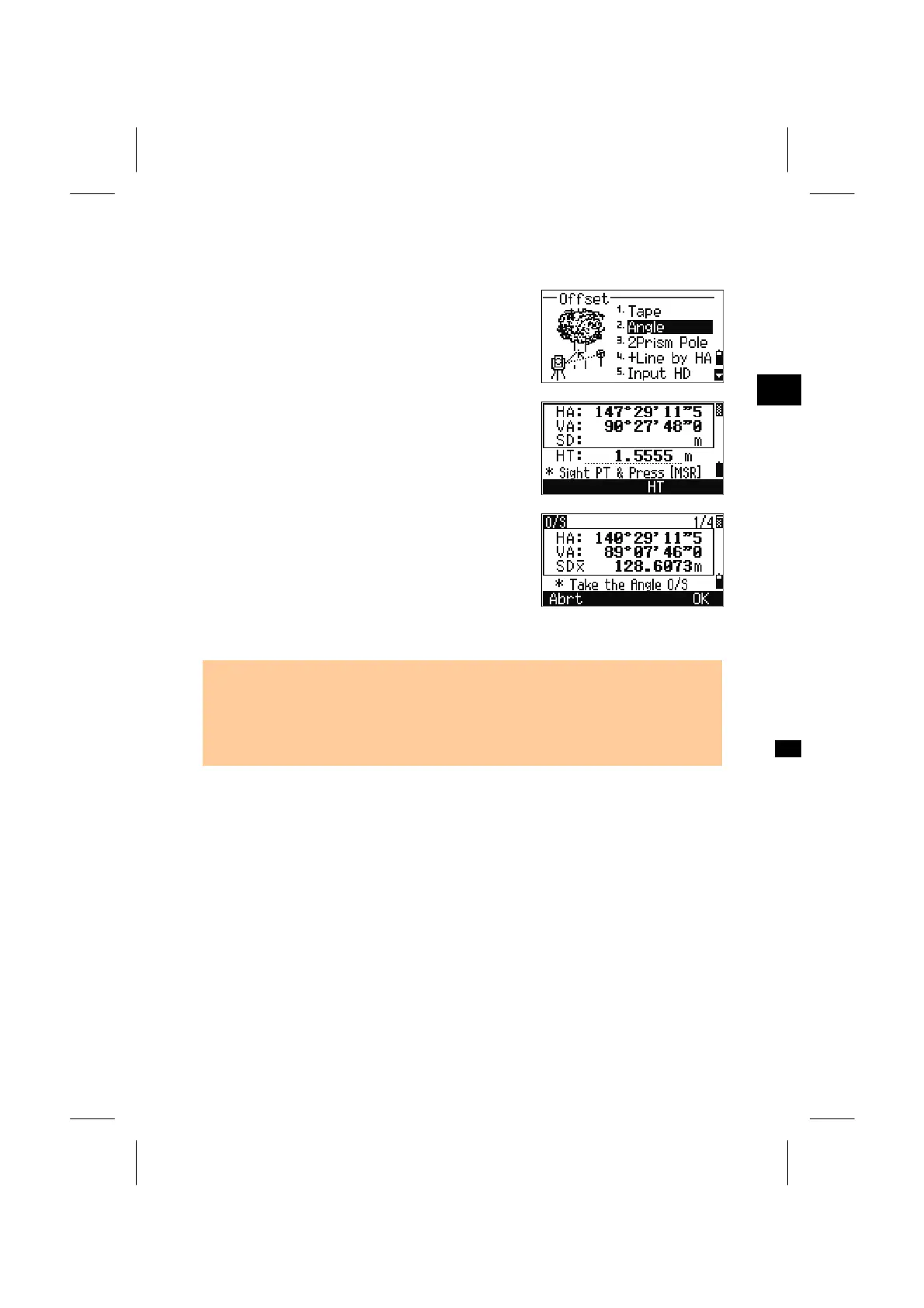
After (or before) a distance measurement, press the
[O/S] and [2] to enter the Angle- offset function.
3
O/S: 2. Angl
When no distance measurement is taken before
entering the Angle-offset, a temporary measurement
screen is displayed.
Sight the target and press the [MSR1] or [MSR2].
Rotate the alidade and telescope to take a necessary
angle offset while the measured distance (HD)
remains unchanged.
Press the [ENT] key or [OK] softkey to record the
offset point.
The XYZ data will also be recalculated based on the
new angle.
• It is also possible to record an angle offset on the BMS.
After a distance measurement is taken the alidade and/or telescope can be rotated.
Then press [ENT] to record the measured distance with the updated angle value. In
this situation the dimension of the angle offset will not be stored as a CO record. To
store the CO record, the O/S function should be used.
3-72


 To Next Page
 Loading...








