[!ii
Memory
Card High-Temperature Warning
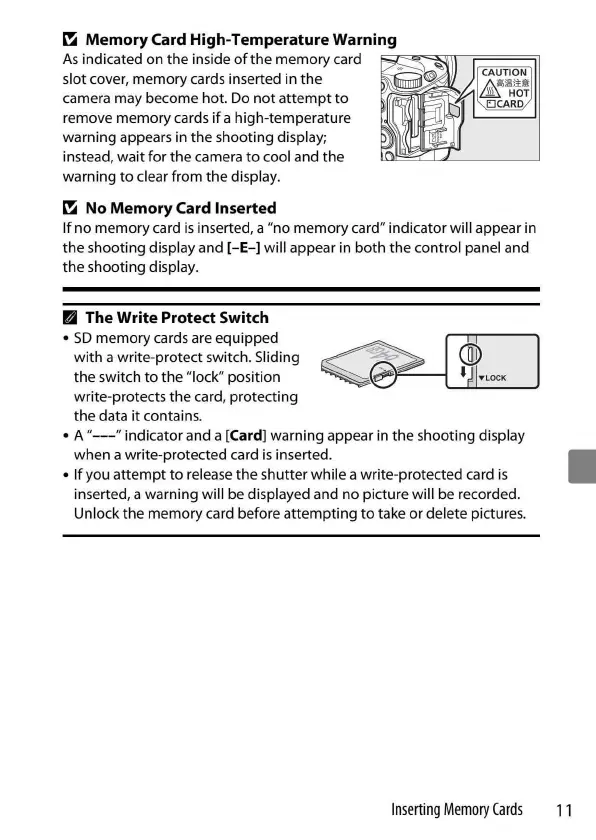
As
indicated on
the
inside
of
the
memory
card
==----=,,--------.====
slot cover, memory cards inserted in
the
camera may become
hot
. Do
not
attempt
to
remove memory cards
if
a high-temperature
warning appears in the shooting display;
instead, wait
for
the
camera
to
cool and
the
warning
to
clear from the display.
[!ii
No
Memory
Card Inserted
If
no
memory
card
is
inserted, a "no memory card" indicator will appear in
the shooting display and
[-E-]
will appear in both
the
control panel and
the shooting display.
II
The Write Protect Switch
•
SD
memory
cards are equipped
with
a write-protect switch. Sliding
the switch
to
the "lock" position
write-protects
the
card, protecting
the data
it
contains.
~
rTI
~
• A "
---
" indicator and a
[Card]
warning appear in
the
s
hooting
display
when
a write-protected card
is
inserted.
• If you
attempt
to
release
the
shutter while a write-protected card
is
inserted, a warning will be displayed and
no
picture will be recorded.
Unlock
the
memory card before
attempting
to
take
or
delete pictures.
Inserting
Memory
Cards
■
11


 To Next Page
 Loading...











