251
C
The Photo Shooting Menu: Shooting Options
D
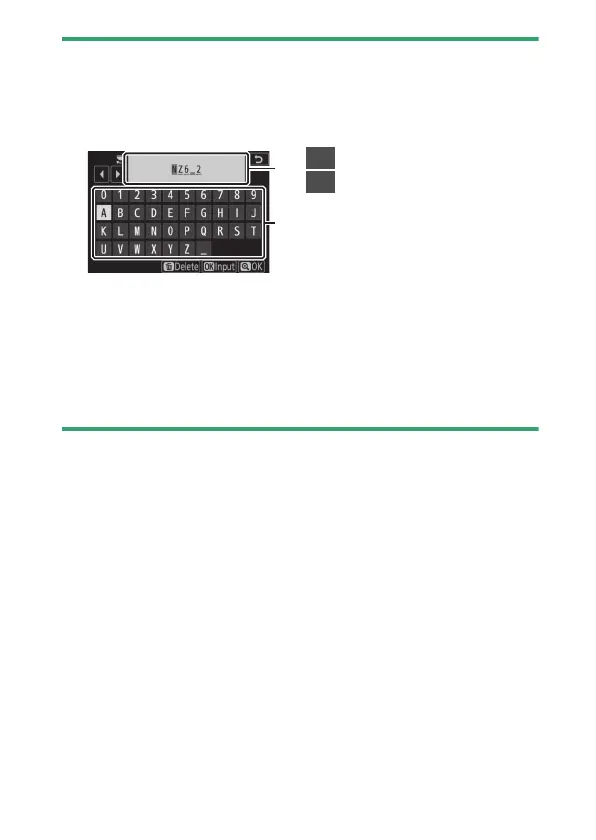
Text Entry
A keyboard is displayed when text entry is required.
•
Tap letters on the screen to insert them at the current cursor position.
You can also enter characters by highlighting them with the multi
selector and pressing
J
.
•
To move the cursor to a new position, tap the display or rotate the main
command dial.
•
If a character is entered when the text display area is full, the rightmost
character will be deleted.
•
To delete the character under the cursor, press the
O
button.
•
To complete entry, press
X
.
•
To exit without completing text entry, press
G
.
1
2
1
Text display area
2
Keyboard area


 To Next Page
 Loading...











