112
Learn to use oating windows
You can go to
Settings > Additional settings > Floating windows to learn how to open
notications in a oating window.
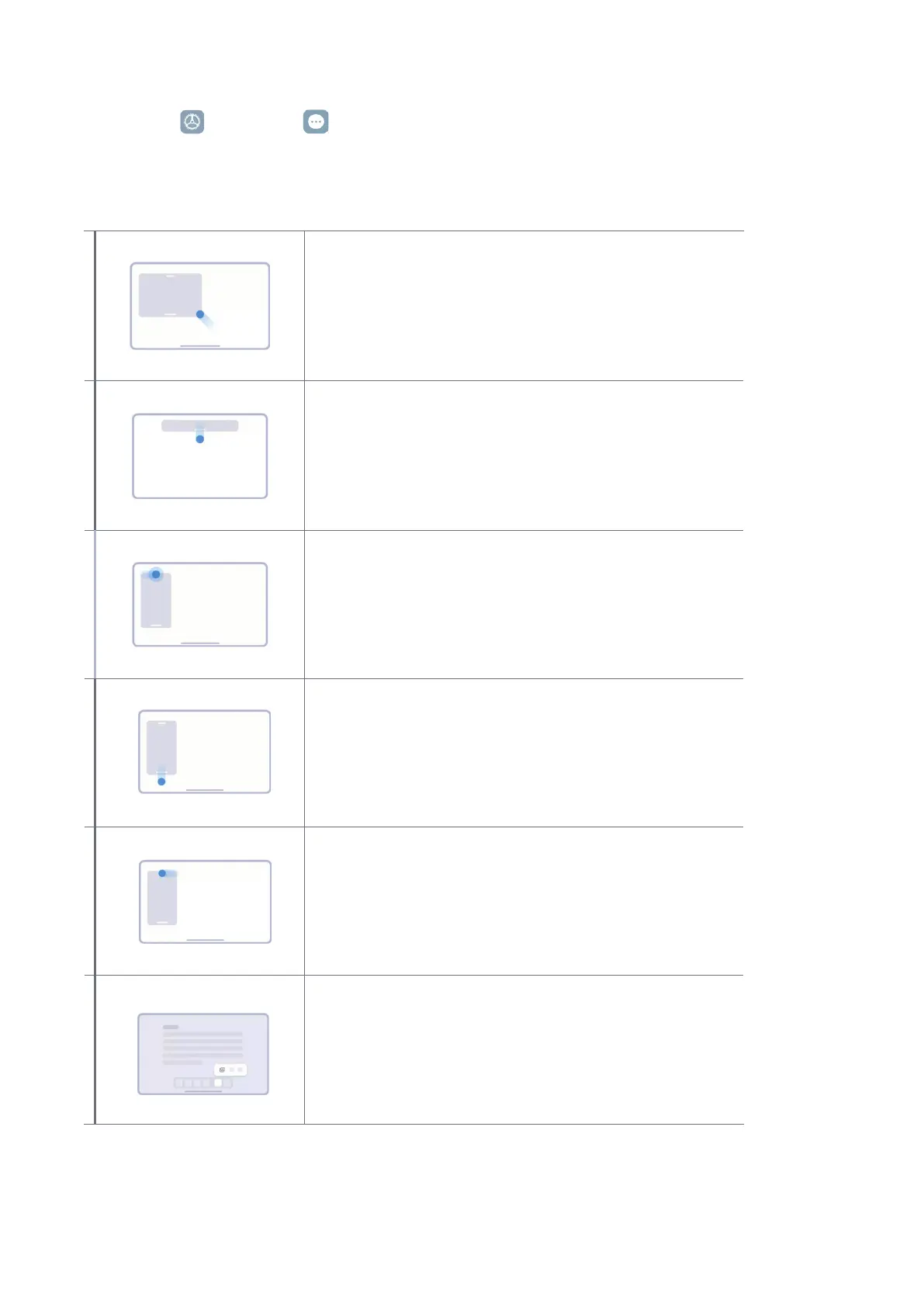
Floating window
Drag the corner to switch to a oating window and
adjust its size
Opening oating windows
Press and hold, and then pull down the action bar of a
notication.
Moving oating windows around
Press and hold the action bar of a oating window to
drag�
Viewing oating windows in fullscreen mode
Press and hold, and then pull down the action bar of a
oating window.
Hiding oating windows
Quickly drag the app to side of the screen to hide it�
Opening multiple windows
Press and hold an app icon on the dock to open a new
window�


 To Next Page
 Loading...