70
2� Tap the numbers to calculate�
3� Choose to copy, delete, or clear numbers�
• Touch and hold the calculation result in the display, then tap Copy� You can now paste the
result elsewhere�
• Tap
to delete the last digit if you make a mistake when you enter a number�
• Tap C to delete the last entry or tap AC to delete all entries�
Clock
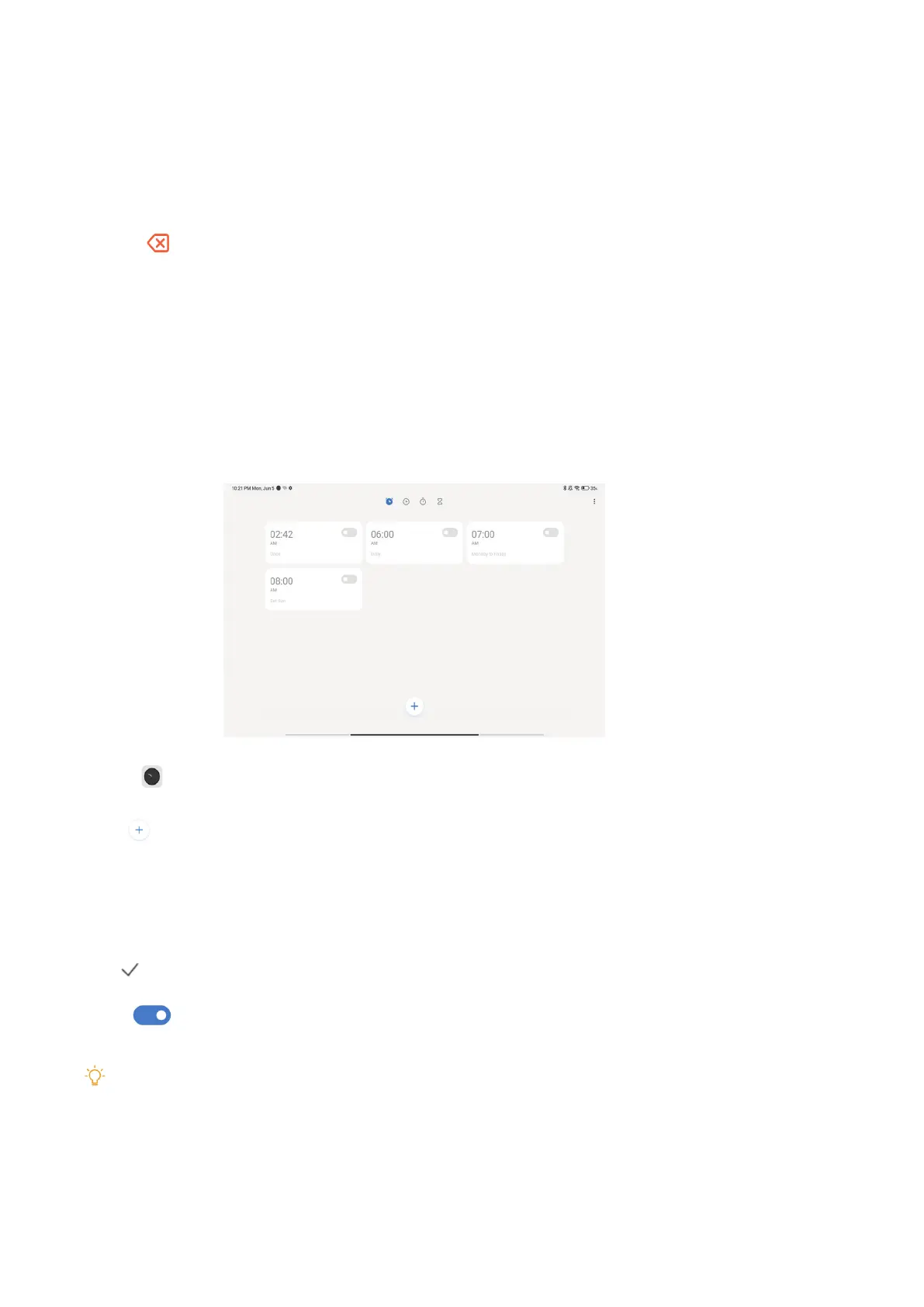
Add an alarm
You can set alarms for any time of day and have them repeat on one or more days of the week�
1� Open Clock�
2� Tap
on the start page to add an alarm�
3� Adjust the alarm time�
4� Set the ringtone, repeat frequency, and other items�
5� Tap
�
The icon
is shown beside the alarm time�
Tip
If you want to change the preset alarm time, tap the alarm to change the time�
Turn o the alarm
You can turn o the alarm once on the day you set or turn o the repeating alarm.


 To Next Page
 Loading...