30
after swiping down�
2� Tap
to enable Notication shade�
Note
If you use the new version of Control center, you can tap to enable Control center and tap to
enable Smart home�
Show notication icons
Show notication icons on the Status bar.
1� Go to
Settings > Notications & Control center > Status bar�
2� Tap
to enable Show notication icons�
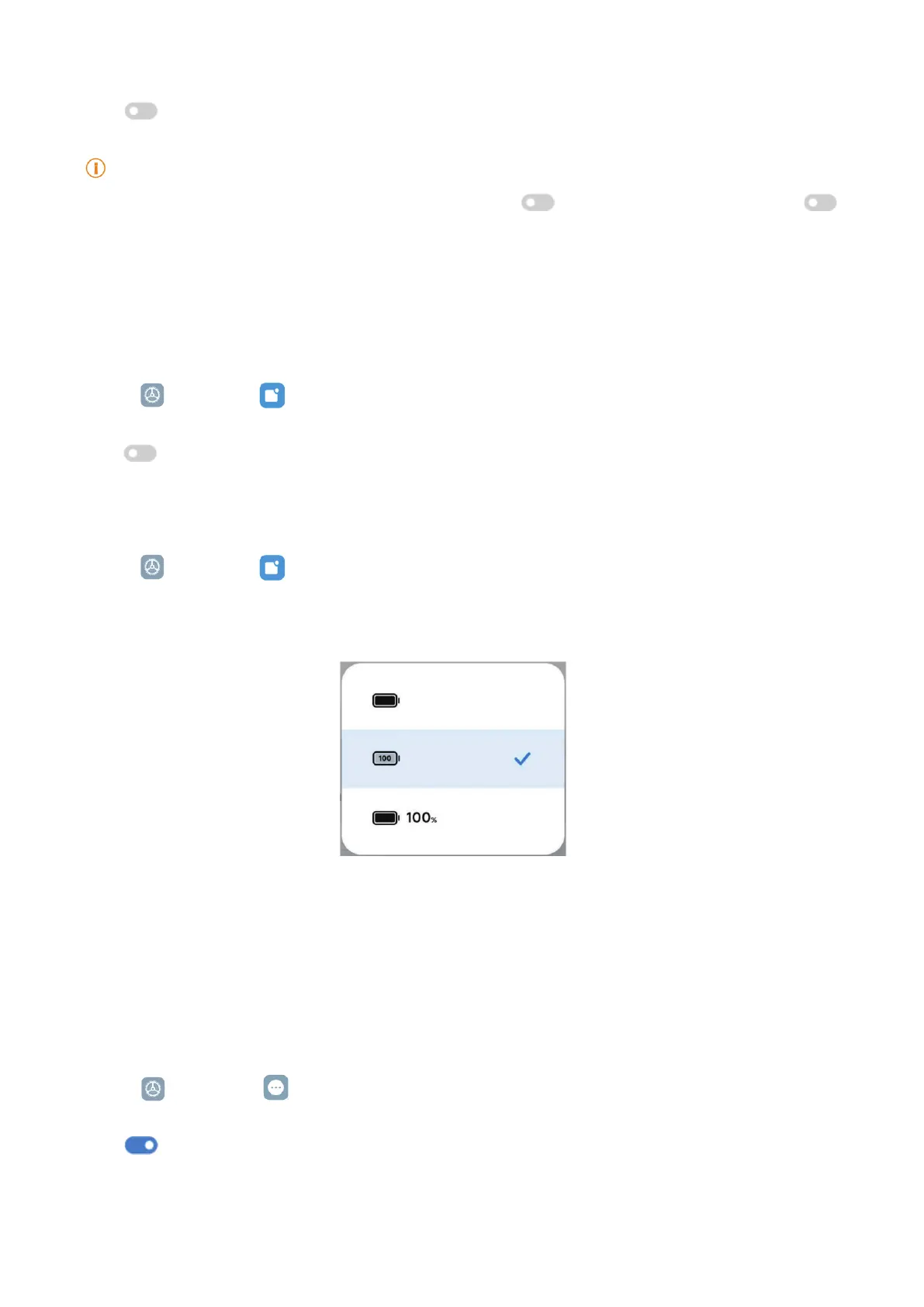
Choose Battery indicator
1� Go to
Settings > Notications & Control center > Status bar > Battery indicator�
2� Choose one battery indicator style to apply�
Date and time
Change the date and time
The date and time are set automatically over the network based on your location� You can adjust
the date and time manually�
1� Go to
Settings > Additional settings > Date & time�
2� Tap
to disable Set time automatically�
3� Tap Date or Time to change the date or time�
4� Tap OK�


 To Next Page
 Loading...