EN-138
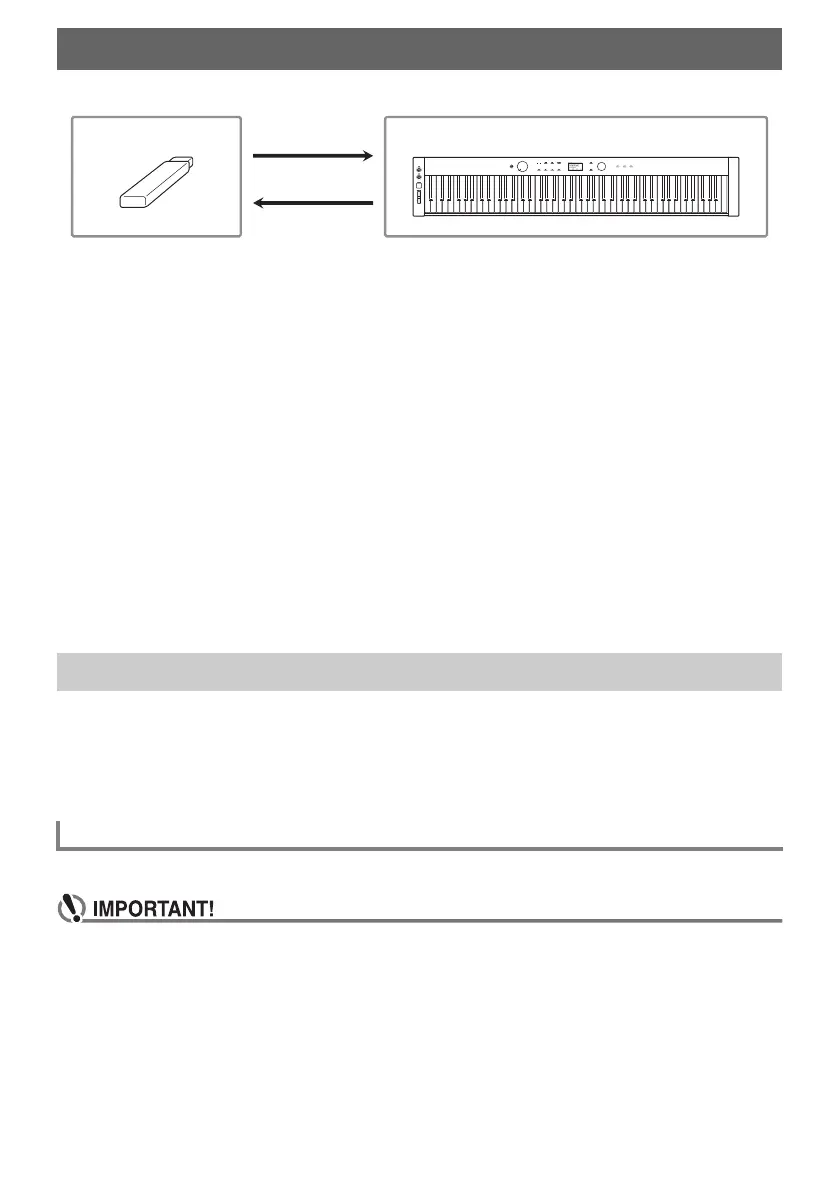
Your Digital Piano supports the following USB flash drive operations.
(1) USB Flash Drive on the Digital Piano
• Playing back audio data on a USB flash drive
“Listening to Songs (SONG Mode)” (page EN-106)
• Playing back MIDI files on a USB flash drive
“Listening to Songs (SONG Mode)” (page EN-106)
• Loading compatible files on a USB flash drive into the Digital Piano’s Internal Memory
“Loading USB Flash Drive Data into the Digital Piano’s Internal Memory” (page EN-145)
• Deleting USB flash drive files
“Deleting a USB Flash Drive File” (page EN-146)
• Renaming USB flash drive files
“Renaming a USB Flash Drive File” (page EN-147)
(2) Saving Digital Piano Data to a USB Flash Drive
Saving the following data recorded by this Digital Piano to a USB flash drive allows you to load and
use the data in the future.
• MIDI recorder songs
• Registration data
• All user data
“Saving Digital Piano Data to a USB Flash Drive” (page EN-143)
This section explains the information below.
• USB flash drive supported for use with the Digital Piano
• Data types supported by the Digital Piano using a USB flash drive
• Connecting a USB flash drive to and detach it from the Digital Piano
• Formatting a USB flash drive
Capacity: 32GB or less recommended
• Use a FAT (FAT32 or exFAT) format USB flash drive.
• You may not be able to use a USB flash drive that is recognized as multiple drives on your
computer.
• A USB flash drive that is recognized as a CD-ROM on your computer is not supported.
• A USB flash drive with an anti-virus function and/or security functions is not supported.
USB Flash Drive
Preparing a USB Flash Drive
Supported USB Flash Drives
USB Flash Drive Digital Piano


 To Next Page
 Loading...