Copying
Copying Documents
Copying Photos
Copying a Two-Sided Document
Making a Duplex Copy
Repeating an Image on One Page
Copying Multiple Pages on One Sheet (N-Up)
Adjusting Copy Quality
Making a Copy Lighter or Darker
Copying Documents
Using the Operator Panel
1. Turn on the printer.
2. Load the paper. For more information, see
Loading Paper.
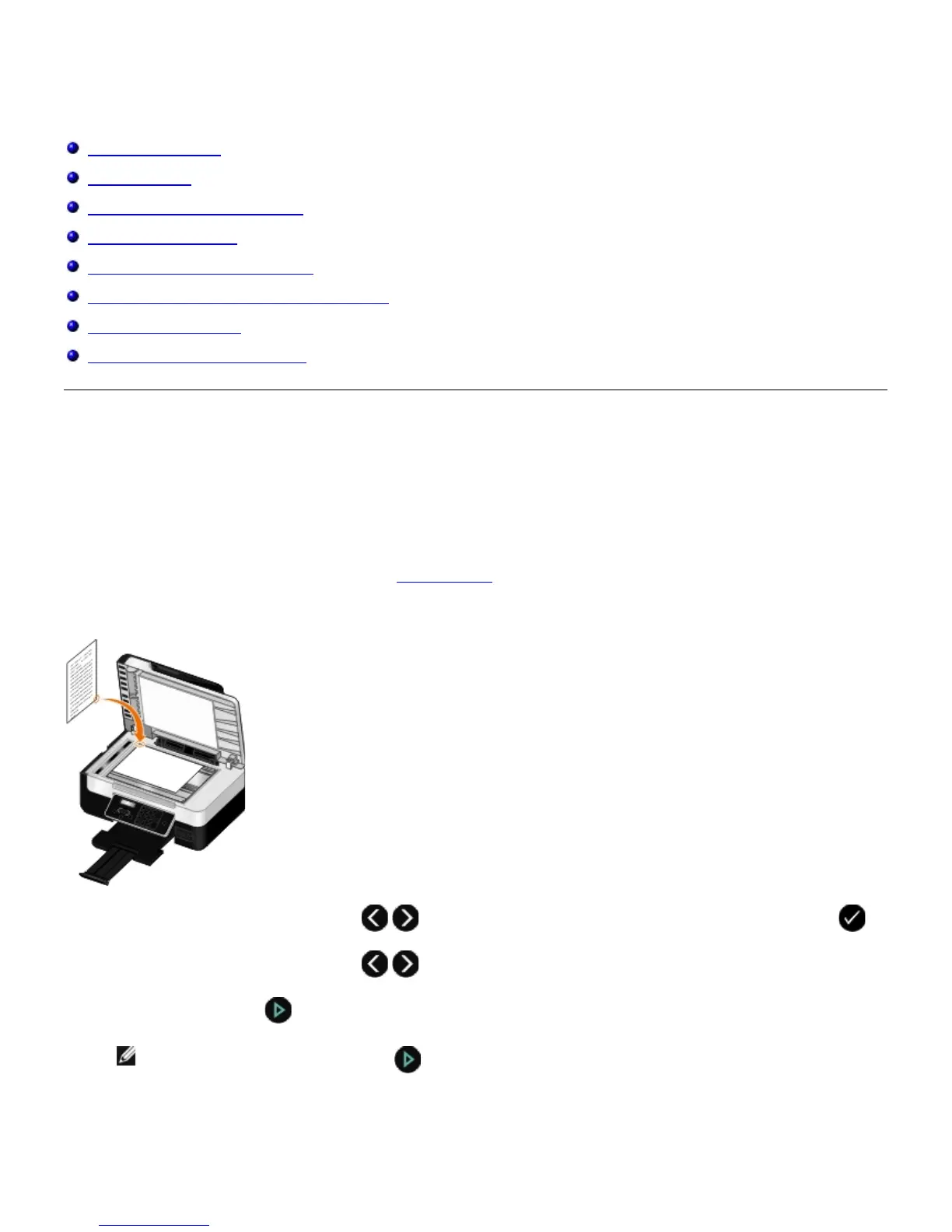
3. Load your original document.
4. Use the left and right Arrow buttons
to scroll to the COPY mode, and then press the Select button .
5. Use the left and right Arrow buttons to scroll through the copy submenus and change the copy settings.
6. Press the Start button .
NOTE: If you press the Start button without changing the copy settings from the copy submenus, the
copy is printed in the current default settings.
Using Your Computer


 To Next Page
 Loading...











