Setup Mode
To access the Setup mode menu:
1. From the main menu, use the left and right Arrow buttons to scroll to SETUP, and then press the Select
button .
2. Use the left and right Arrow buttons until the heading you want appears on the display, and then press
the Select button .
*Factory default settings/Current settings selected by user
NOTE: Your printer stores a maximum of eight external Bluetooth-enabled devices. When the printer
detects more than eight devices , the least used device is removed from the list.
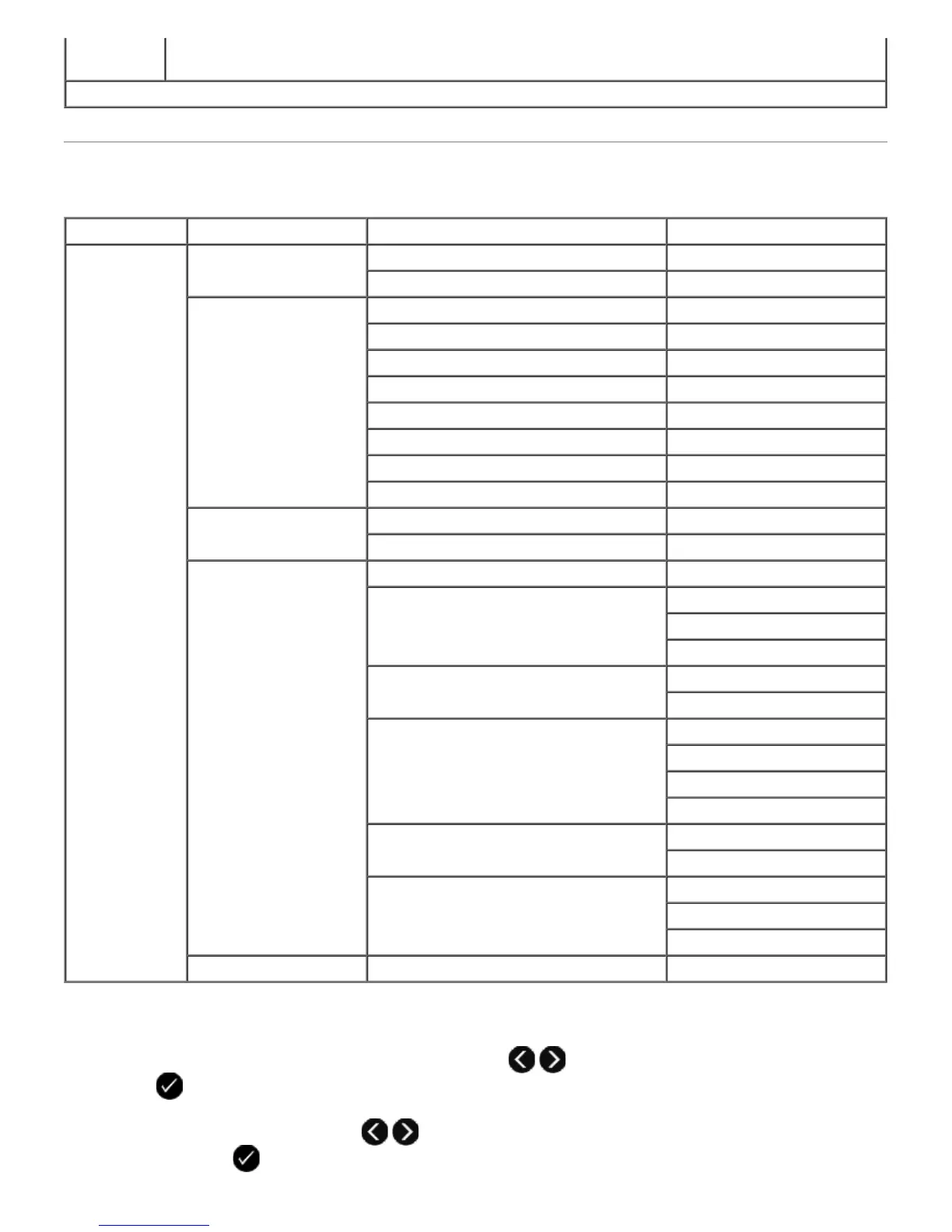
Main Menu Mode Main Menu Mode Submenu Mode Submenu
Setup Paper Setup Paper Size
Paper Type
Device Setup Language
Country
Date/Time
Host Fax Settings
Button Beep
Power Save
Clear Settings Timeout
2-Sided Dry Time
Defaults Photo Print Size
Set Defaults
Network Setup Print Setup Page
Wi-Fi Protected Setup Push Button
PIN
Automatic
Wireless Information Network Name
Wireless Signal Quality
TCP/IP Menu Enable DHCP
View IP Address
View IP Netmask
View IP Gateway
Network Time *Enabled
Disabled
Active Network *Auto
Ethernet 10/100
Wireless 802.11 b/g
Reset Network Adapter Defaults


 To Next Page
 Loading...











