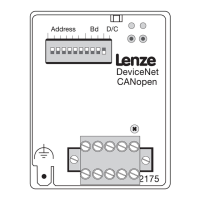
CANopen
5 Commissioning
5-2
L
BA2175 EN 2.0
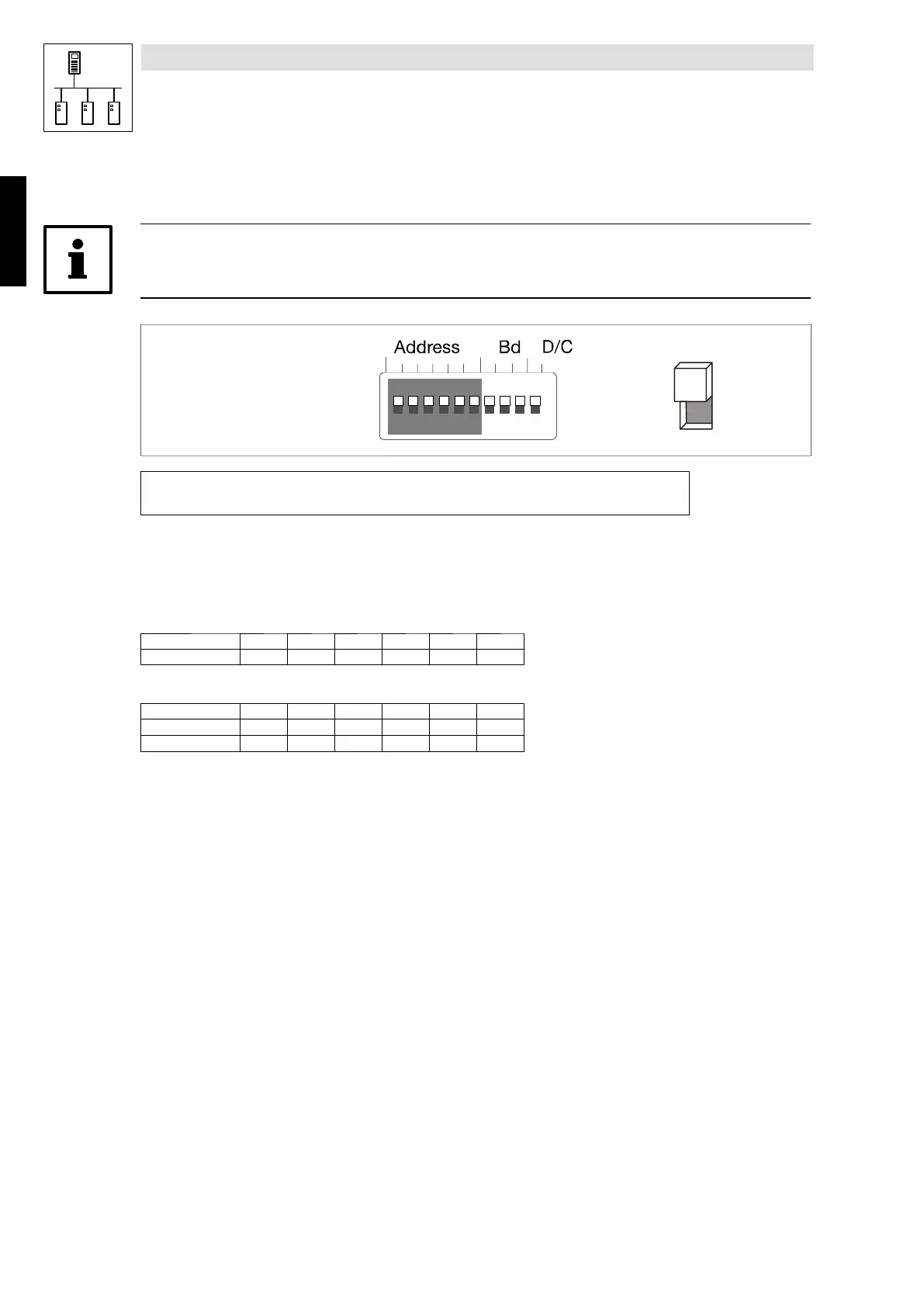
5.2 Controller address setting
Tip!
Please ensure that the addresses are not the same when using several controllers.
1234 5678910
OPEN
ON
OFF
Address
dec
=
S
6
⋅ 2
0
+
S
5
⋅ 2
1
+
S
4
⋅ 2
2
+
S
3
⋅ 2
3
+
S
2
⋅ 2
4
+
S
1
⋅ 2
5
The address calculation (decimal number)is based on the positions of switches S1 ... S6 (’0’ =OFF
and ’1’ = ON). The numbers must be entered into the equation above.
The equation also indicates the valency of a switch. The sum of valencies results in the controller
address to be set:
Switch valencies:
Switch S1 S2 S3 S4 S5 S6
Valency 32 16 8 4 2 1
Example:
Switch S1 S2 S3 S4 S5 S6
Switch position ON ON ON OFF OFF OFF
Address (= 56 ) 32 16 8 0 0 0
Phone: 800.894.0412 - Fax: 888.723.4773 - Web: www.actechdrives.com - Email: info@actechdrives.com


 To Next Page
 Loading...