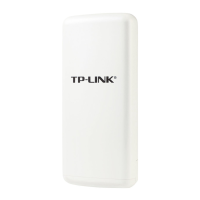
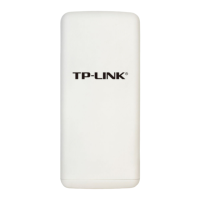
TL-WA7510N 5GHz 150Mbps Outdoor Wireless Access Point User Guide
55
For 64-bit encryption - You can enter 10 hexadecimal digits (any combination of 0-9, a-f, A-F,
zero key is not permitted) or 5 ASCII characters.
For 128-bit encryption - You can enter 26 hexadecimal digits (any combination of 0-9, a-f,
A-F, zero key is not permitted) or 13 ASCII characters.
For 152-bit encryption - You can enter 32 hexadecimal digits (any combination of 0-9, a-f,
A-F, zero key is not permitted) or 16 ASCII characters.
)
Note:
1. If you do not set the key, the wireless security function is still disabled even if you have
selected Shared Key as Authentication Type.
2. You will be reminded to reboot the device after clicking the Save button.
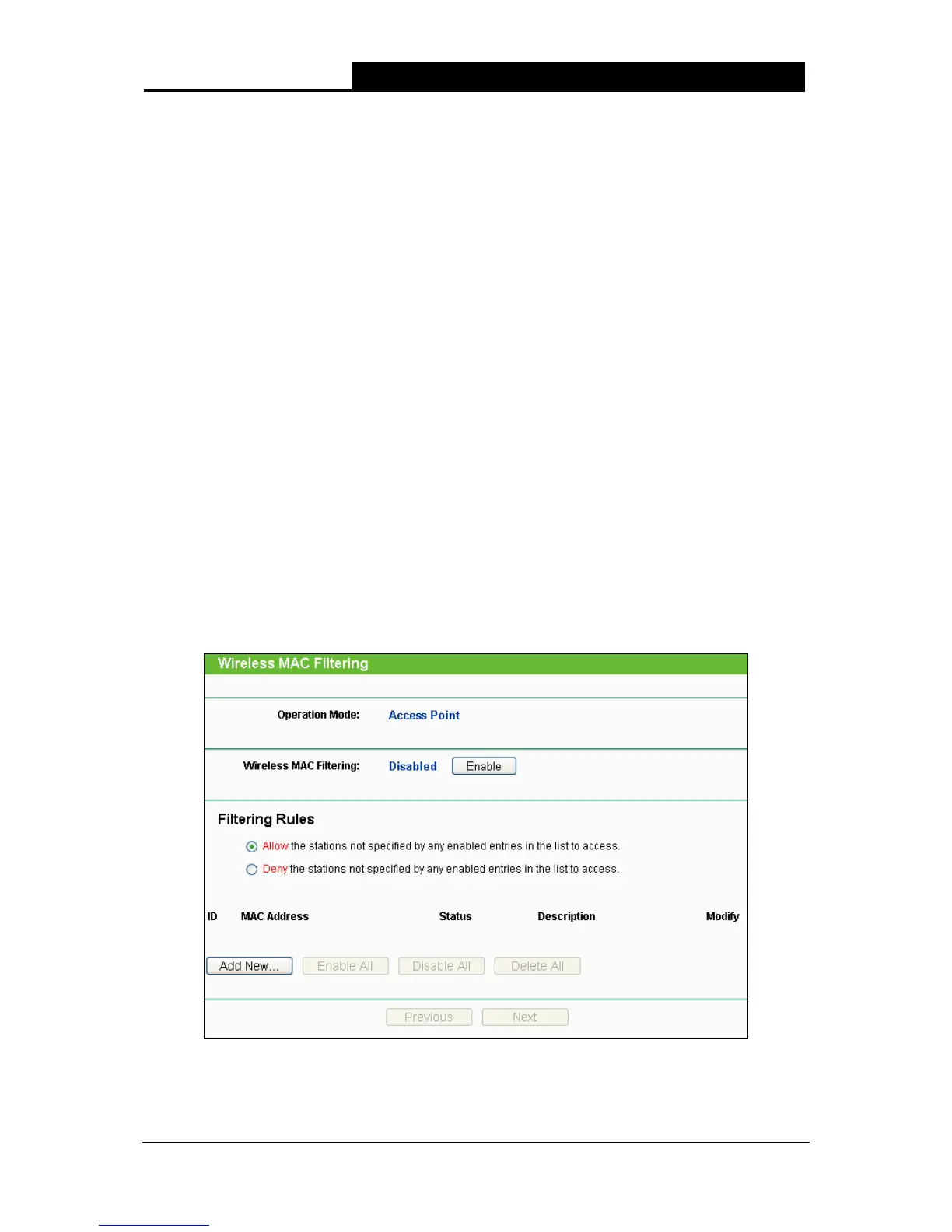
4.7.3 Wireless MAC Filtering
Selecting Wireless > Wireless MAC Filtering will allow you to set up some filtering rules to
control wireless stations accessing the device, which depend on the station’s MAC address on the
following screen as shown in Figure 4-23. As the configuration is the same in each operation mode,
here we just take the Access Point for example.
)
Note:
This function is not available when the operation is set to Client.
Figure 4-23 Wireless MAC address Filtering
¾ Operation Mode - Shows the current operation mode.


 To Next Page
 Loading...