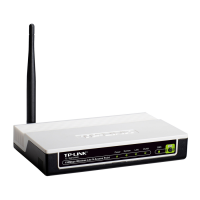
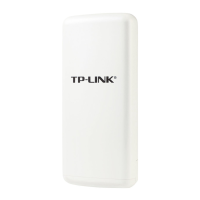
TL-WA7510N 5GHz 150Mbps Outdoor Wireless Access Point User Guide
65
4.9 System Tools
The System Tools option helps you to optimize the configuration of your device.
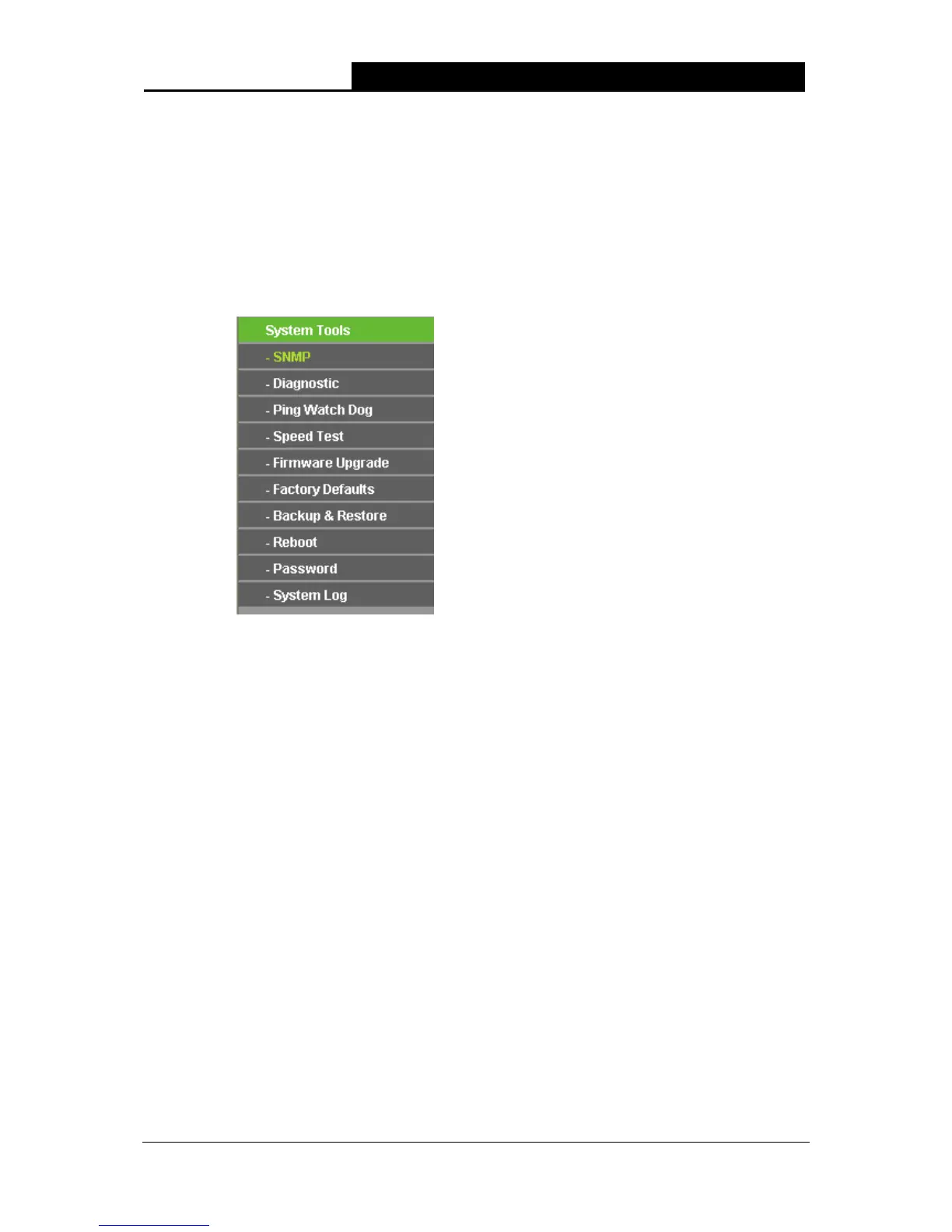
There are ten submenus under the System Tools menu (shown as Figure 4-34): SNMP,
Diagnostic, Ping Watch Dog, Speed Test, Firmware Upgrade, Factory Defaults, Backup &
Restore, Reboot, Password, and System Log. Click any of them, and you will be able to
configure the corresponding function. The detailed explanations for each submenu are provided
below.
Figure 4-34 The System Tools menu
ork management station to retrieve statistics and status from the SNMP agent in this
device.
4.9.1 SNMP
Selecting System Tools > SNMP will allow you to configure some parameters (as shown in Figure
4-35), so that you can use this SNMP (Simple Network Management Protocol) function allowing
the netw


 To Next Page
 Loading...