112
In the <
8:
C2345
> Basic Zone modes, you can shoot with
the settings matching the lighting or scene type. Normally, [
e
Default
setting
] is adequate, but if the settings match the lighting condition or
scene, the picture will look more accurate to your eyes.
For Live View shooting, if you set both [
Light/scene-based shots
] and
[
Ambience-based shots
] (p.108), you should first set [
Light/scene-
based shots
]. This will make it easier to see the resulting effect on the
LCD monitor.
1
Set the Mode Dial to <8>.
Set one of the following: <
C
>, <
2
>,
<
3
>, <
4
>, or <
5
>.
2
Set the Live View shooting/Movie
shooting switch to <A>.
3
Display the Live View image.
Press the <
0
> button to display the
Live View image.
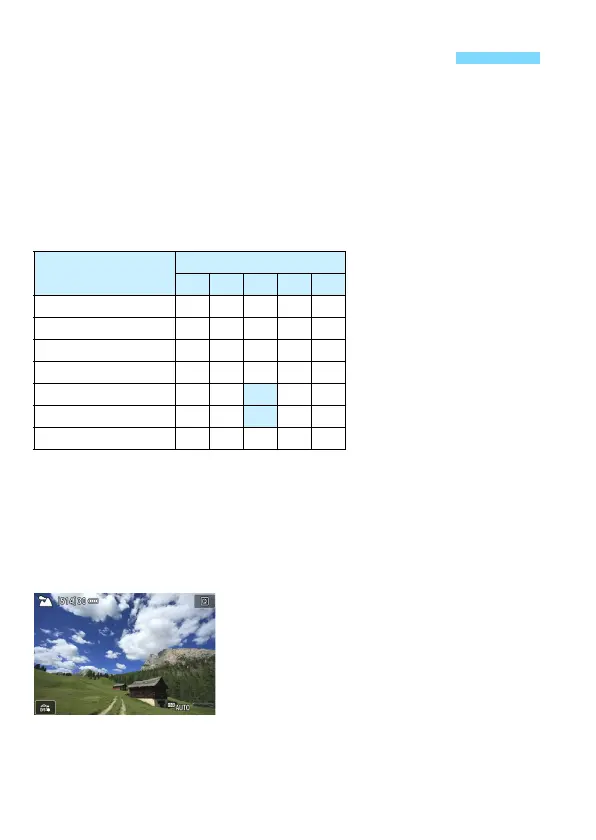
Shooting by Lighting or Scene Type
Lighting or Scene
8
C 2 3 4 5
e Default setting kkkkk
f Daylight k k k k k
g Shade k k k k k
S Cloudy kkkkk
i Tungsten light k k k k
j Fluorescent light k k k k
s Sunset kkkkk


 To Next Page
 Loading...










