147
3
Changing the Image’s Aspect Ratio
N
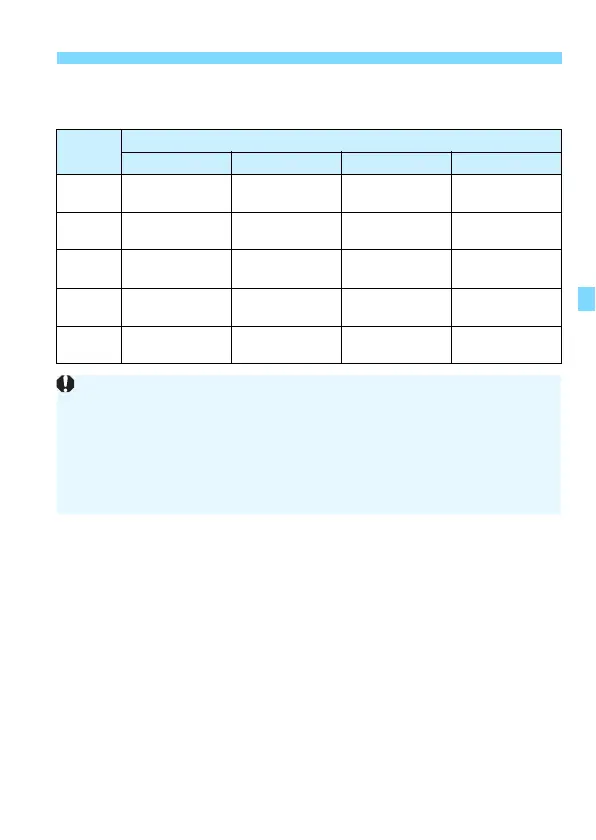
The table below shows the aspect ratio and the number of recorded
pixels for each image-recording quality.
Image
Quality
Aspect Ratio and Pixel Count (Approx.)
3:2 4:3 16:9 1:1
3
6000x4000
(24.0 megapixels)
5328x4000*
(21.3 megapixels)
6000x3368*
(20.2 megapixels)
4000x4000
(16.0 megapixels)
4
3984x2656
(10.6 megapixels)
3552x2664
(9.5 megapixels)
3984x2240*
(8.9 megapixels)
2656x2656
(7.1 megapixels)
a
2976x1984
(5.9 megapixels)
2656x1992
(5.3 megapixels)
2976x1680*
(5.0 megapixels)
1984x1984
(3.9 megapixels)
b
1920x1280
(2.5 megapixels)
1696x1280*
(2.2 megapixels)
1920x1080
(2.1 megapixels)
1280x1280
(1.6 megapixels)
c
720x480
(0.35 megapixels)
640x480
(0.31 megapixels)
720x408*
(0.29 megapixels)
480x480
(0.23 megapixels)
The items marked with an asterisk do not exactly match the indicated
aspect ratio.
The shooting area displayed for the asterisked aspect ratio may be
slightly different from the actual shooting area. Check the captured
images on the LCD monitor during shooting.
If you use a different camera to directly print images shot with this
camera in the 1:1 aspect ratio, the images may not be correctly printed.


 To Next Page
 Loading...










