89
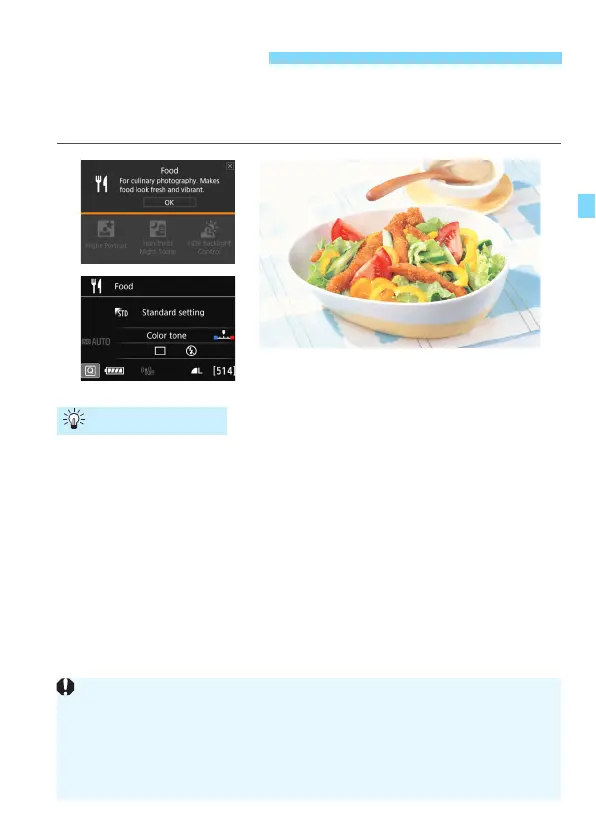
When shooting food, use <
P
> (Food). The photo will look bright and
appetizing. Also, depending on the light source, the reddish tinge will be
suppressed in the pictures taken under tungsten lights, etc.
Change the color tone.
You can change [
Color tone
]. To increase the food’s reddish tinge,
set it toward [
Warm
]. Set it toward [
Cool
] if it looks too red.
Avoid using flash.
If you use flash, the light may reflect off the dish or food and results
in unnatural shadows. By default, <
b
> (Built-in flash off) is set. Try
to prevent camera shake when shooting in low-light conditions.
P Shooting Food
Shooting Tips
Since this mode lets you shoot the food in appetizing color tones, human
subjects may be shot in an unsuitable skin tone.
The warm color cast of subjects may fade.
When multiple light sources are included on the screen, the warm color
cast of the picture may not be lessened.
If you use flash, the [Color tone] setting will switch to the standard.


 To Next Page
 Loading...










