20070201
u To delete all cells in a list
Use the following procedure to delete all the data in a list.
1. Use the cursor key to move the highlighting to any cell of the list whose data you want
to delete.
2. Pressing 6(g)4(DEL
•
A) causes a confi rmation message to appear.
3. Press 1(Yes) to delete all the cells in the selected list or 6(No) to abort the delete
operation without deleting anything.
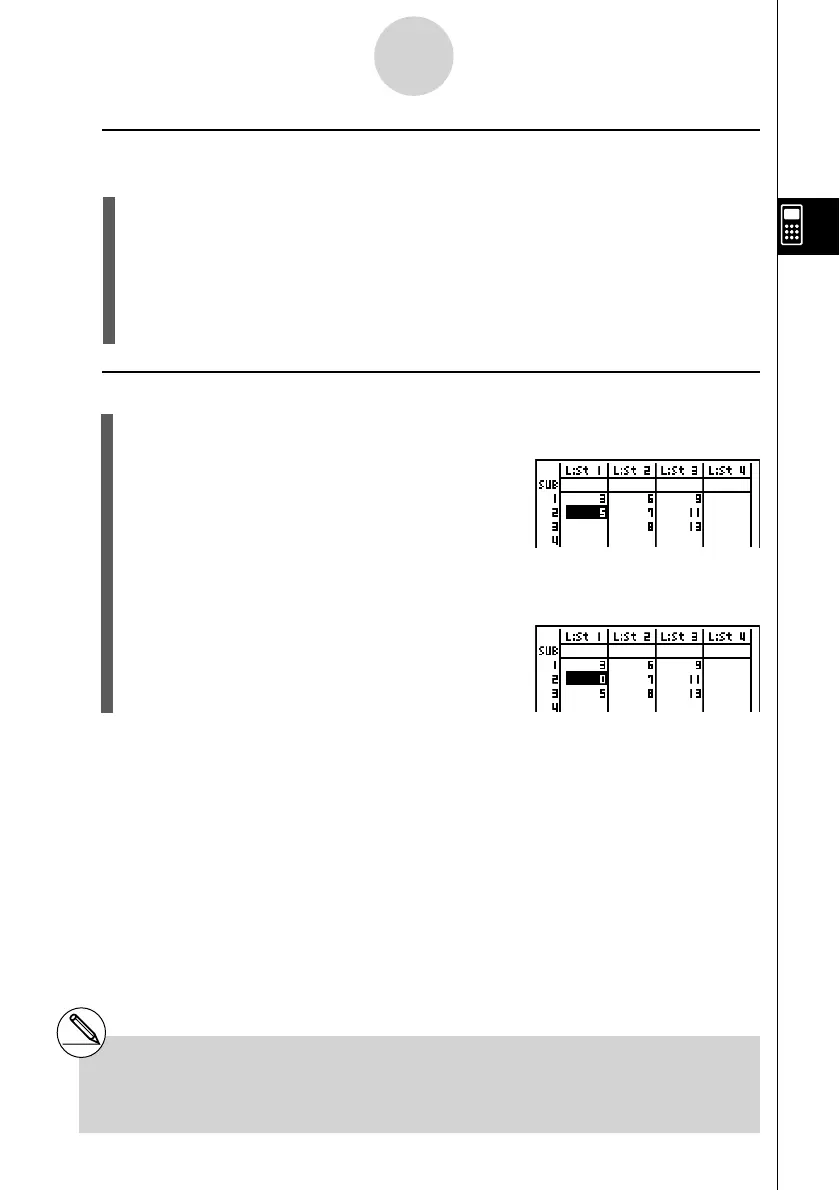
u To insert a new cell
1. Use the cursor keys to move the highlighting to the location where you want to insert
the new cell.
2. Press 6(g)5(INS) to insert a new cell, which contains a value of 0, causing
everything below it to be shifted down.
# The cell insert operation does not affect cells
in other lists. If the data in the list where you
insert a cell is somehow related to the data in
3-1-4
Inputting and Editing a List
neighboring lists, inserting a cell can cause related
values to become misaligned.



 To Next Page
 Loading...









