Saved data display (LAP Memory)
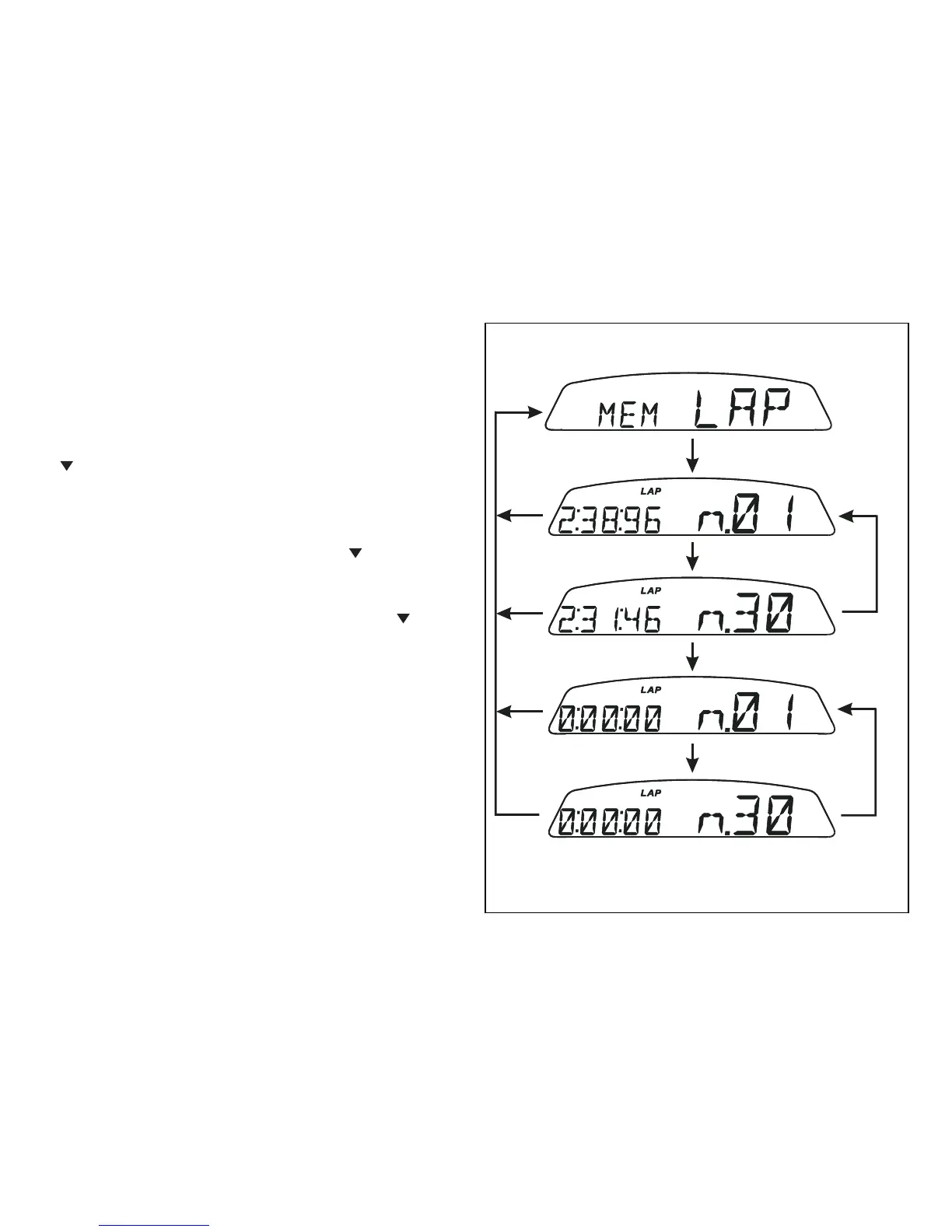
It displays data stored using the LAP function: lap
number and time.
To view stored lap times, enter the menu and go to
page "LAP MEM".
Holding switch (1Fig. 9), pressed in position B
“
“ for 3 seconds in this menu page accesses the
"1st lap" view mode The display will show the lap
number, lap time, MAX speed and the MAX rpm
reached for the lap in question.
Press switch (1Fig. 9), in position B “ “ to scroll
through the 30 laps stored until returning to the 1st
lap.
If you press switch (1Fig. 9), in position B “ “ for 3
seconds while the saved times are displayed, the
display immediately resets all the saved times; in this
case, if the LAP function was active, it is switched off
automatically.


 To Next Page
 Loading...