10
Using the Box Functions
10-4 C350
10.3 Selecting the File to be Forwarded
From the box on the hard disk, select the file to be forwarded.
Setup procedure
1 On this machine’s control panel, press the [Box] key.
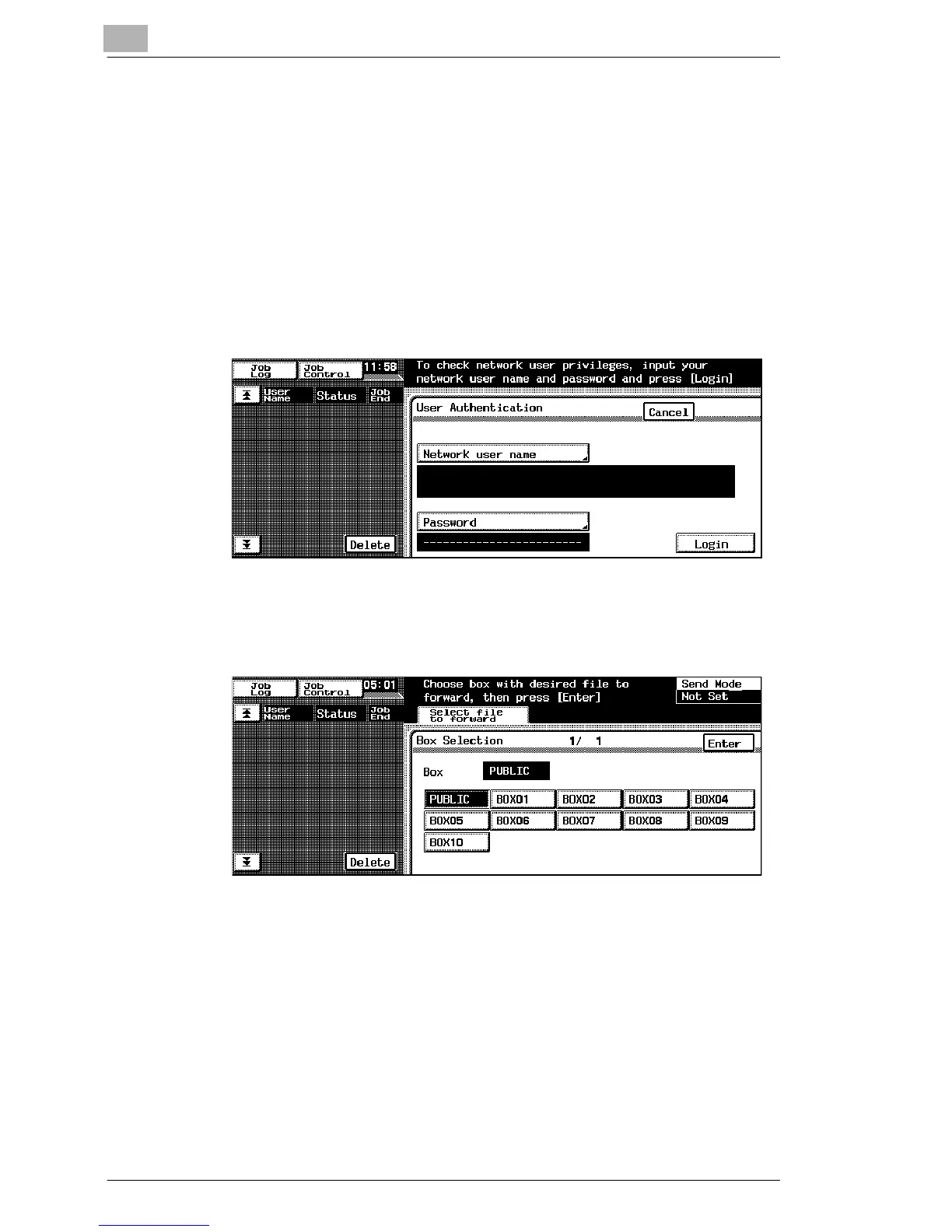
2 If network user authentication is enabled, a login screen appears. In
this case, enter the network user name and password, and then touch
[Login].
3 In the Select file to forward screen, select the box (“PUBLIC” box or
user box) containing the file that you wish to forward.
4 If a user box is selected, enter the password.
5 Select the file that you wish to forward, and then touch [Enter].
The Select destination screen appears.


 To Next Page
 Loading...