3-4. Self-Diagnosis
3-4-1. Self-Diagnostic Items
Self Diag of the INFORMATION menu enables the user to execute self-diagnosis of the unit. After self-diagnosis is
executed, the result of self-diagnosis appears regardless of whether the result is good or bad.
The following two types of self-diagnosis (Diag Type) are provided.
Diag Type Description
Type1 (Simple self-diagnosis) Use this type to execute a simple version of self-diagnosis. This finishes in a short time.
Type2 (Complete self-diagnosis) This type executes all registered self-diagnostic items. Since this type involves a mem-
ory test and complicated device tests, it takes time to be completed.
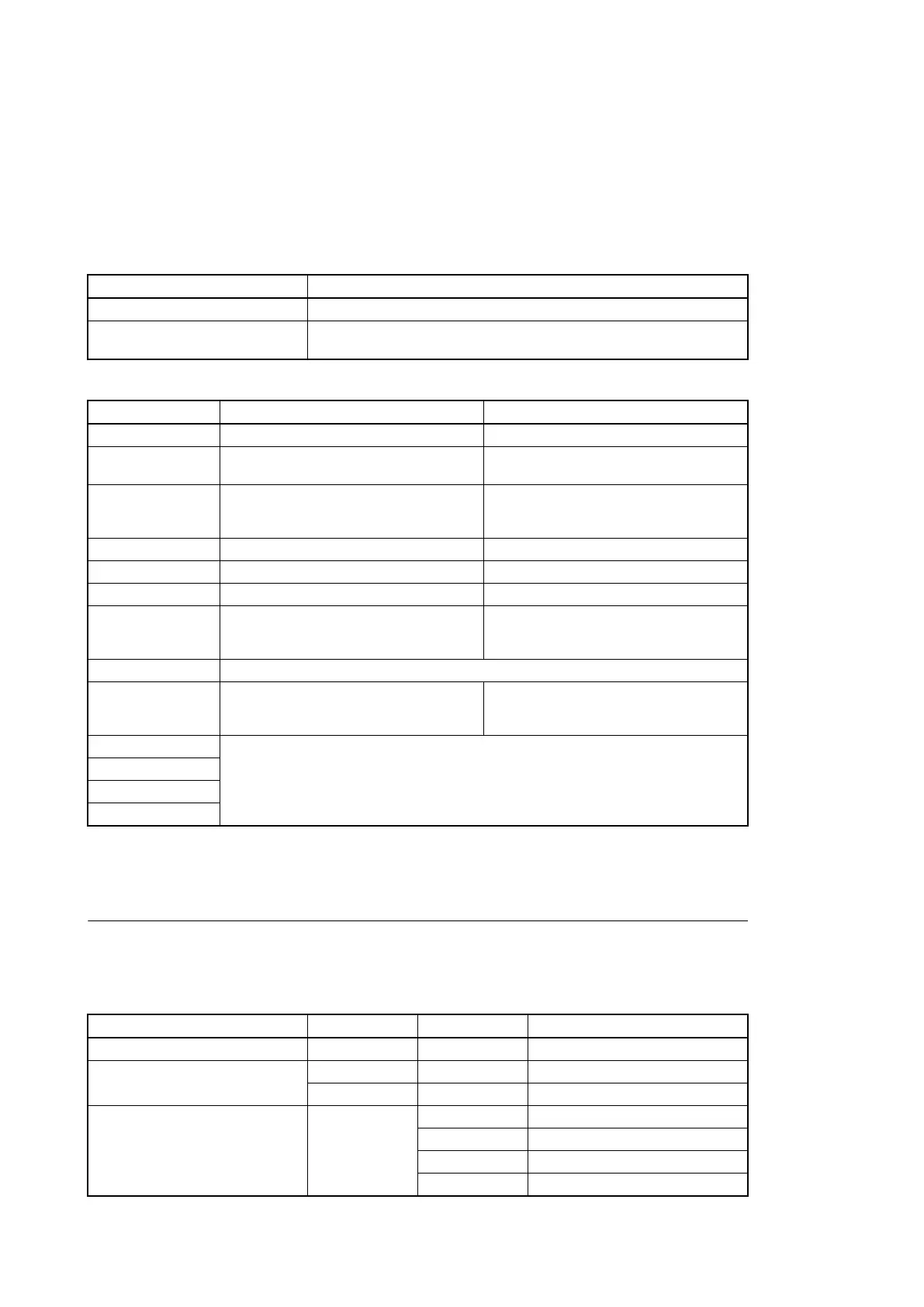
The following table lists self-diagnostic items.
Item No. Self-diagnostic item Description
Item1 Image processor block Diagnosis of lens, CMOS block, and camera block.
Item2 Display block Diagnosis of video signal system. (LCD and base-
band signal processing. )
Item3 Media block Diagnosis of media recording and playback sys-
tem. (encoder, decoder, memory card, i.LINK, and
USB interface.)
Item4 Audio block Diagnosis of audio input/output system.
Item5 System controller block Diagnosis of system controller system.
Item6 Power block Diagnosis of power supply system.
Item7 Interface between image processor block and dis-
play block
Diagnosis of the signal line from the camera signal
processor IC to the baseband processing IC inter-
face.
Item8 This item is not selectable.(Display only)
Item9 Video interface between display block and media
block during playback
Diagnosis of the video signal line (playback direc-
tion) from the AVIT signal processing IC through
the decoder IC to the baseband processing IC.
Item10 This item is not selectable.(Display only)
Item11
Item12
Item13
3-4-2. Executing Self-Diagnosis
Preparation
The self-diagnosis can be executed only under the following conditions. When executing the self-diagnosis, change the
conditions to the following conditions with the SHUTTER switch and the SETUP menu.
Item Menu Submenu Setting for self-diagnosis
SHUTTER switch — — Off
CAMERA SET menu SLS/EX SLS — Off
P.Cache Rec Setting Off
OTHERS menu System Country NTSC Area
UDF/FAT UDF
HD/SD HD
Format HD422 50/1080/59.94i
PMW-300
3-6



 To Next Page
 Loading...









