32 Installation and Service Guide
Using the E-35A
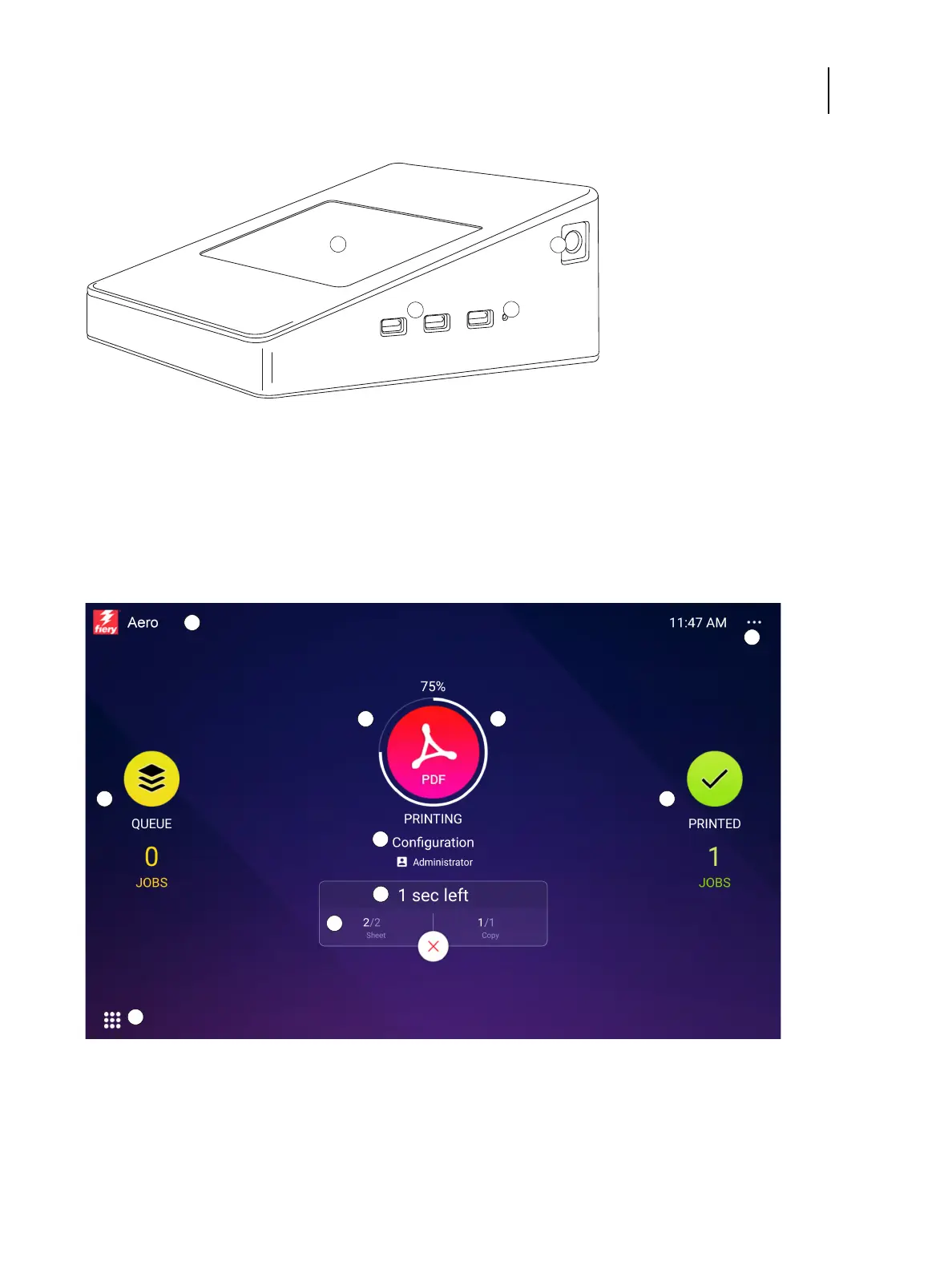
Figure 11: Fiery QuickTouch panel
Overview of Fiery QuickTouch menu options
The following options are available from the Fiery QuickTouch main menu:
Figure 12: Fiery QuickTouch home screen
The Home screen is the main interface for job status, and displays various screen elements.
1 Fiery QuickTouch LCD 3 Type A USB 3.0 ports (x3)
2 Power button 4 Reset button (requires pin)



 To Next Page
 Loading...

