36 Installation and Service Guide
Using the E-35A
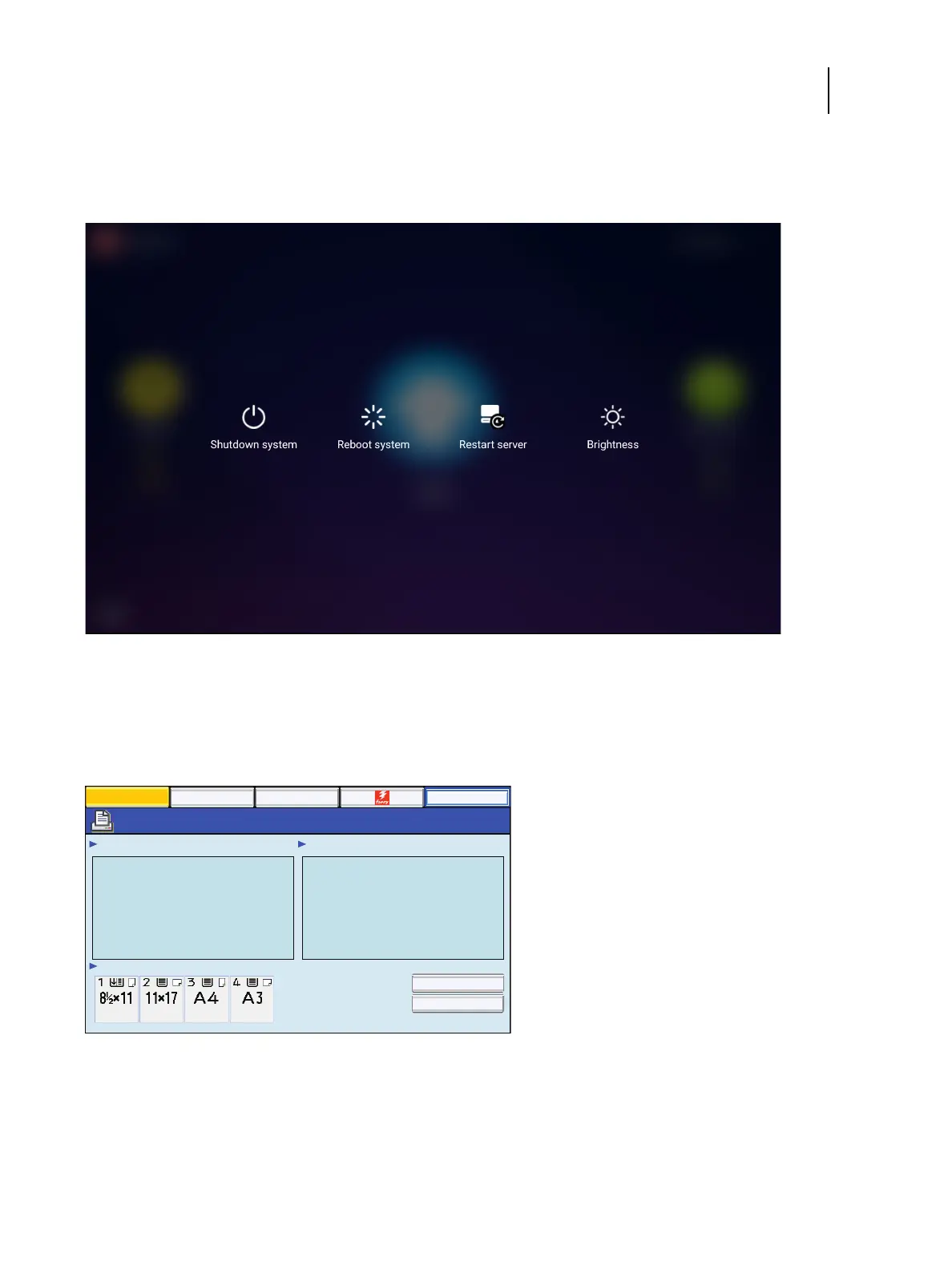
• Restart server: resets the Fiery server software, but does not reboot the entire system.
• Brightness: sets the brightness level of the Fiery QuickTouch screen.
Figure 16: Quick options menu
Using the printer touch panel
The “EFI Fiery” icon of the printer touch panel allows you to interact with the E-35A from the printer. The menus
provide access to many of the same options available from Command WorkStation.
Figure 17: The printer touch panel
To access the Fiery screen on the printer touch panel
1 Press the Home button on the printer touch panel.
2 From the Home screen of the printer touch panel, select EFI Fiery. If the EFI Fiery icon does not display, move to the
other screen by swiping the touch screen until the EFI Fiery icon appears.
3 Press the Fiery tab.
Main
Waiting Jobs:
Idle
Paper Tray Status:
Document 3
Document 4
Document 1
Document 2
Printed Jobs:
Job List Tools
Suspend Printing
Resume Printing
Login


 To Next Page
 Loading...


