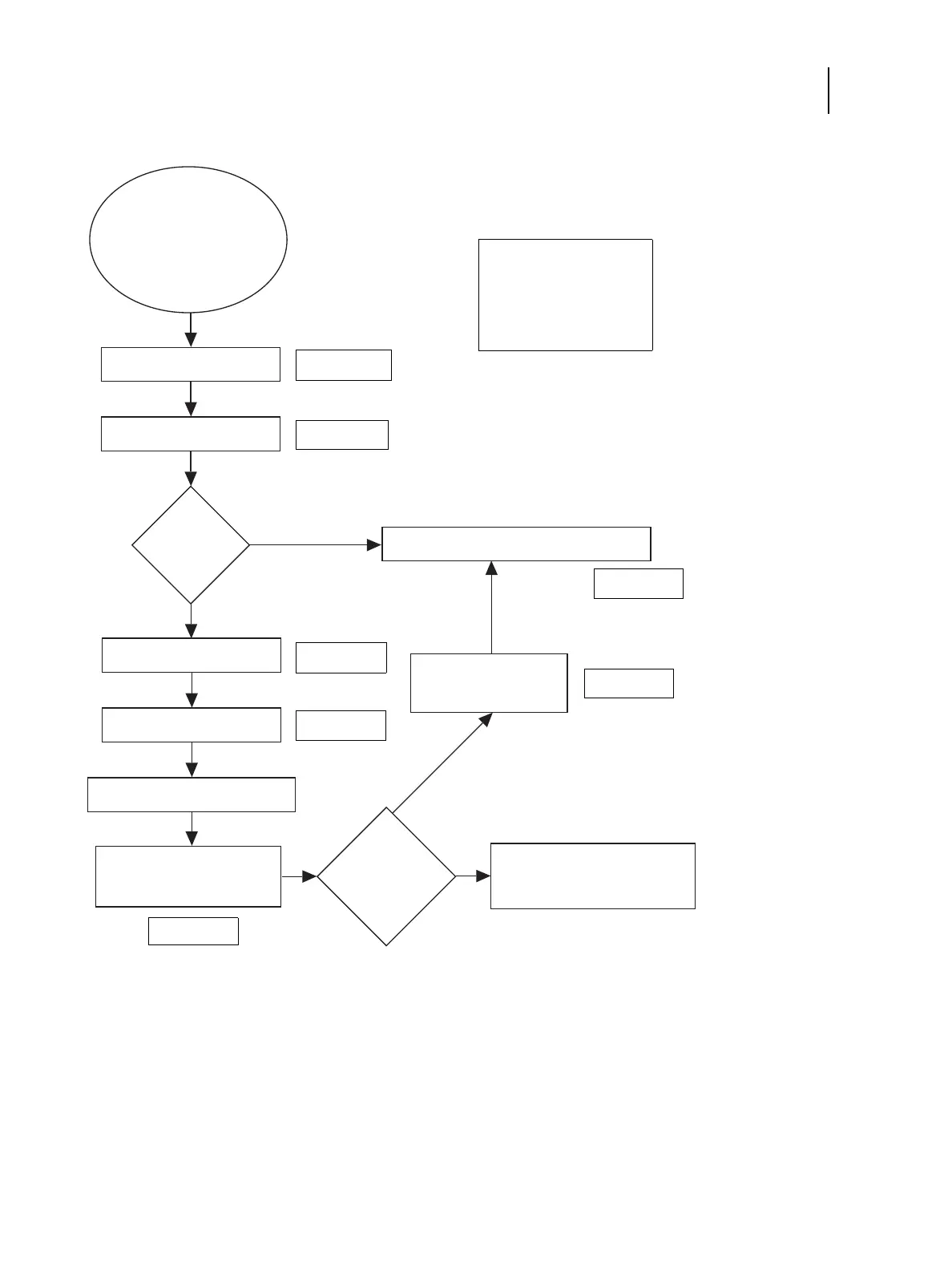
You suspect a faulty motherboard
or hard disk drive.
Replace the hard disk drive.
Reinstall system software.
Problem solved?
Yes.
Reassemble system and verify functionality.
No.
Reinstall old hard disk drive.
Replace the motherboard.
Connect the
motherboard replacement dongle.
Enter Service Mode and
verify the new motherboard
installation.
Reinstall the old motherboard.
Return the new motherboard and
dongle to inventory.
Are test pages
printed successfully?
Transfer options and
BIOS information to the
new motherboard.
Yes.
No.


 To Next Page
 Loading...


