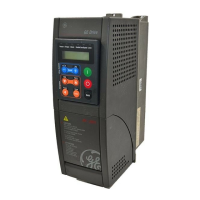
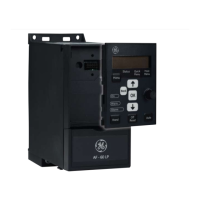
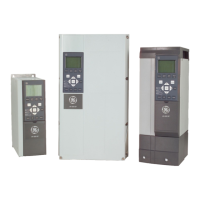
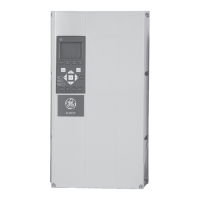
AV-300i Version 2 User’s Guide
—————— Function Description ——————
Ch.1
101
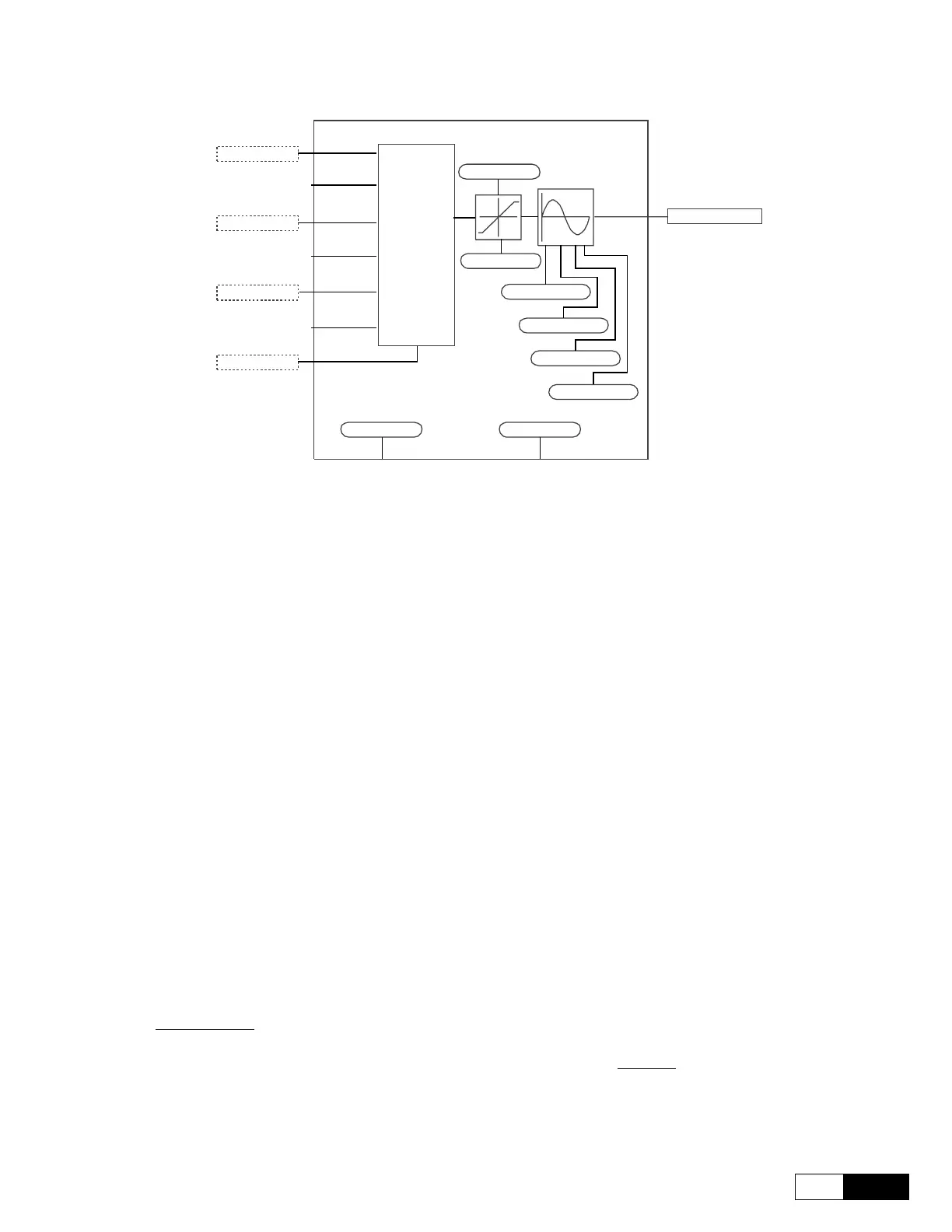
The Motopotentiometer Block is shown in the figure below.
Mpot up src
Mpot down src
Mpot invers src
Mpot preset src
Mpot output mon
Mpot init cfg Mpot preset cfg
Mpot acc dlt spd
Mpot lower lim
Mpot upper lim
Mpot acc dlt tim
Mpot dec dlt spd
Mpot dec dlt tim
MPOT
CRTL
UPK
DOWNK
INVK
Moto pot src
Mpot up src Source of the up command, speed increase
Mpot down src Source of the down command, speed decrease
Mpot invers src Source of the command inverting the output speed
Mpot preset src Source of the preset command
Moto pot cfg
Mpot lower lim Upper limit
Mpot upper lim Lower limit
Mpot acc dlt spd Delta speed acceleration for the Motopot ramp
Mpot acc dlt tim Delta time acceleration for the Motopot ramp
Mpot dec dlt spd Delta speed deceleration for the Motopot ramp
Mpot dec dlt tim Delta time deceleration for the Motopot ramp
Mpot init cfg Configuration of the Init command
Mpot preset cfg Configuration of the Preset command
Moto pot mon
Mpot cmd mon Command monitor
Mpot output mon Block output monitor
1.8.6 Speed Zero Control Block (Spd 0 Logic)
The Function of the Speed 0 Block is active only in a Sensorless and Field oriented mode.
The Function generates the Speed 0 signal, Spd is zero, and the Reference 0 signal, Ref is zero.
In the
configurations it is possible to set: with Spd 0 speed thr and Spd 0 spd delay the Speed 0 threshold and
delay; with Spd 0 ref thr and Spd 0 ref delay the threshold and the delay of the reference 0. Furthermore
with Spd 0 enable it is possible to enable the gain adaptive function with a
Speed 0 value and with Spd 0 P gain
and Spd 0 I gain to adapt the Proportional and Integral gain to a Speed 0 value.
The gains become active when both conditions Spd is zero and Ref is zero are true. They are not active when
Ref is zero is false.


 To Next Page
 Loading...