1
2
3
4
5
6
7
8
9
10
11
12
61
Maintenance Mode
4
Use the [Test print] and [Calibration] buttons to navigate through the pag-
es� The error history may contain up to 25 pages�
5
Press the [Reset/Cancel] button to return to the maintenance menu.
3.6.7
Roller Cleaning
When the mammography media expansion tray is installed in Tray 3 (expansion tray), the [Roller
Cleaning] icon appears in the display window each time 2,000 sheets has been printed. Selecting and
activating this item enables cleaning of the cleaning roller.
This function can also be used to clean the cleaning roller even if the [Roller Cleaning] icon does not
appear in the display window.
1
Enable maintenance mode.
“3.6.1 Enabling and Using Maintenance Mode” (page 54)
2
Use the [Test print] and [Calibration] buttons to move the cursor to the
[
Roller Cleaning] icon . Press the [Service/Enter] button to select the
item�
3
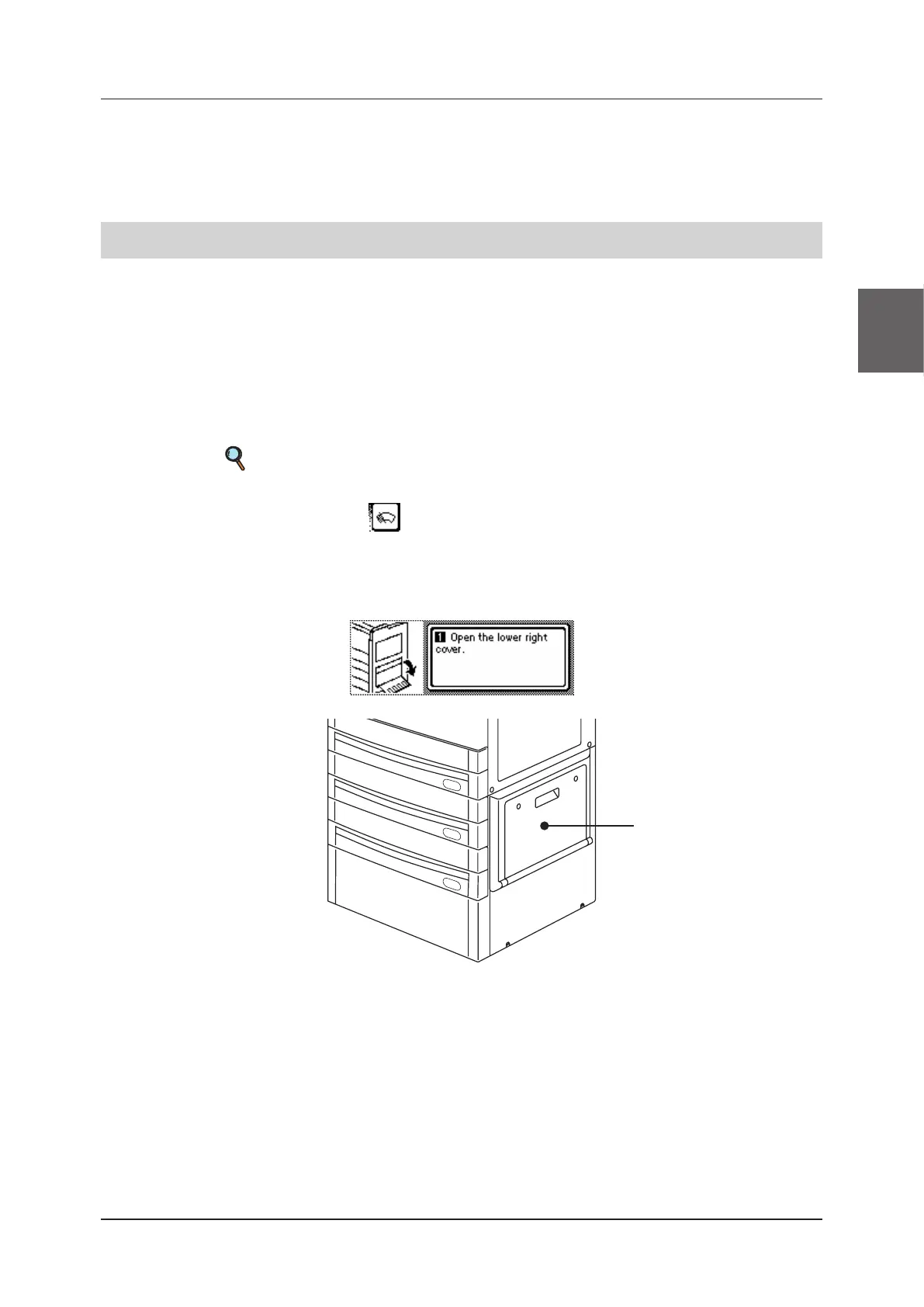
The operation screen appears�
Lower right cover


 To Next Page
 Loading...






