1
2
3
4
5
6
7
8
9
10
11
12
79
4�2
How to Resolve Film Loading Error
When a lm loading error occurs, perform the following actions.
Actions to take when the following erroneous operation is performed
• Closed the tray without pulling out the forward end of the package (barrier bag).
• Closed the tray without installing films.
Film loading finishes, but the remaining amount of film indicator continues to show "0", the tray icon
continues to flash, and the tray button remains lit.
Perform the procedure again from the step 1 of "3.3 Loading Films" (page 44).
• Closed the tray without cutting off the back of the package (barrier bag) with a cutter.
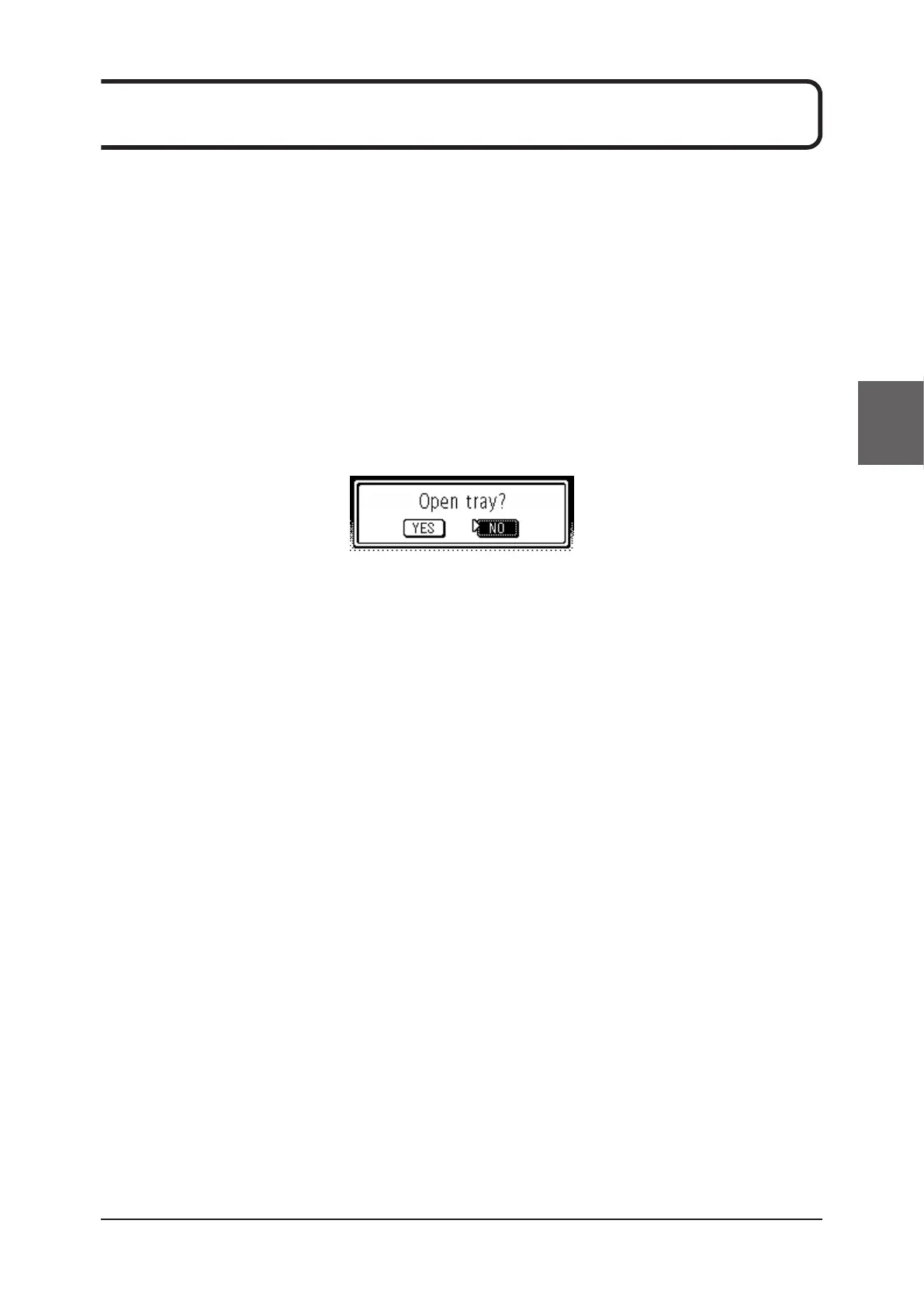
Pressing the lit tray button displays the following message in the display window.
When the [Test print] button or the [Calibration] button is pressed, [YES] is selected, and the [Service/
Enter] button is pressed, the tray pops out. So perform the procedure from the step 7 of "3.3 Loading
Films" (page 44).


 To Next Page
 Loading...






