The Basics
2-8
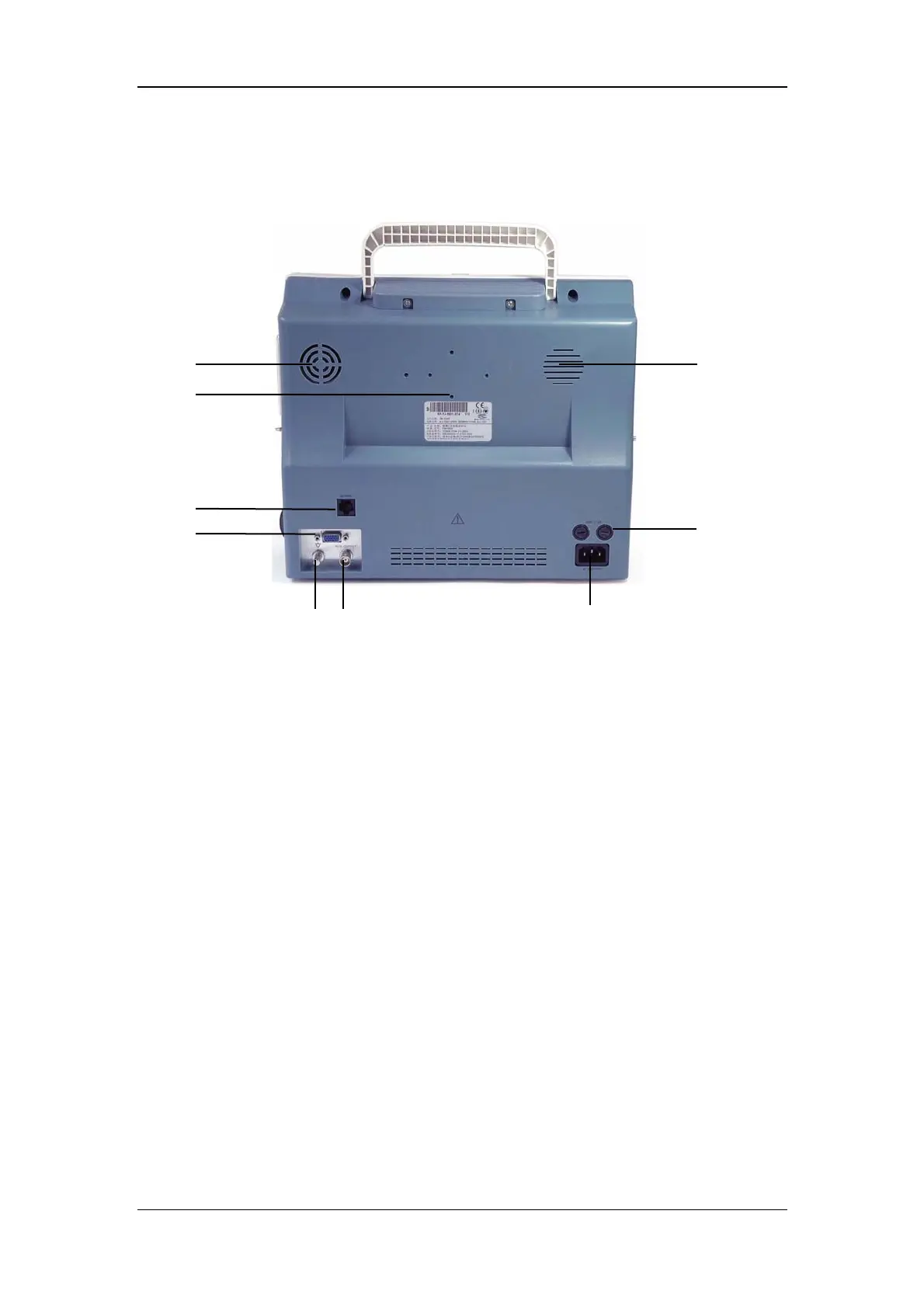
2.2.3 Rear Panel
Figure 2-4 Rear Panel
1. Fan Vent
2. Speaker holes
3. Mounting holes for support bracket.
4. Network Connector: Standard RJ45 connector.
Through network connector, this monitor can be connected with the central
monitoring system, another monitor, or a PC. It enables the functions of viewbed
monitoring, data output and on-line software upgrading.
5. Fuse: Standard T3.0A
6. VGA Monitor Connector
A standard color VGA monitor can be connected to the patient monitor through this
connector.
1
3
4
7 8
5
9
6
2


 To Next Page
 Loading...