128
Chapter 5 Operation
VIDEO SYSTEM OTV-SI
5.17 Rotated image
The image displayed on the video monitor can be electronically rotated by 180
degrees using the remote control switches or the keyboard (optional).
Using the menu
1. If the video monitor does not display the menu, press the remote control
switch for execution or for selection, the “F1”, “Enter”, “ ”, “ ”, “” or “”
key on the keyboard to display the menu.
2. Press the remote control switch for selection, the “” or “” key on the
keyboard and select “NEXT” (see Figure 5.6 on page 57).
3. Press the remote control switch for execution, the “Enter” or “ ” key on the
keyboard three times to display the menu bar shown in Figure 5.69 on
page 113.
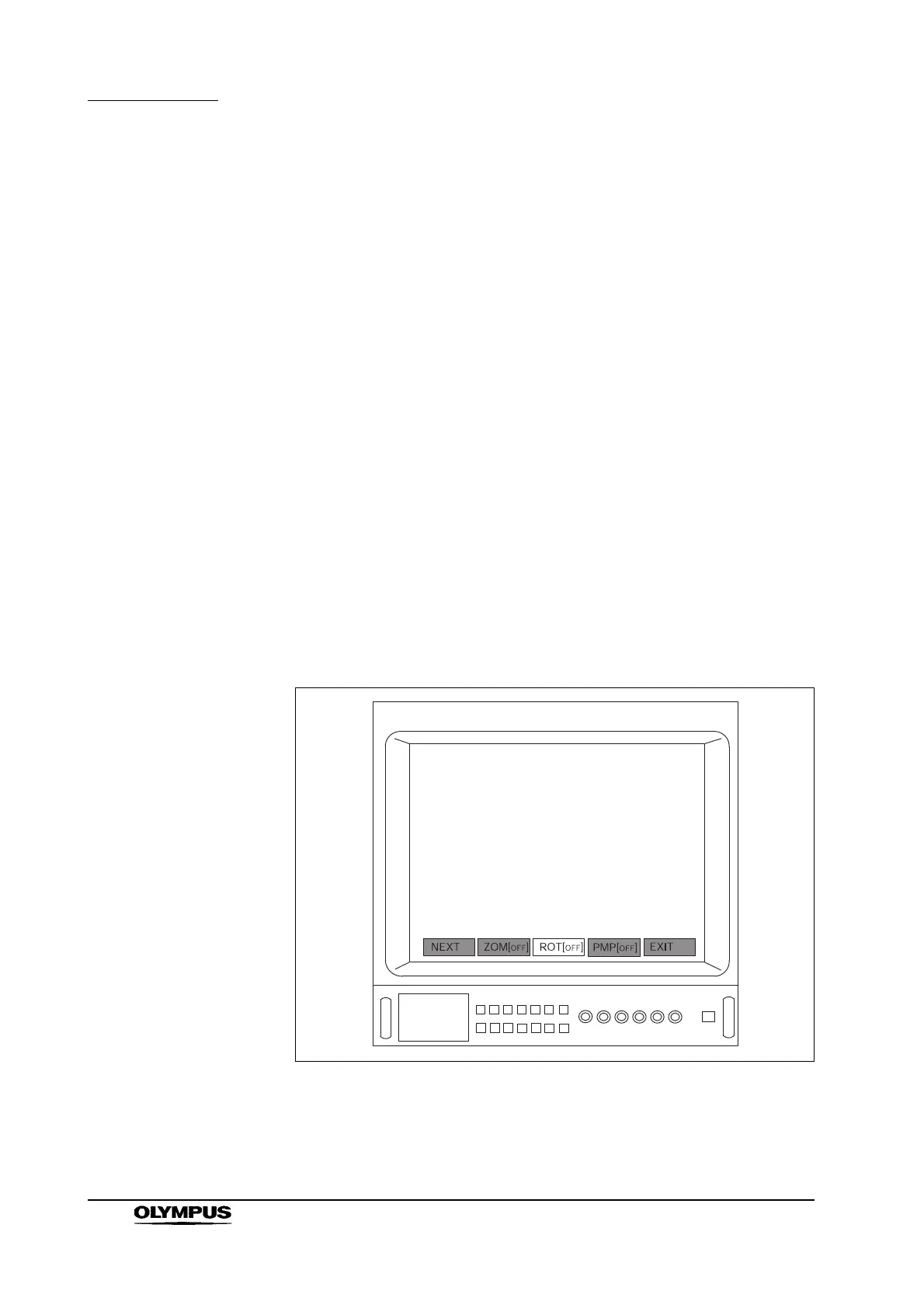
4. Press the remote control switch for selection, the “” or “” key on the
keyboard and select “ROT[
OFF]” (see Figure 5.82).
Figure 5.82
ROT [
ON] : image display rotated by 180 degrees
ROT [
OFF] : normal image display


 To Next Page
 Loading...










