32
Chapter 3 Installation and Connection
VIDEO SYSTEM OTV-SI
3.4 Connection of the endoscope
Connecting the video plug of a videoscope or camera head
• Never excessively bend, pull, twist, coil, squeeze or apply a
crushing force to the camera cable. The camera cable could
become damaged.
• Make sure that the video plug and its electrical contacts are
completely dry before connecting the plug to the OTV-SI.
Wet equipment could cause the image to flicker or disappear.
Do not connect or disconnect the video plug while the
OTV-SI is ON. Doing so may damage the electrical circuits
inside the camera head.
Connecting
1.
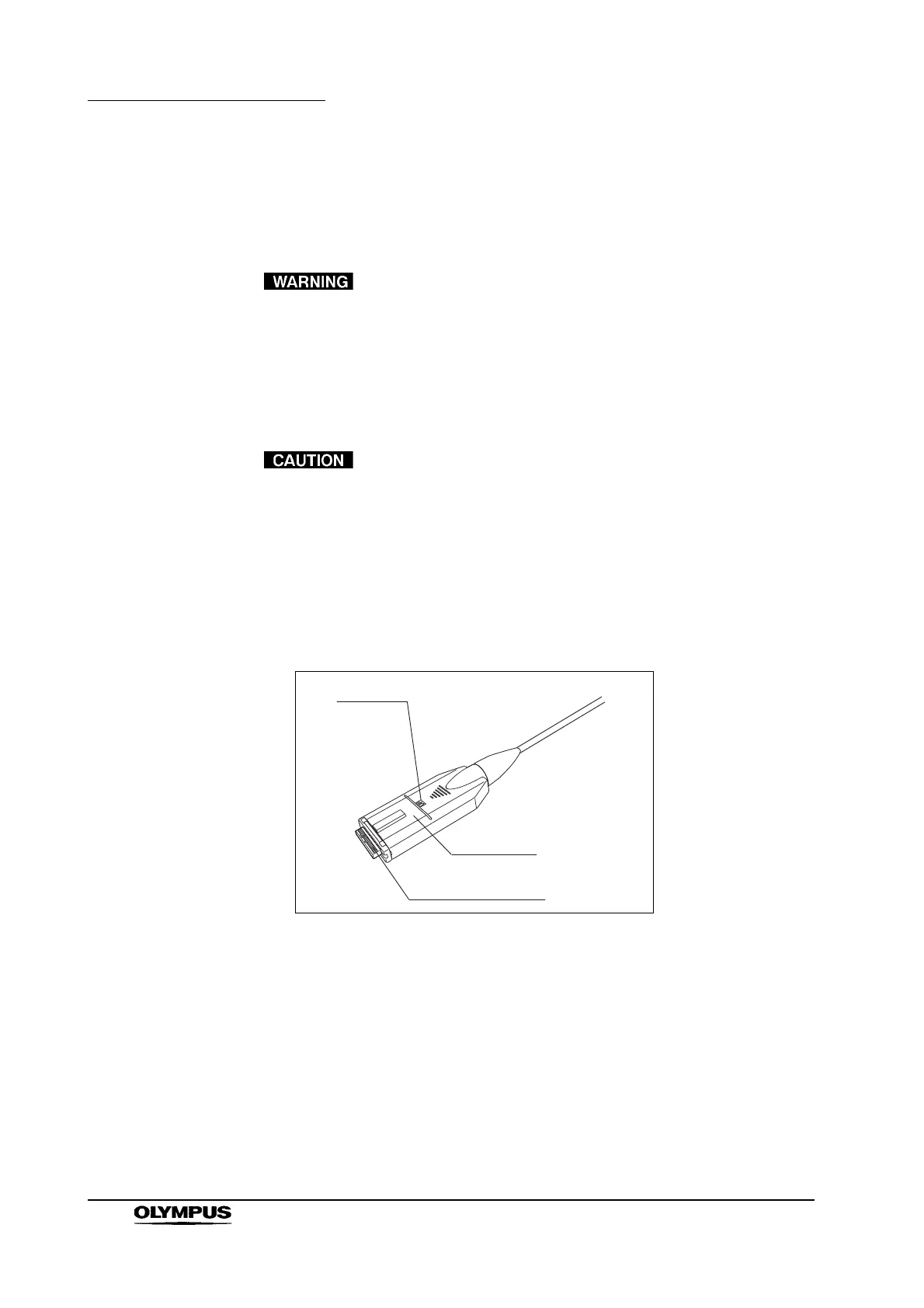
Confirm that the video plug and its electrical contacts are dry (see Figure
3.4). If the equipment is wet, wipe it dry with a clean, lint-free cloth.
Figure 3.4
2. Turn this instrument OFF.
UP mark
Video plug
Electrical contacts


 To Next Page
 Loading...










