46
Chapter 4 Inspection
VIDEO SYSTEM OTV-SI
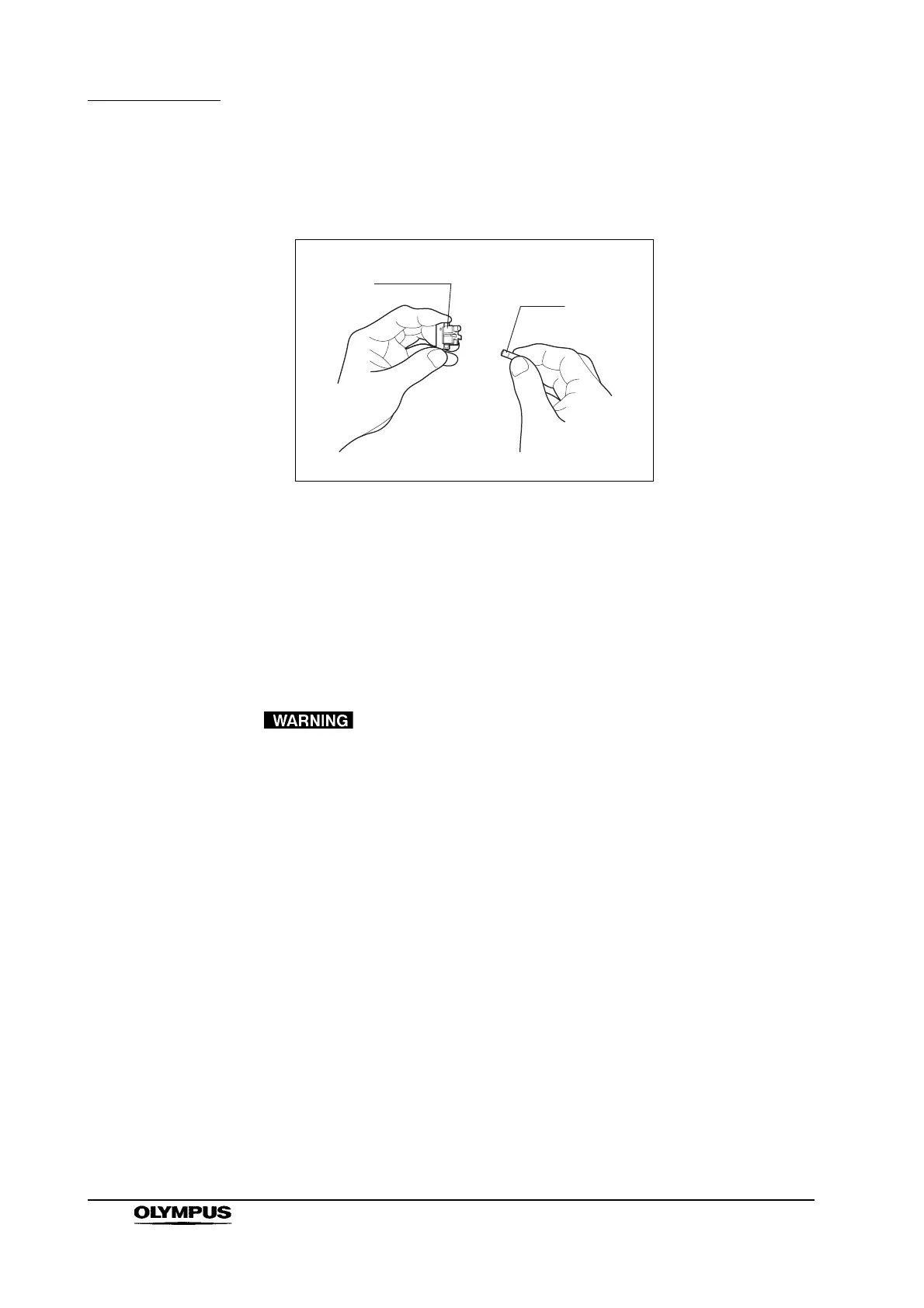
6. Even if only one fuse has blown, always replace both of them (see Figure
4.2). If neither fuse has blown, contact Olympus.
Figure 4.2
7. Insert the fuse box into this instrument until it clicks into position.
8. Reconnect the power cord and press the power switch. Confirm that the
power switch lamp is lit.
4.2 Illumination inspection
• Do not look directly into the distal end of the endoscope while
it is emitting light. Eye injury may result.
• If the lamp does not light, the lamp light is low or the
message “LAMP ERROR” is displayed on the video monitor,
immediately stop using the equipment and replace the lamp
following the instructions given in Section 6.2, “Lamp
replacement”. If the lamp is dark, it may not be possible to
continue the clinical procedure.


 To Next Page
 Loading...










