Chapter 5 Operation
91
VIDEO SYSTEM OTV-SI
5.7 Image enhancement
Contours in the endoscopic image can be electrically enhanced to make them
clearer. Image enhancement can be set to, “0 (OFF)”, “1 (LOW)”, “2 (MEDIUM)”
or “3 (HIGH)” using the remote control switches or the keyboard (optional).
Using the menu
1. If the video monitor does not display the menu, press the remote control
switch for execution or for selection, the “F1”, “Enter”, “ ”, “ ”, “” or “”
key on the keyboard to display the menu.
2. Press the remote control switch for selection, the “” or “” key on the
keyboard and select “NEXT” (see Figure 5.6 on page 57).
3. Press the remote control switch for execution, the “Enter” or “ ” key on the
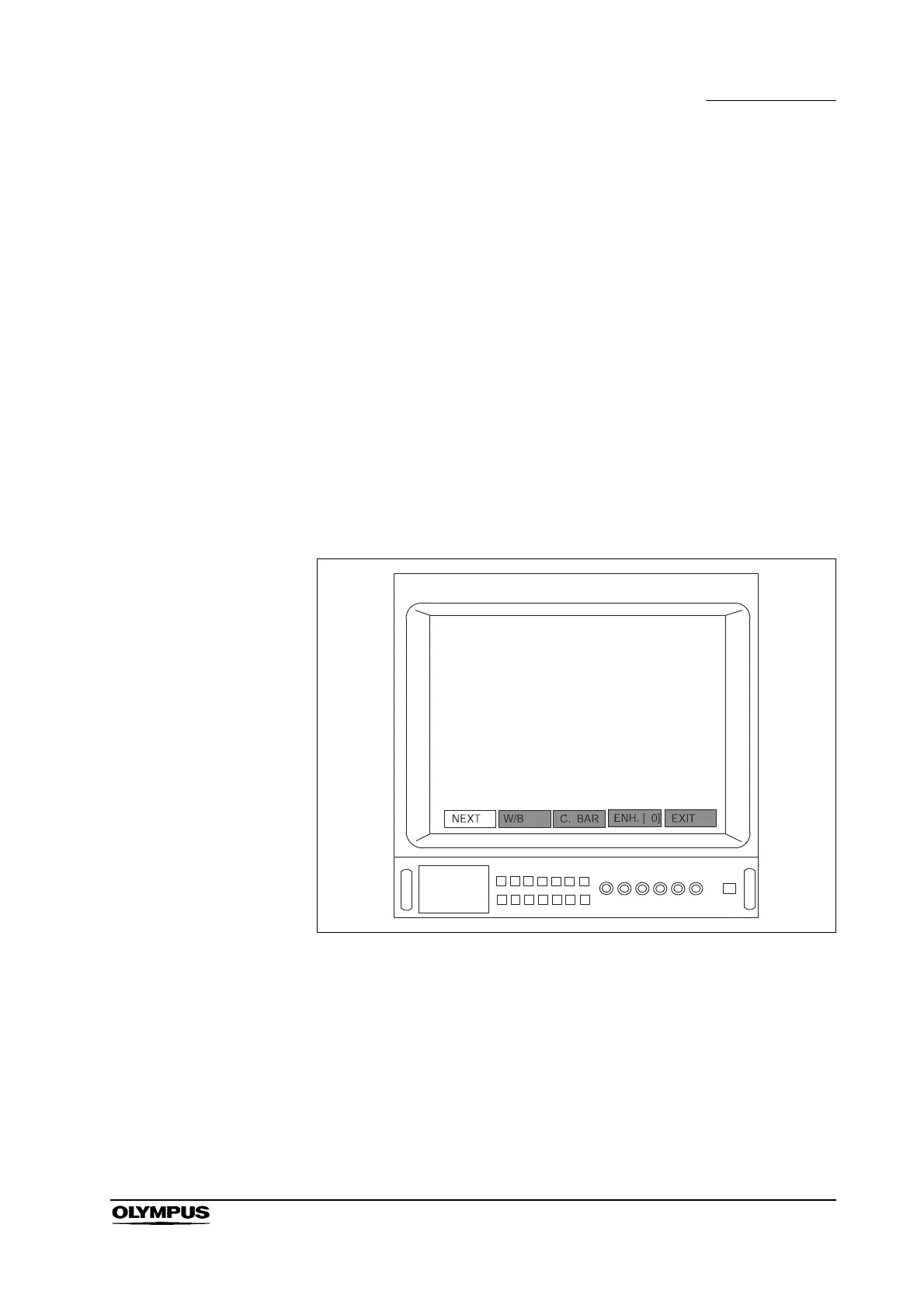
keyboard two times to display the menu bar shown in Figure 5.45.
Figure 5.45


 To Next Page
 Loading...










