6
Internet faxing
6-18 200/250/350
Internet faxing Chapter 6
Density
According to the type of document being sent, select the appropriate density
from the settings described below.
!
Detail
If “600 dpi Text” or “600 dpi Text & Photo” is selected, the density can be
set to one of three levels: “Light”, “Std.”, and “Dark”.
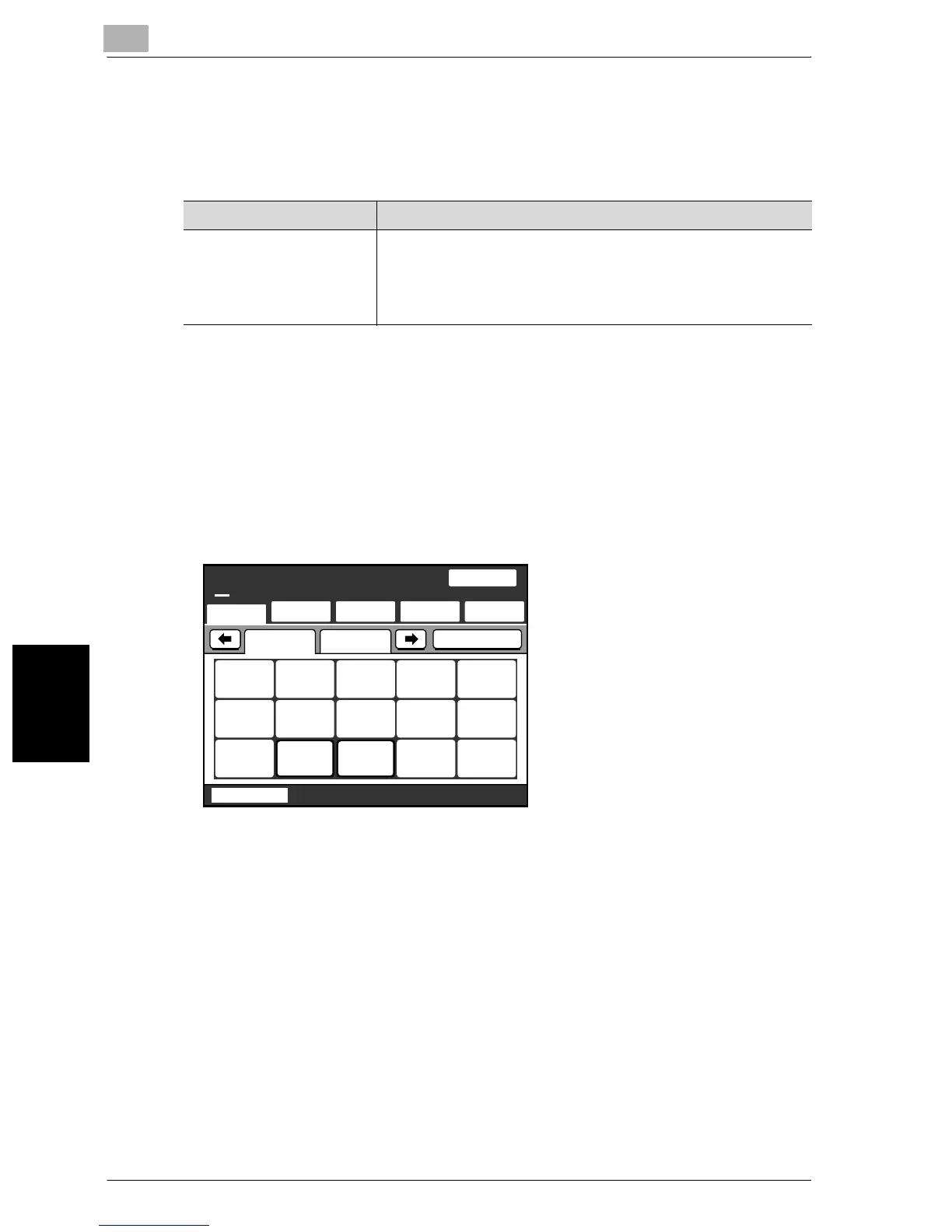
To specify a density settings
1 Touch [Quality & Reduction].
Item Description
Light
↑
Std.
↓
Dark
For documents with a dark background color, such as newspa-
pers and blueprints
For normal documents
For documents with faint or colored text
One-Touch
Search
Direct
Input
Quality&
Reduction
Menu
Job List
SCANReady
Fine
Chain
100%
IndexList
JPN US
Tokyo Osaka
Nagoya
Fukuok
a
Center
1
Center
2
Memory
Free


 To Next Page
 Loading...