Phone Basics 30
Show correction suggestions:
Touch to select when correction suggestions are
displayed.
Advanced settings:
Touch to open the settings for expert users.
Copy and Paste Text
In applications that require text entry, such as Messaging, use the copy and paste functions to
copy and paste text from one application to another.
To copy and paste the text:
1. Open the application or received message that you want to copy text from.
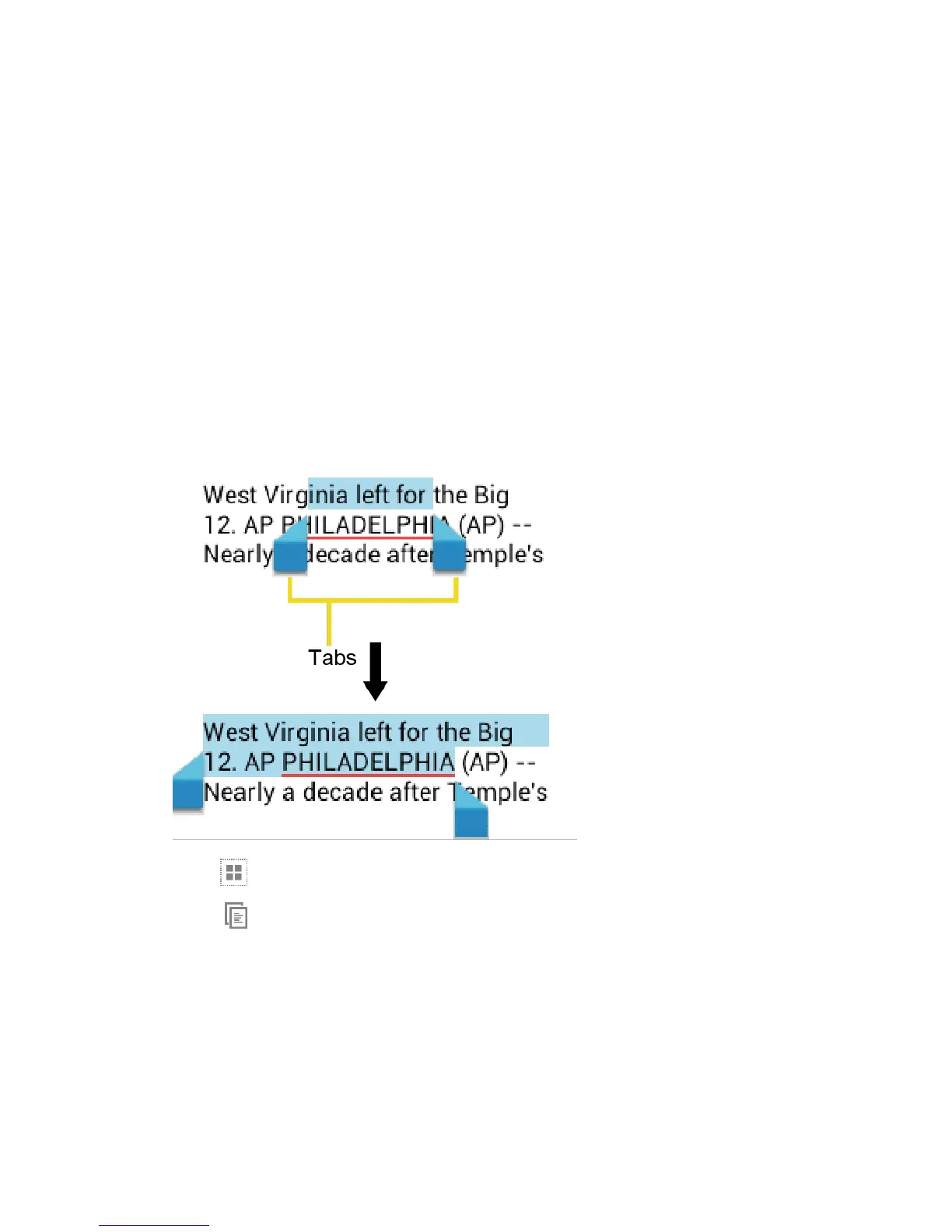
2. Touch and hold the text body. Selection tabs appear and the currently selected words or
characters are highlighted. Drag the tabs to expand or reduce the range of the selected
text.
Tip:
Touch or
SELECT ALL
to select all the text on the Web page.
3. Touch .
4. Open the application that you want to paste the text to.
5. Touch and hold the text box where you want to paste the text.
6. If you want to add the selected text to the current text, drag a selection tab to the
position where you want to insert the selected words or characters.
7. Touch and hold the text box, and touch
PASTE
.


 To Next Page
 Loading...