Messaaging 86
2. On the email account Inbox, touch the message you want to view.
3. Touch , or touch >
Reply all
, to reply to the message.
Manage Your Email Inbox
Your email inbox provides management options for viewing, filtering, sorting, and deleting your
email messages.
View Your Email Inbox
1. Press
Home
and touch >
Email
.
2. Touch the account whose mails you want to view:
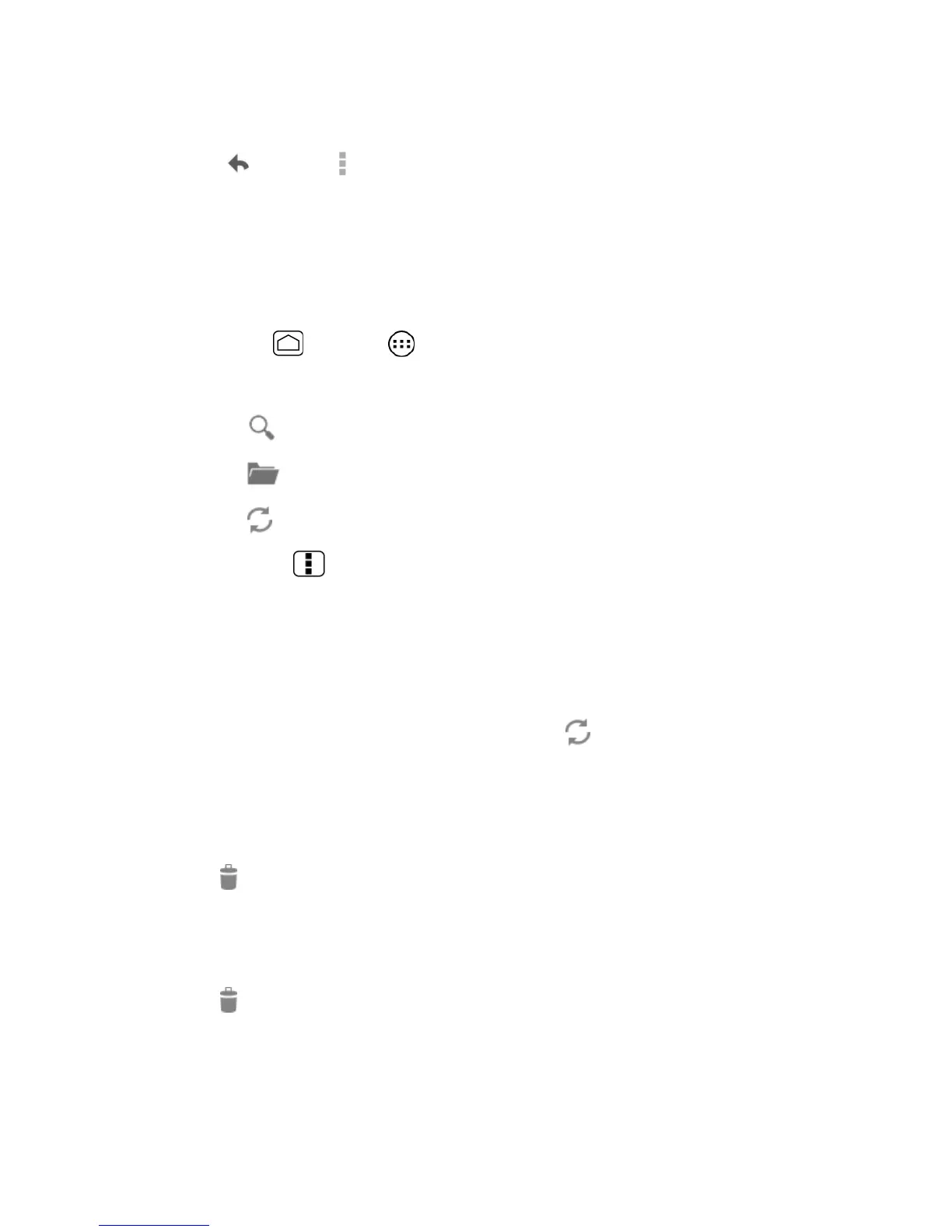
Touch to search an email.
Touch to display folders.
Touch to refresh your email box.
Press
Menu
and touch
Settings
to display the Email settings. See Email
General Settings and Email Account Settings.
Refresh an Email Account
Whatever your automatic synchronization settings are, you can also synchronize your sent and
received email messages manually at any time.
► While in the account you want to synchronize, touch .
Delete an Email Message
1. On the email account Inbox, touch the check box of the message you want to delete (the
message is checked).
2. Touch .
Delete Multiple Email Messages
1. On the email account Inbox, touch the check box of the messages you want to delete.
2. Touch .
Email General Settings
You can edit the general settings of your email.


 To Next Page
 Loading...