EasyManua.ls Logo

Lightware MMX6x2-HT200 User Manual

Lightware MMX6x2-HT200
119 pages
To Next Page IconTo Next Page
To Previous Page IconTo Previous Page
Page #79 background imageLoading...
Page #79 background image
MMX6x2-HT
User’s Manual
Section 8. LW3 Programmers’ reference Page 79 / 119
8.1.3. Error messages
There are several error messages defined in the LW3 protocol, all of them have a unique
error number.
Format: XE[primitive] %EYYY: [Error message]
Legend: X can be:
-’: syntax error. Cannot parse the command at all.
‘n’: node error.
‘p’: property error.
‘m’: method error.
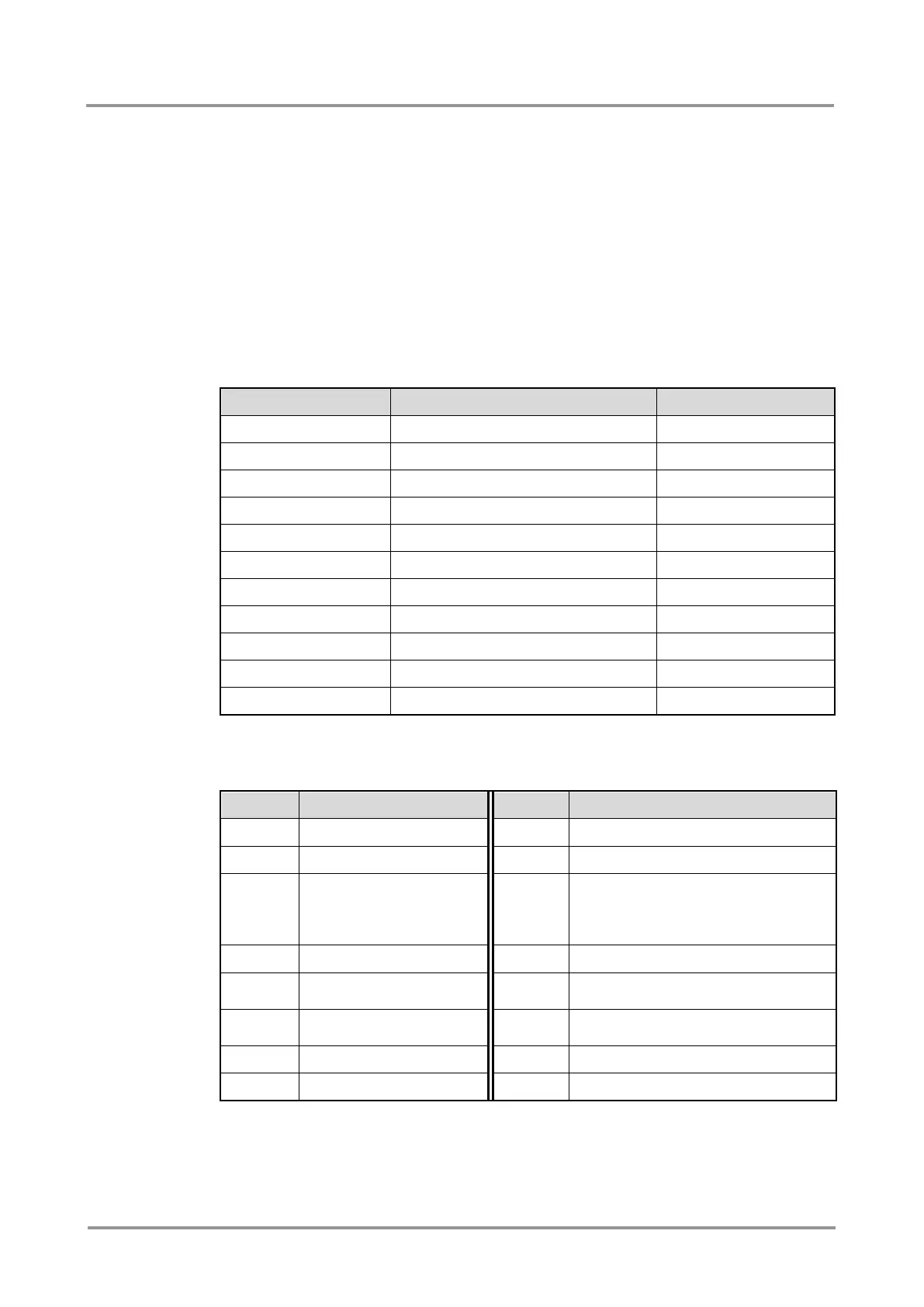
YYY: error code, which can be one of the followings:
YYY: error code
Name
Default text
000
Lw3ErrorCodes_None
001
Lw3ErrorCodes_Syntax
Syntax error
002
Lw3ErrorCodes_NotFound
Not found
003
Lw3ErrorCodes_AlreadyExists
Already exists
004
Lw3ErrorCodes_InvalidValue
Invalid value
005
Lw3ErrorCodes_IllegalParamCount
Illegal parameter count
006
Lw3ErrorCodes_IllegalOperation
Illegal operation
007
Lw3ErrorCodes_AccessDenied
Access denied
008
Lw3ErrorCodes_Timeout
Timeout
009
Lw3ErrorCodes_CommandTooLong
Command too long
010
Lw3ErrorCodes_InternalError
Internal error
8.1.4. Prefix summary
The following prefixes are defined in the LW3 protocol:
Prefix
Explanation
Prefix
Explanation
n-
a node
pE
an error of a property
nE
an error of a node
pm
a manual of a property
nm
a manual of a node
pv
a property that contains the path of
a node which should be added
under the property's node as a child
node (always read-only)
ns
a symlink node
m-
a method
nr
a remote node
mO
a response to a successful method
execution
nv
a virtual node
mF
a response to a failed method
execution

pr
a read-only property
mE
an error of a method
pw
read-write property
mm
a manual of a method

Table of Contents

Other manuals for Lightware MMX6x2-HT200

Question and Answer IconNeed help?

Do you have a question about the Lightware MMX6x2-HT200 and is the answer not in the manual?

Lightware MMX6x2-HT200 Specifications

General IconGeneral
BrandLightware
ModelMMX6x2-HT200
CategoryMatrix Switcher
LanguageEnglish

Summary

Safety Instructions

General Safety and Installation

Covers Class I construction, ventilation, warnings, and proper installation procedures.

Controls and Connections

Front Panel Overview

Describes the buttons, display, and status LEDs on the front of the matrix switcher.

Rear Panel Overview

Details the various ports and connectors available on the rear of the device.

TPS Matrix Concept

Installation and Operation

Powering On and Mounting Options

Instructions for powering up the device and methods for mounting using rack ears or brackets.

Front Panel Operations Guide

Details front panel controls like Control Lock, Take/Autotake, switching, and viewing crosspoint states.

Switching, Presets, and Output Lock

Explains switching procedures, preset management, and the output lock feature for destinations.

Software Control - Lightware Device Controller

LDC Installation and Connection

Guide for installing the LDC software and establishing a connection via Ethernet, USB, or RS-232.

Crosspoint Menu and Port Properties

Overview of the LDC Crosspoint menu and detailed port settings like naming, mute, and lock.

Firmware Upgrade

Firmware Package and Upgrade Process

Information on the firmware package format and the general steps for upgrading the device using LDU.

Detailed Upgrade Instructions

Step-by-step guide for connecting, selecting devices, and performing the firmware upgrade via LDU.

Related product manuals