Apps and Entertainment Productivity 185
Clock
Yourphonehasaclockappthatletsyousetalarms,viewtimeintimezonesaroundtheworld,usea
stopwatch,orsetatimer.
Check the Time
Youcancheckthephoneanytimeonyourphone.Thecurrenttimedisplaysintheupperrightcorner
ofthestatusbar.Manywidgetsandlockscreensalsodisplaythetimeandprovideoptionsforhow
timeisdisplayed.
Set Alarms
Setmultiplealarmsusingyourphone’sClockapp.
1.
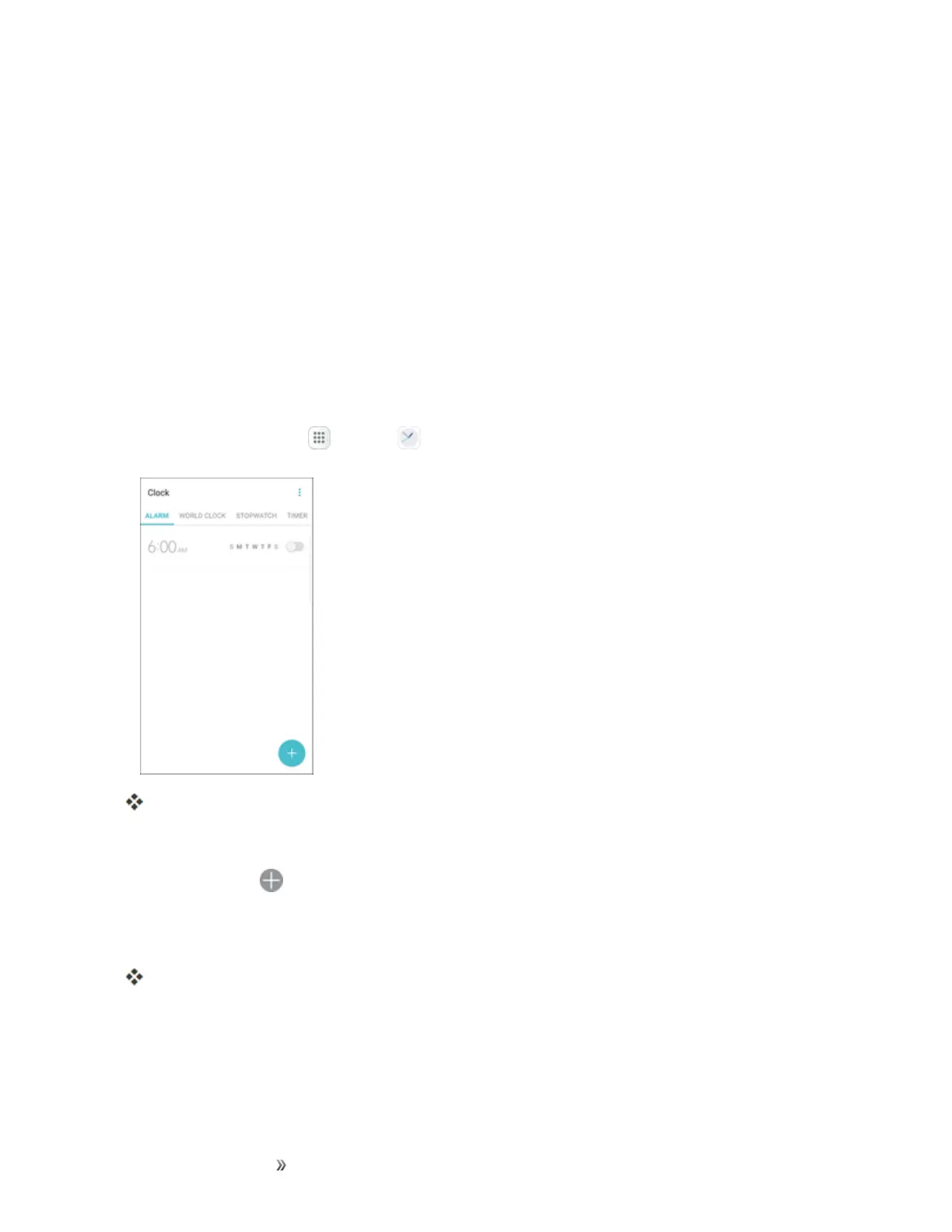
Fromhome,tap Apps >Clock .
TheClockappears.
2. TaptheAlarmtab.
3.
TapAdd alarm .
4. Setthealarmoptions,includingtime,days,repeatpattern,alarmtype,alarmtone,andvolume,
andthentapSave.
Thealarmisset.
Phone at Alarm Time
n Atthesetalarmtime,thephonesoundsthealarmand/orvibrates.
n Stopping an alarm:Whenthealarmsounds,tapDismiss.


 To Next Page
 Loading...













