Settings Device Settings 266
turningoverthedevice.
1.
Fromhome,tapApps >Settings >Advanced features .
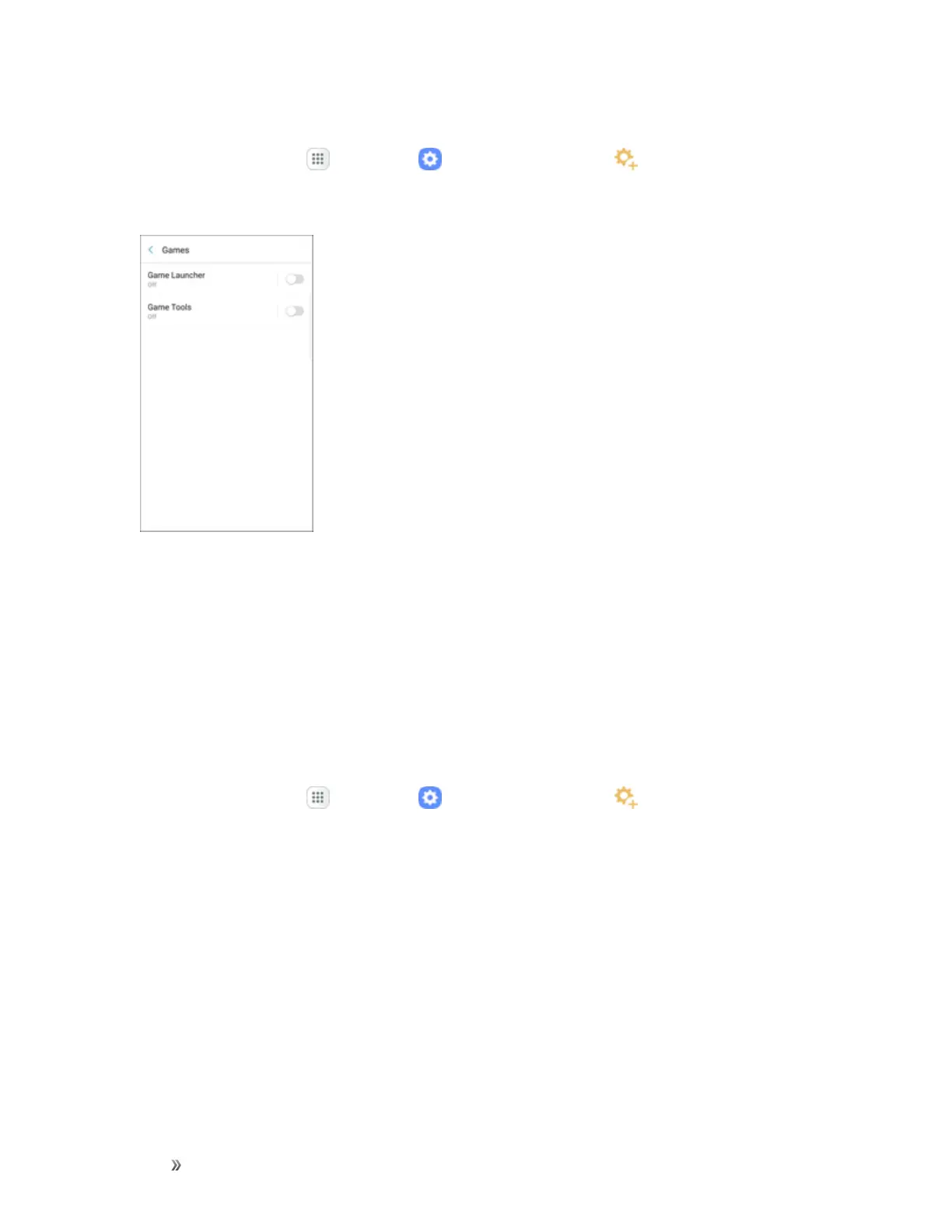
2. TapGames.
3. TapOn/Offtoenableordisablethefollowing:
l Game Launcher:Automaticallyarrangesallyourgamesinoneplace.
l Game Tools:Whenenabled,abuttonfloatingovertopofyourgameprovidesconvenient
gamefeatures,suchasNoalertsduringgame,Minimizeandalive,Screenshot,andRecord.
GametoolscanalsoaccessyourContacts,Storage,Microphone,andCamera.
One-Handed Operation
Adjustthescreensizeandlayoutforeasycontrolofyourdevicewithonehand.
1.
Fromhome,tapApps >Settings >Advanced features .


 To Next Page
 Loading...













