108 Maintenance
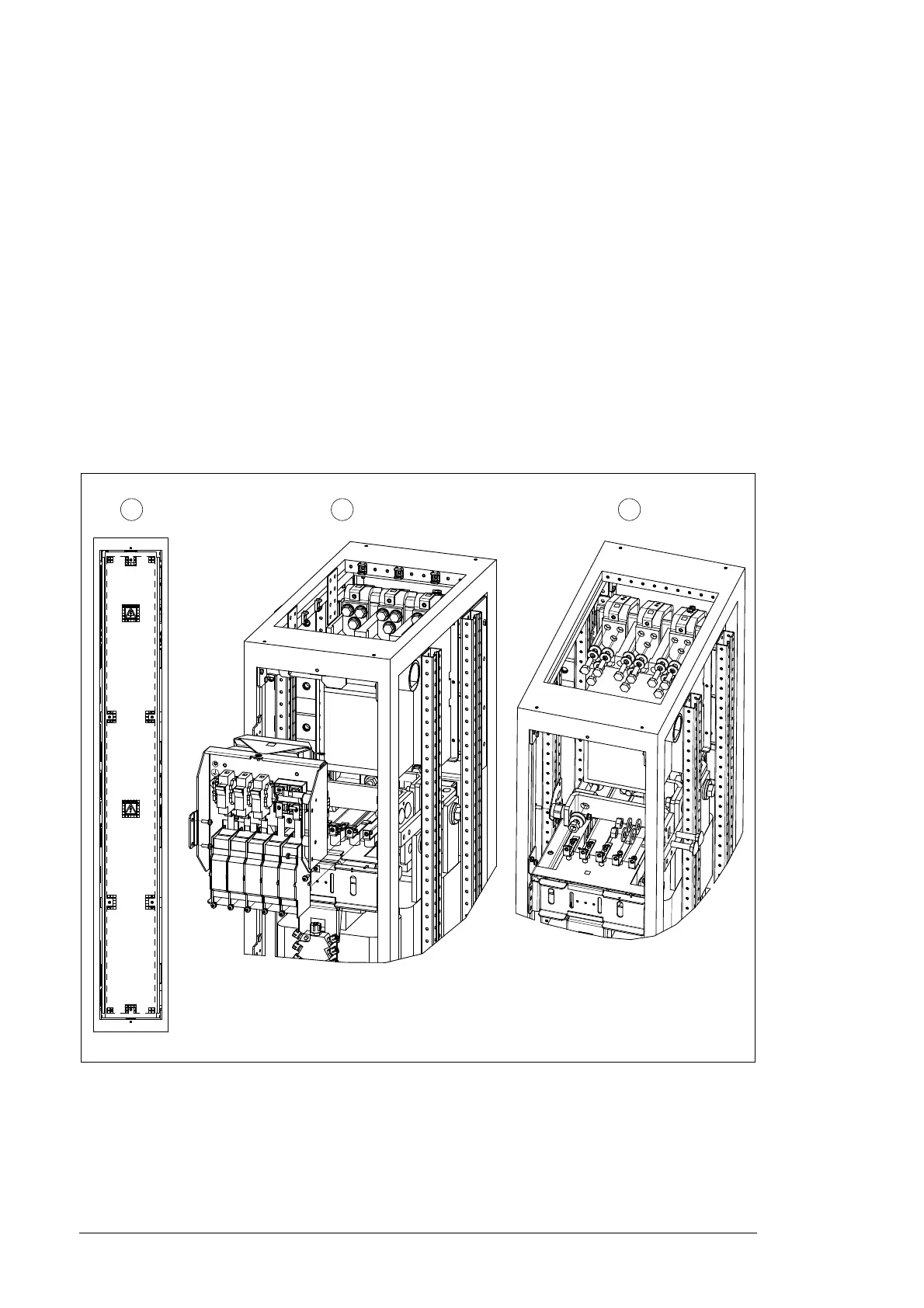
Replacing the main contactor
1. Ensure that the converter is disconnected from the power supply network and all other
precautions described in section Safety in installation and maintenance, page 12 have
been taken into consideration.
2. Remove the shroud of the LCL filter cubicle.
3. Remove the ten fastening screws.
4. Remove the four fastening screws and nine screws in the upper part of the cubicle.
5. Remove the two nuts and one screw.
6. Remove the three fastening screws and five screws in the front part of the cubicle.
7. Remove the two screws in the main contactor.
8. Pull the main contactor out and turn it 90° upwards simultaneously.
9. Insert new main contactor.
10. Re-assemble the parts in reverse order.


 To Next Page
 Loading...