5-9
When “ADD PAPER” Appears on Folder Key
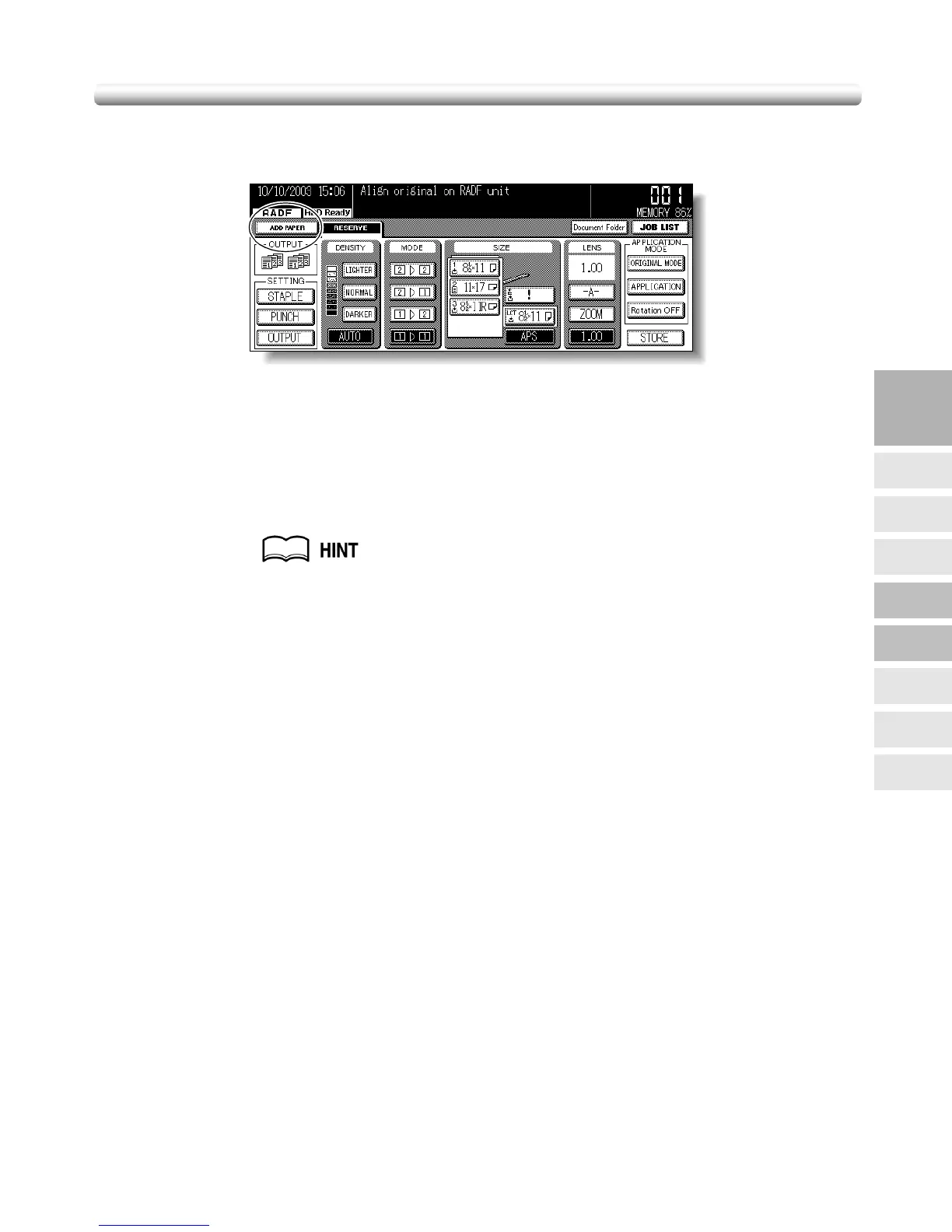
If the paper supply for a print job in progress becomes depleted while you are setting a
reserve job, SETTING on the Basic Screen will change to flashing ADD PAPER.
Follow the procedure below to continue the copying operation.
1. Touch ADD PAPER.
The Basic Screen for the print job will be displayed.
2. Check the empty tray, then supply that tray with paper.
See p. 2-18 to p. 2-23 for details on loading paper.
3. Press [START].
The ADD PAPER will change to SETTING and the print job will resume.
4. Touch RESERVE to continue the reserve job setting.
5
Trouble-
shooting
Call for
Service
Preventive
Maintenance
Clearing
Mishandled
Paper
JAM Key
ADD PAPER
Key
Memory
Overflow
Power OFF/ON
Screen
Troubleshooting
Tips


 To Next Page
 Loading...









