5-12
When Power OFF/ON Screen Is Displayed
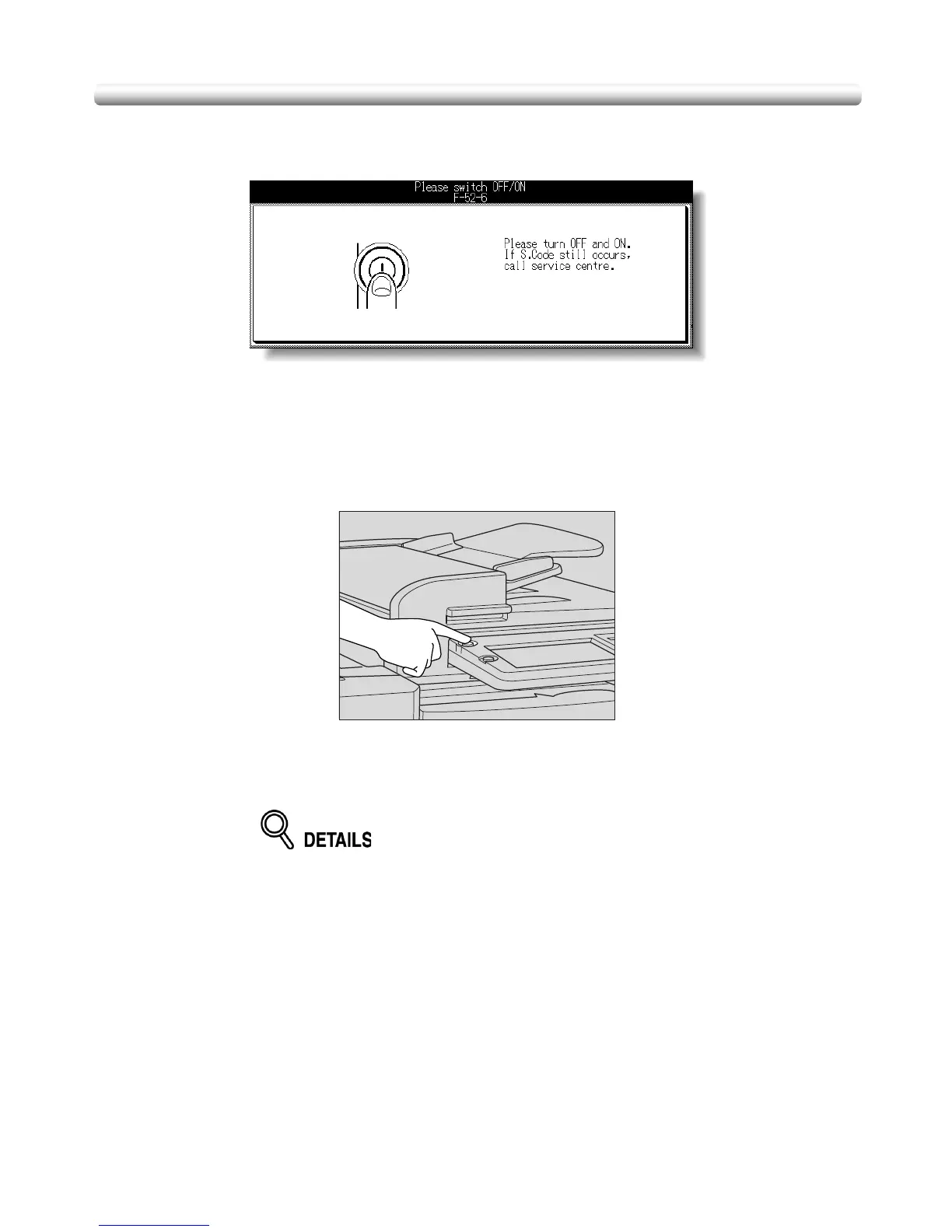
When any trouble affects the electrical signal of the copier, the Power OFF/ON Screen will
be displayed.
Follow the procedure below to turn the machine power off then on.
1. Turn OFF the power switch.
The main power switch does not have to be turned off.
2. After a while, the power will be turned ON automatically.
The Basic Screen will be restored.
If desired, turn ON the power switch manually.


 To Next Page
 Loading...









