11-16
Inserting a New Staple Cartridge into SK-114 Saddle Kit
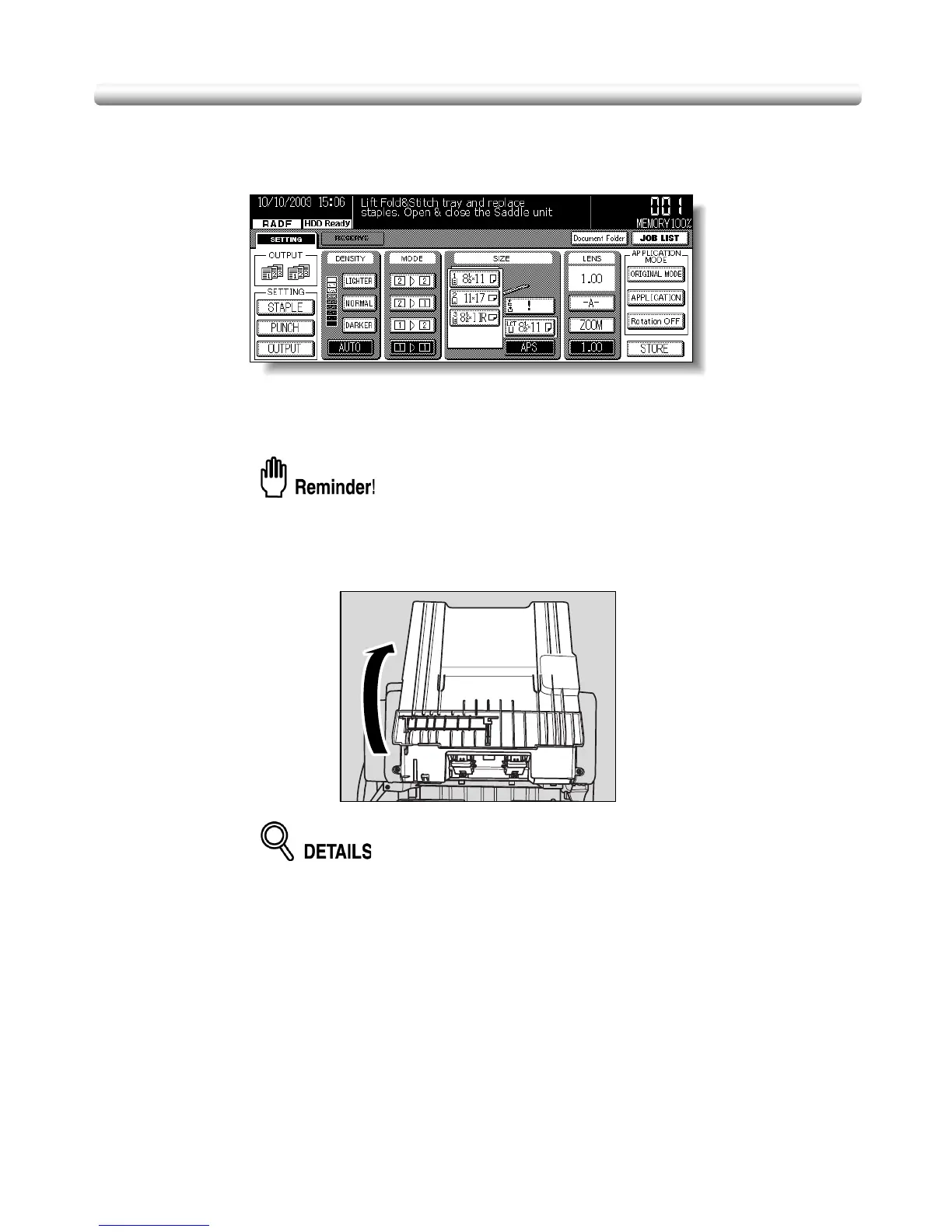
When either of the two staple cartridges becomes empty in the SK-114 Saddle kit mounted
on FS-114 Finisher, the Basic Screen displays the following message in the message
area.
Follow the procedure below to replace the staple cartridge.
The screen message does not tell which staple holder is out of staples. Remove both
staple holders and check the cartridge to be replaced.
Use only the staples supplied by us. To purchase, please contact your service
representative.
1. Pull the Saddle tray open and hold it as it is.
If the extensible tray of the Exit tray 1 just under the Saddle tray is withdrawn,
push it back to its original position, otherwise it may disturb you in the following
procedure or machine trouble may occur.



 To Next Page
 Loading...








